Setting: Configuration
34
Alarm
Configure the behaviour of the recorder’s physical and
virtual alarm inputs and outputs in the alarm menu.
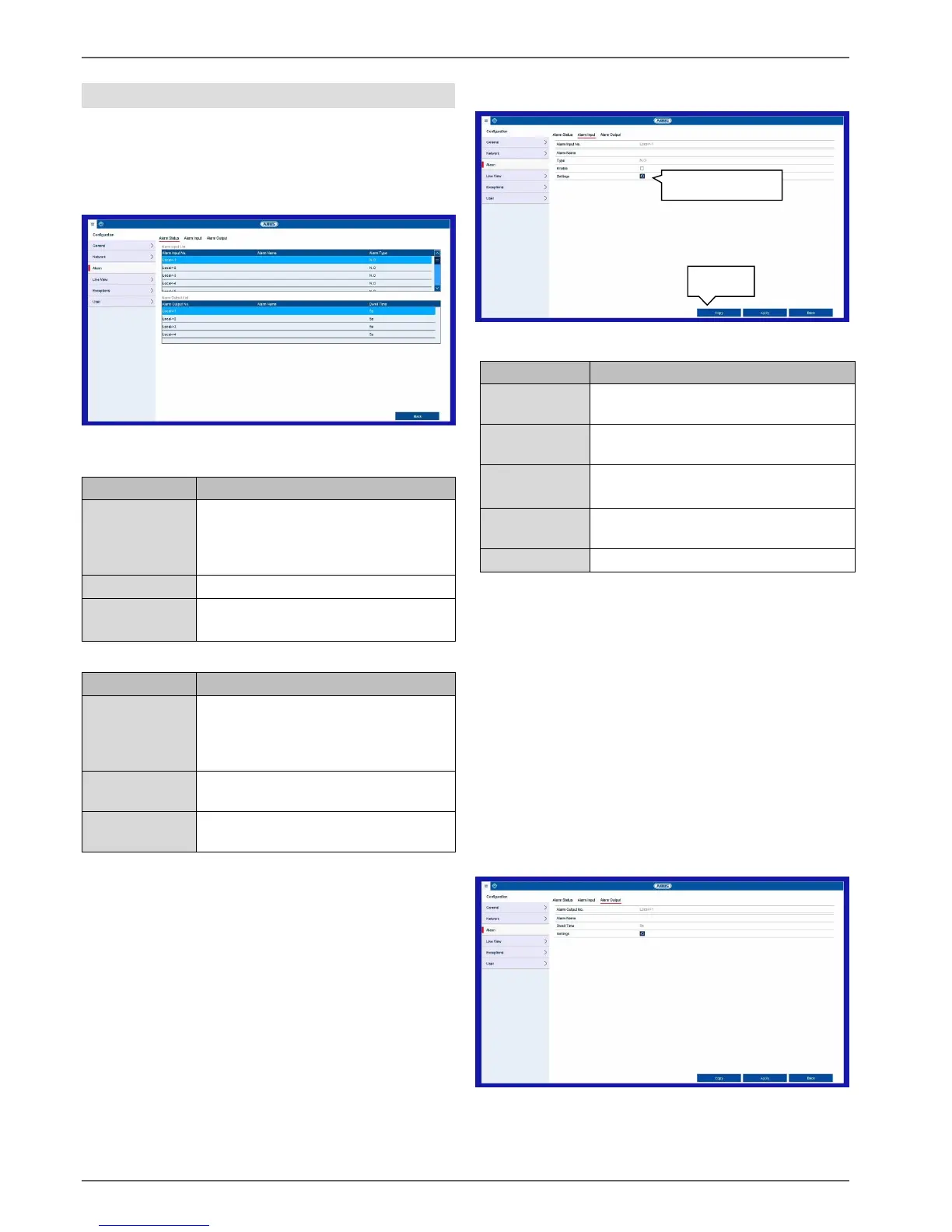
Alarm Status tab
Here you can see a list of all the alarm inputs and outputs
and their current status.
Alarm Input tab
Configuration of individual alarm inputs
Select the alarm input to adjust
the settings.
Enter a clear description, e.g.
warehouse door contact.
N.O.: normally open circuit
N.C.: normally closed circuit
Activates/deactivates the selected
alarm input.
Define the linkage action.
Activate the alarm input by ticking the “Activate” box.
Define the response of the recorder in the event of an
alarm under "Settings".
Click on Copy to apply these settings to other alarm
inputs.
Confirm the settings by clicking on Apply and exit the
menu by clicking on Back.
Further settings for the programming of an action/time
schedule for alarm inputs and outputs are described in
the “Linkage Action” section.
Alarm output tab
Configuration of individual alarm outputs
Shows the status of alarm input “xx”.
The numbering “xx” corresponds to
the numbering of the physical alarm
inputs (1–16).
Name (if assigned) of the alarm input.
N.O.: normally open circuit
N.C.: normally closed circuit
Shows the status of alarm output “xx”.
The numbering “xx” corresponds to
the numbering of the physical alarm
outputs (1–8).
Name (if assigned) of the alarm
output.
States how long (in seconds) the
relay is closed when activated.



 To Next Page