Relative deviation between the start
and end time. Europe: 60 minutes
Configure the resolution of the local
video VGA/HDMI 1 output on the
recorder here.
Maintenance
Upgrade and maintenance
Carry out a manual restart.
Reset the recorder back to its
default factory settings. Excluded IP
parameter
Reset the entire recorder back to its
default factory settings.
Export the device configuration and
network camera lists (programmed
cameras).
Import the device configuration and
network camera lists (programmed
cameras).
Perform a firmware update.
Select "All" or choose a targeted
filter type. Different parameters for
Filter2 are available depending on
the selection.
Detailed filter depending on the
Filter1 selection
Use the report function to get more information about the
system if problems occur.
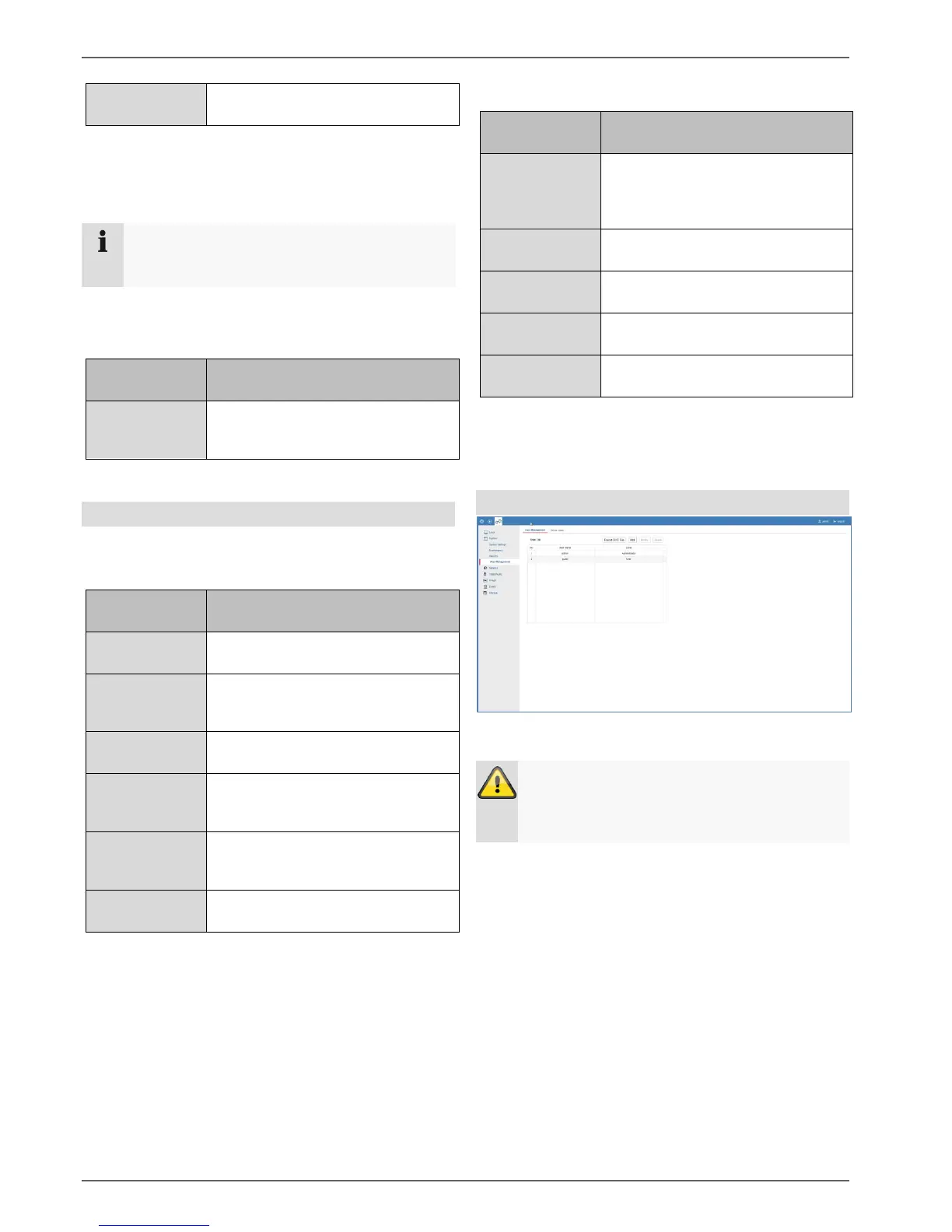
Managing users
In user management, you can add new users, delete
users, and amend existing settings.
Warning
Please export the GUID file to reset your
password if this does not take place during the
initial installation.
Note
Please refer to the user guide for a detailed
description of the local user interface.



 To Next Page