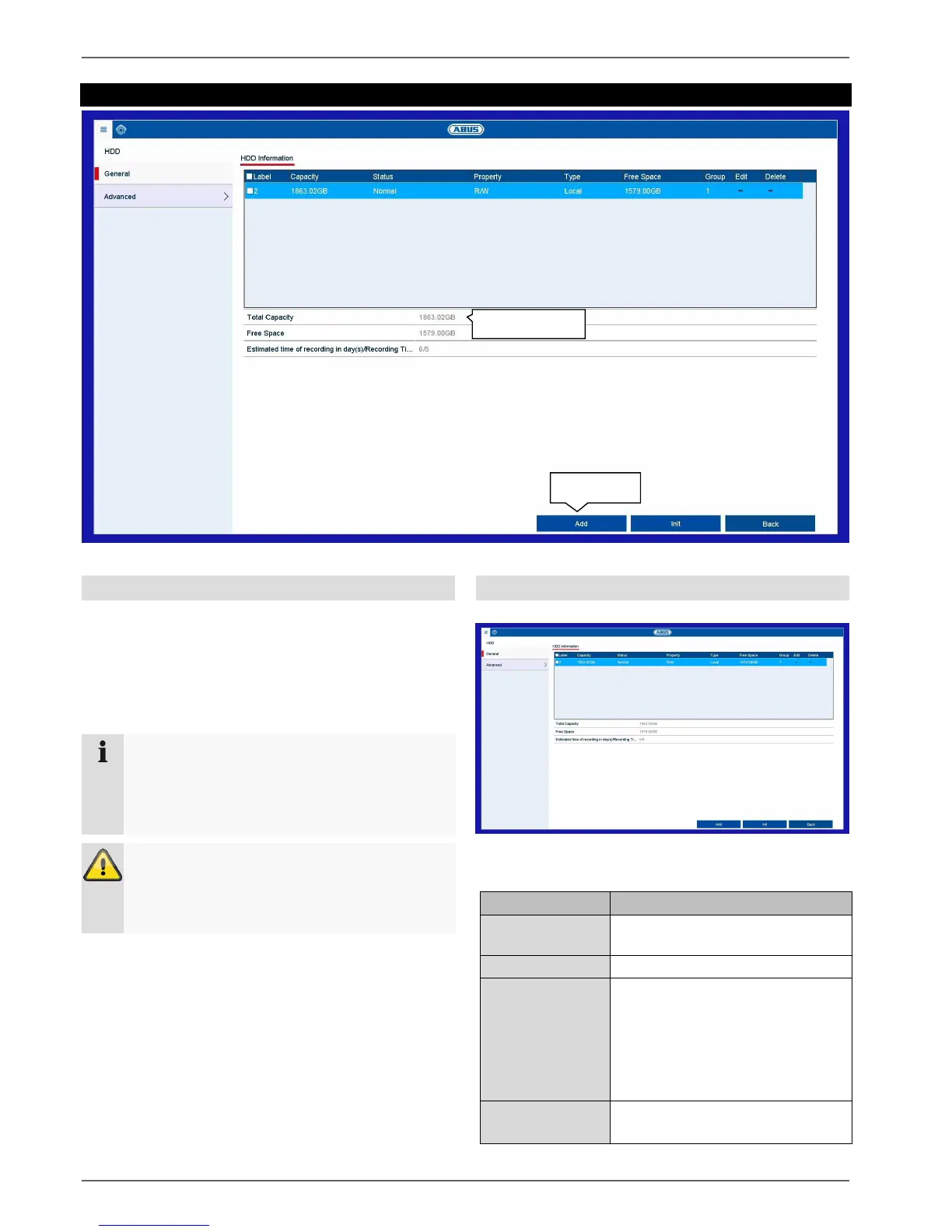
Setting: HDD
50
Setting: HDD
General information on HDD
Manage local and external memory drives in the
HDD section. Recorder models can manage two internal
hard disk drives. In addition, the memory can be flexibly
expanded by using network storage (NAS).
General
Set the configuration of the individual hard disk drives
and initialise new hard disk drives here.
Shows the internal connection
number
Hard disk drive capacity (in GB).
Shows the current status of the
hard disk drives:
Not initialised
Normal
Error
Standby
Read-only: write protection
R/W: read and write
Note
The installed hard disk drives have to be initialised
before the device can be used for recording. It is
only then that the device will recognise the hard
disk drive.
Warning
All data will be deleted from the hard disk drive
during initialisation.
Ensure data is backed up beforehand.



 To Next Page