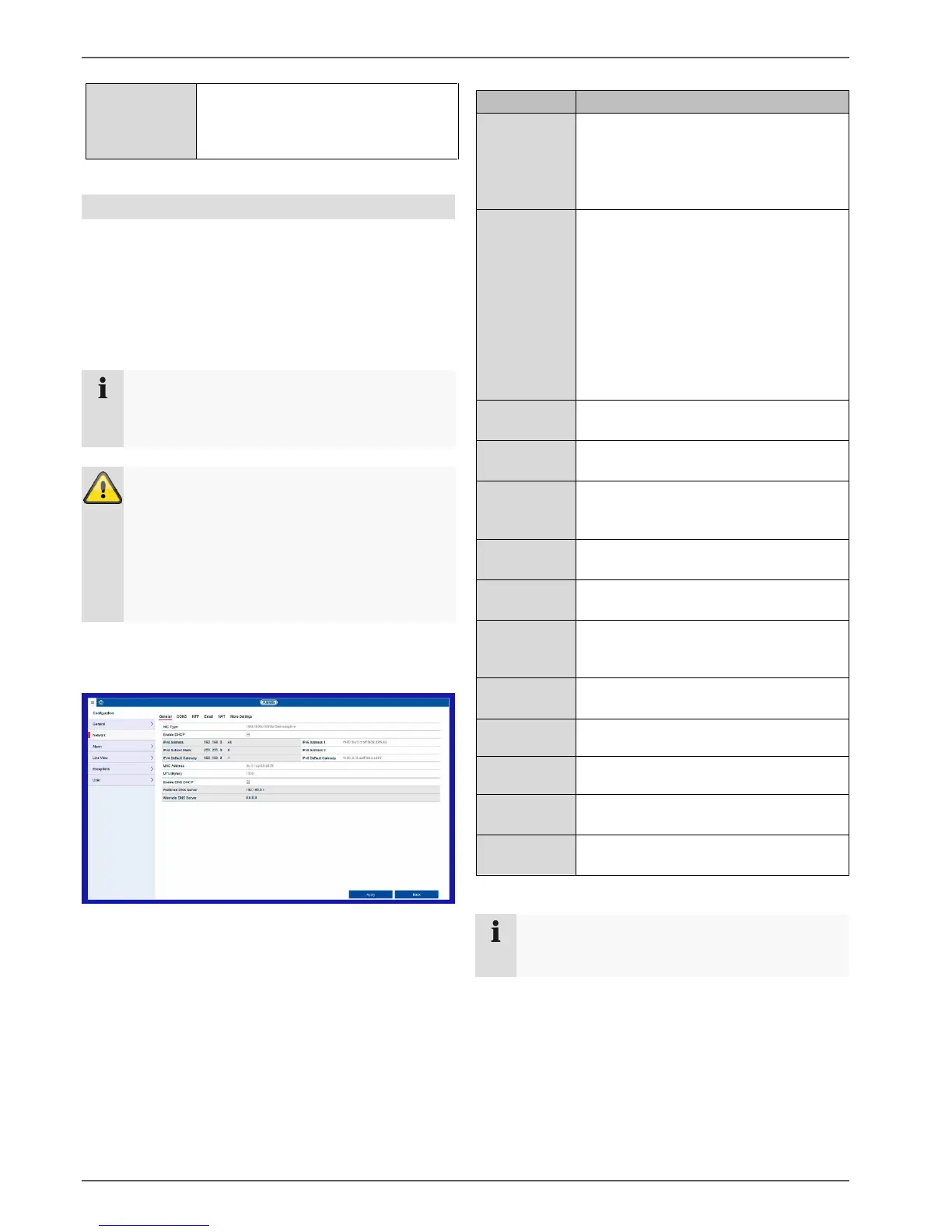
Setting: Configuration
30
Activates line crossing and intrusion
detection across all channels and
deactivates the 2K/4K output and the
4MP/5MP inputs
Network
The complete network configuration of the recorder can
be carried out in the “Network” menu. The recorder must
be physically connected to the network via at least a
CAT5 cable. To allow for smooth network operation,
we suggest using continuous gigabit cabling between
the recorder and switch.
Note
Having the correct network settings is
indispensable for accessing the recorder via
remote software (browser, CMS, app).
Warning
When using a router, the network clients, and
therefore the recorder, are “connected” to the
internet and vice versa.
You should make sure that you take protective
measures, such as using a firewall, changing your
password and changing the port, to prevent
unauthorised external access.
General tab
Settings for the local network and selecting the network
mode are defined here.
Set the transmission speed of the
integrated network card here.
Select “Self-adaptive” so that the
recorder can automatically determine
the best possible speed.
Tick the box if the IP addresses on the
network are assigned dynamically via
DHCP.
DHCP enabled: subsequent entry fields
are set to disabled because parameters
are obtained via DHCP.
Please note:
If the IP addresses are assigned
manually, ensure that DCHP is not
enabled (do not tick the box).
Address of the network device on the
network when assigned manually
Gateway address for internet access
Local (link local) IPv6 address
Global (global unicast) IPv6 address
IPv6 gateway address for internet
access
Hardware address of the integrated
network card
Describes the maximum protocol packet
size.
Obtain existing DNS via DHCP
Address of the domain name server,
usually the IP address of the gateway.
IP address of the alternative DNS
server
Note
In certain modes some of these settings cannot be
selected.



 To Next Page