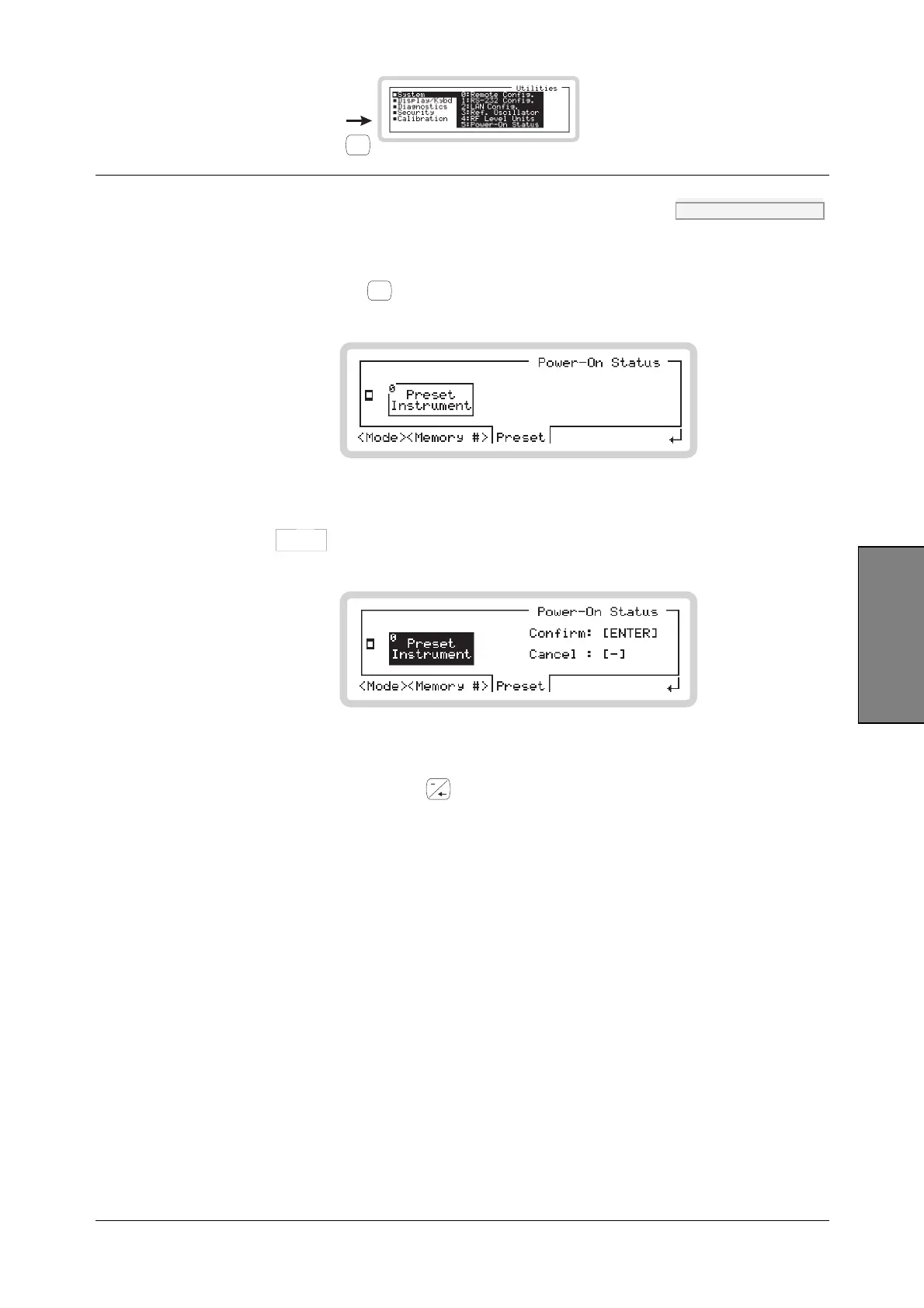
UTILITIES SYSTEM
UTIL
B5737
3-143
Utilities
Power-On Status menu — <Preset> SYST:PRES page 4-170
This operation forces the instrument immediately to its factory default configuration, without
altering its usual power-on configuration.
Touch <Preset> or press
<TAB>
to display the preset power-on screen (Fig. 3-107).
B5305
Fig. 3-107 Power-on preset
Touch the
Preset
Instrument
0
soft box or key 0 to request an instrument preset (Fig. 3-108).
B5457
Fig. 3-108 Confirming power-on preset
• Cancel the request by pressing
• Confirm by pressing ENTER — the instrument changes immediately to its factory default
configuration (page 3-156).
Note that at the next power-on, the mode in which the instrument starts up is still determined by
the Mode setting on page 3-142.



 To Next Page