UTILITIES DIAGNOSTICS
UTIL
B5291
3-151
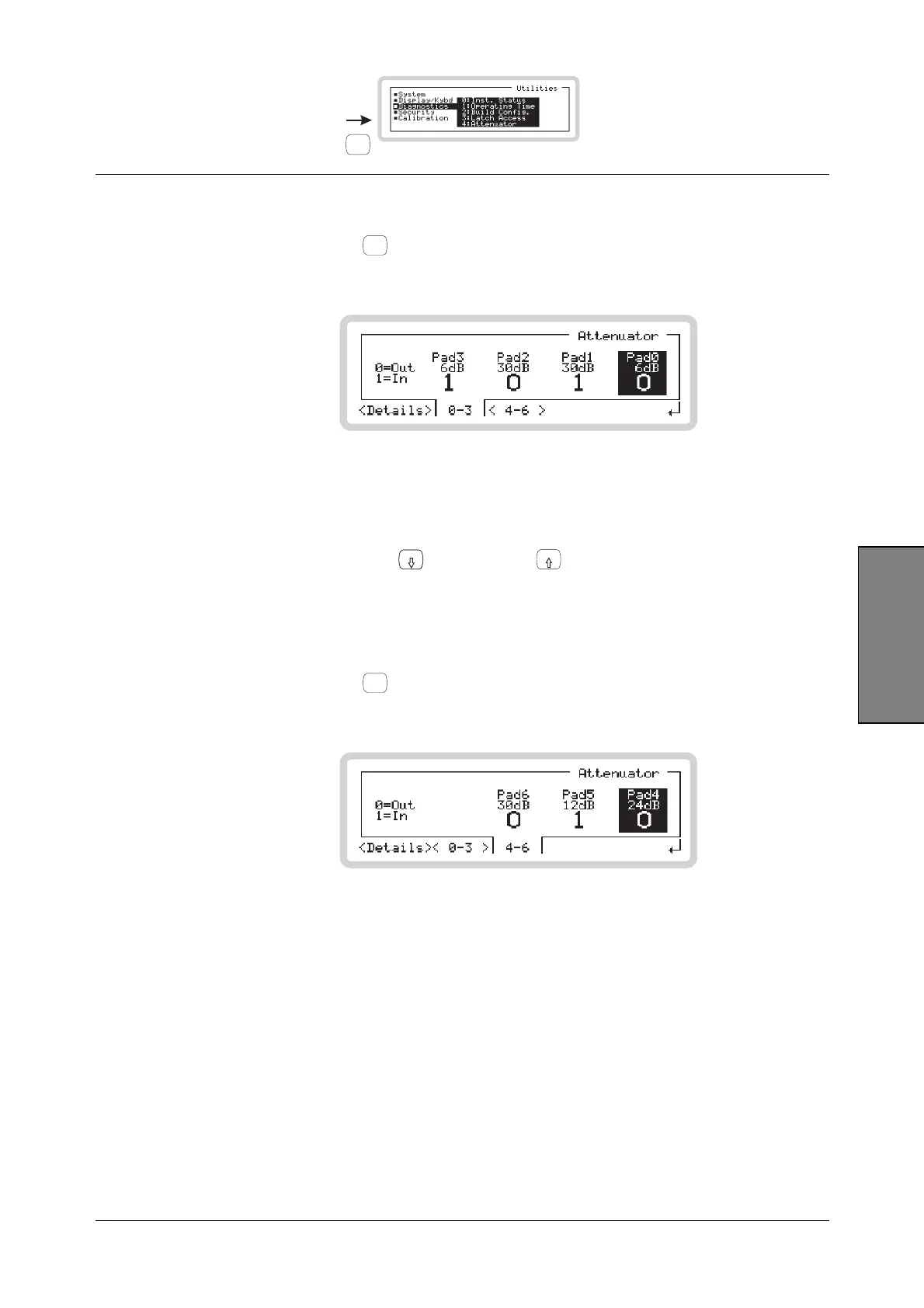
Utilities
Attenuator menu — <0–3>
Touch <0–3> or press
<TAB>
to display the screen that shows details of attenuator pads 0 to 3
(Fig. 3-120).
B5319
Fig. 3-120 Attenuator pads 0–3
Pads 0 to 3 are shown, each with its attenuation value and hardware (in/out) setting. The selected
bit is highlighted.
• Select bits by pressing the
x10
(move right) and
10
(move left) keys
• Press 0 or 1 on the numeric keypad to set the pad value.
Attenuator menu — <4–6>
Touch <4–6> or press
<TAB>
to display the screen that shows details of attenuator pads 4 to 6
(Fig. 3-120).
B5320
Fig. 3-121 Attenuator pads 4–6
Operation is the same as for pads 0 to 3.


 To Next Page