LOCAL OPERATION GETTING STARTED
3-16
5 Touch
FM1
...
and press
...
, which takes you to the sub-menu to set up the FM path. The
modulation deviation field is highlighted.
B5233
Fig. 3-9 FM1 sub-menu — deviation
6 Use the numeric keypad to enter 100 kHz, by:
keying in 100
and terminating with the
kHz
%
V
key.
7 The FM1 deviation displayed changes to 100 kHz.
8 Press
to move down one line on the screen.
B5234
Fig. 3-10 FM1 sub-menu — state
9 Press 1 on the numeric keypad to switch ON the FM path (it should already be on by
default, unless the instrument’s power-up parameters have been changed).
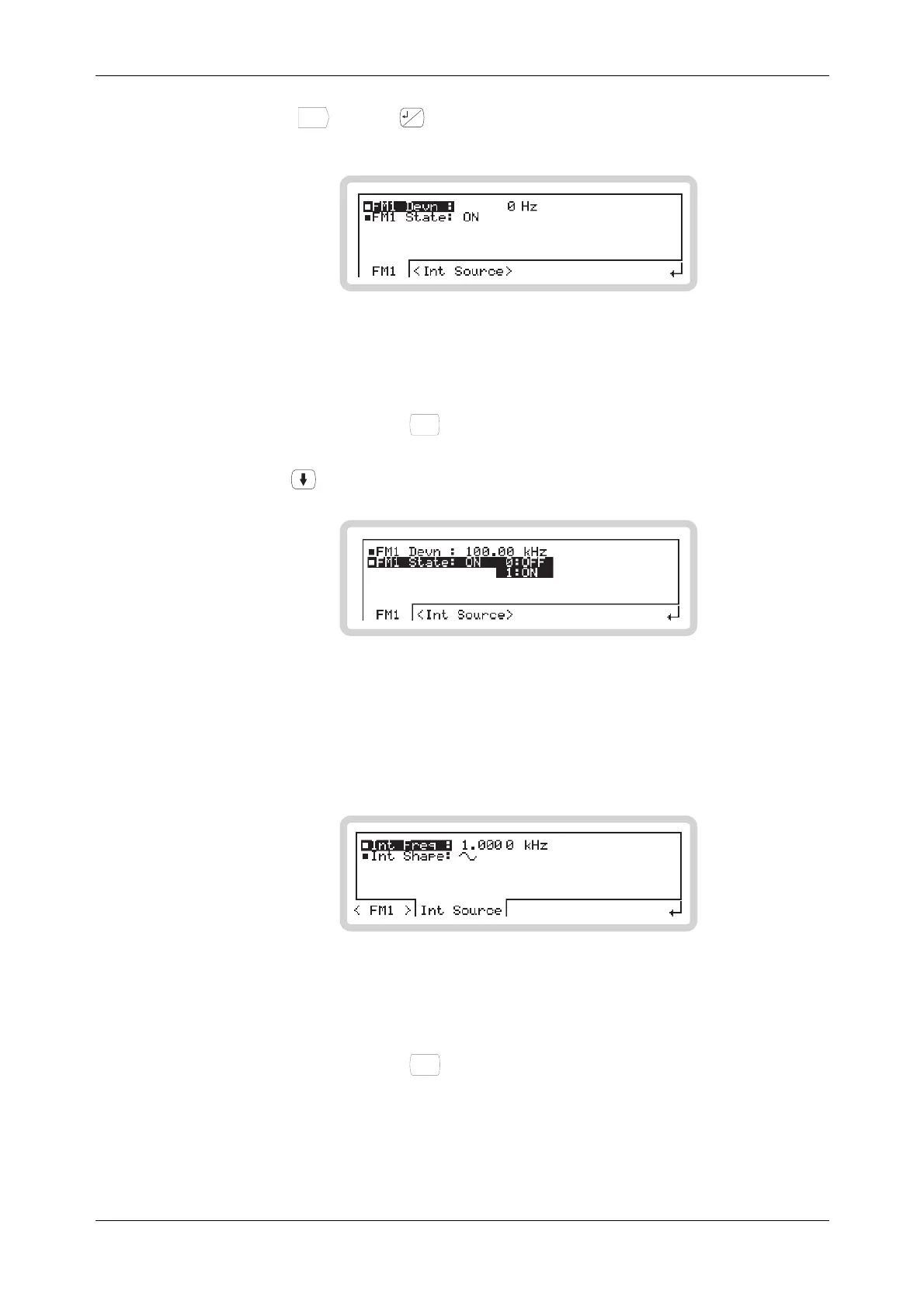
10 Touch the <Int Source> soft tab. This displays the sub-menu to set up the internal
modulation path, with the frequency field Int Freq highlighted.
B5235
Fig. 3-11 FM1 sub-menu — internal path frequency
11 Use the numeric keypad to enter 500 Hz, by:
keying in 500
and terminating with the
Hz
rad
dB
key.
The modulation frequency displayed changes to 500 Hz.



 To Next Page