LOCAL OPERATION GETTING STARTED
3-17
Introduction
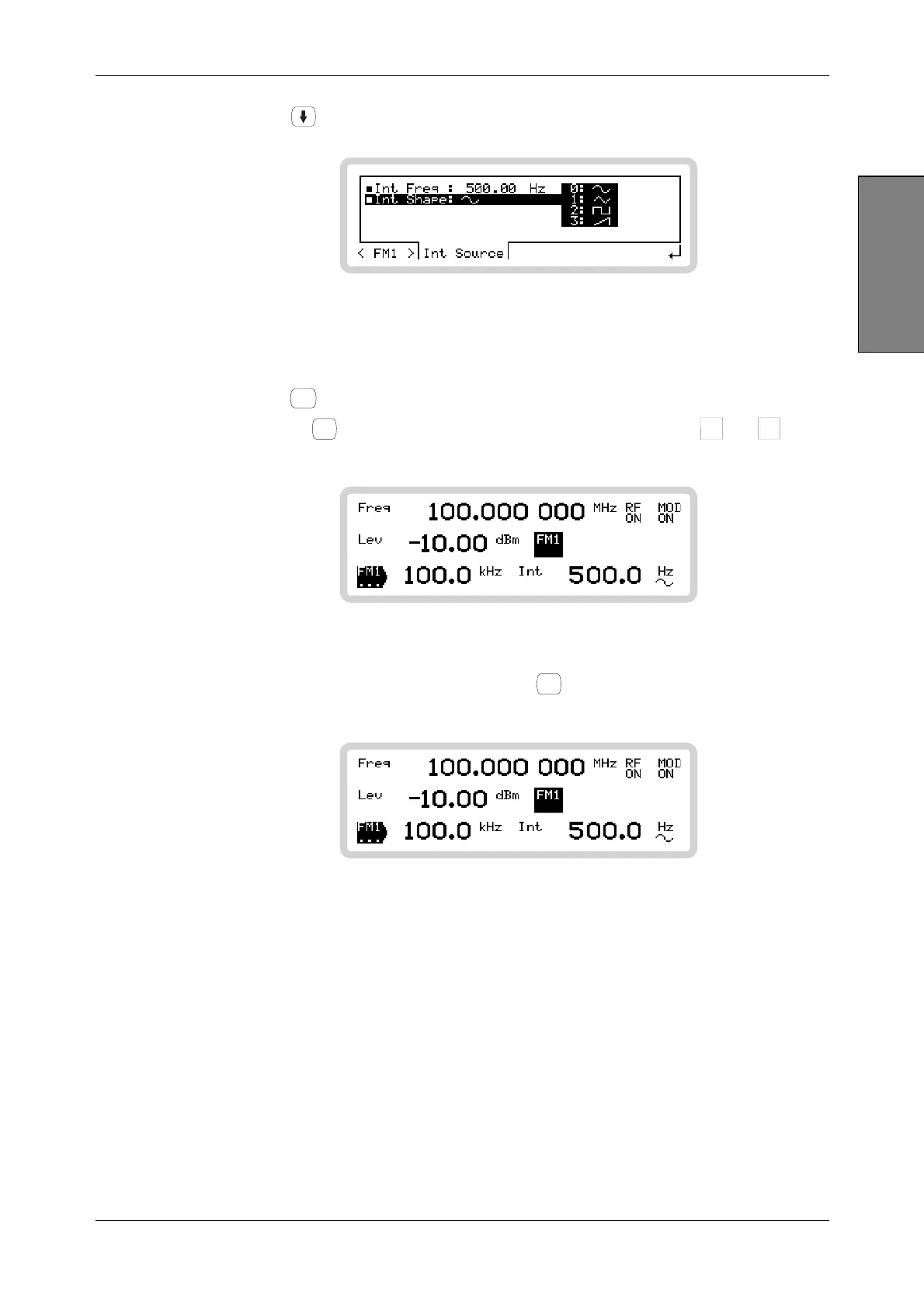
12 Press to move down one line on the screen.
B5236
Fig. 3-12 FM1 sub-menu — internal path shape
13 Press 0 on the numeric keypad to select a sine wave (it should already be selected by
default, unless the instrument’s power-up parameters have been changed).
14 Press
SIG
GEN
to see this summarized on the main screen.
15 Pressing
SOURCE
ON/OFF
toggles the modulation source on and off, as shown by
FM1
and
FM1
OFF
on the
screen. Turn the modulation source on.
B5350
Fig. 3-13 The main screen, FM source on
16 Turn the overall modulation on by pressing
MOD
ON/OFF
(it should already be selected by default,
unless the instrument’s power-up parameters have been changed).
B5443
Fig. 3-14 The fully set-up main screen, modulation and RF output on
A 100 MHz, −10 dBm carrier, with 100 kHz deviation, modulated at 500 Hz, now appears at the
RF OUTPUT socket.



 To Next Page