III-9
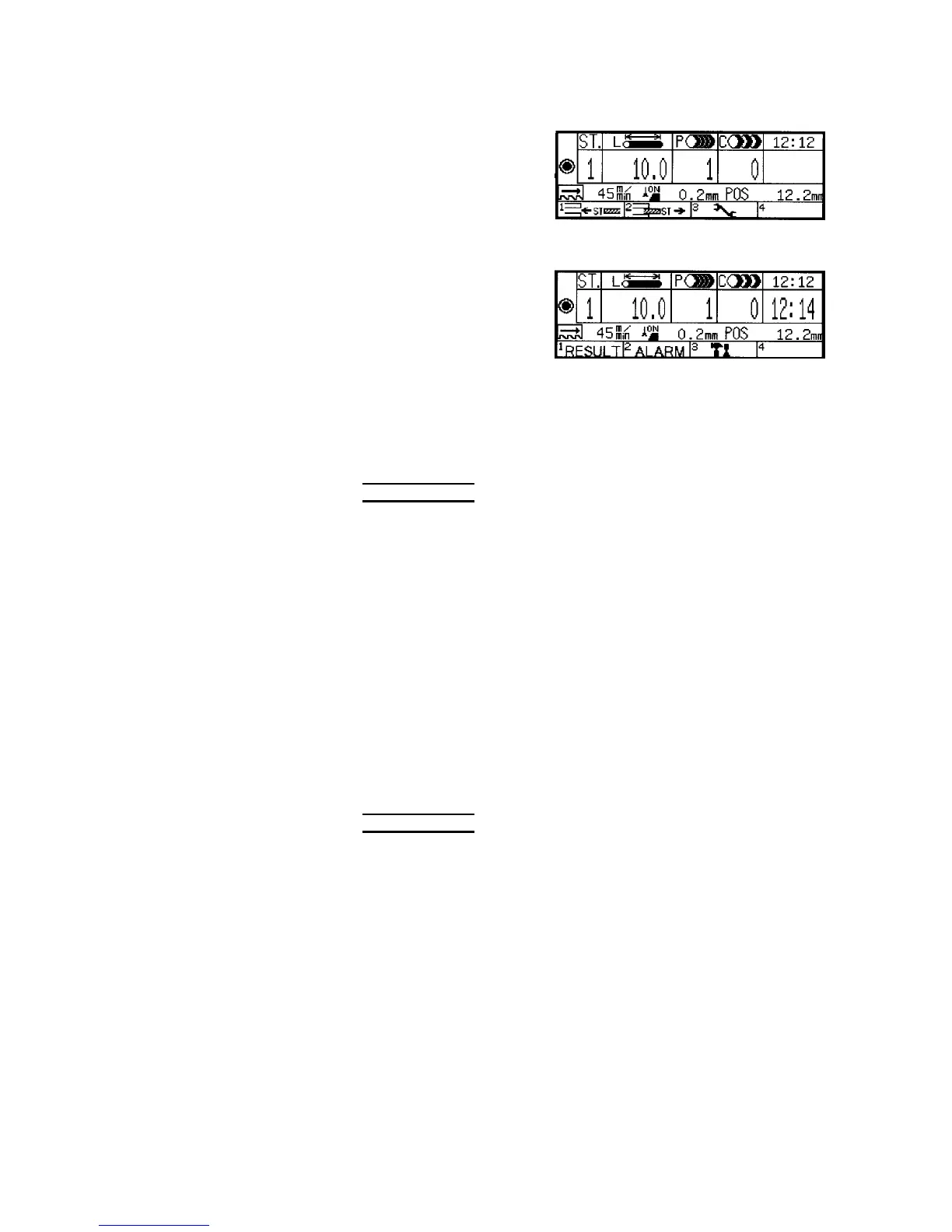
Menu 2
(ST interrupt) (ST delete) (Set)
Menu 3
(Maintenance)
◯
12
Function keys F1 to F4
Perform the functions displayed in the function label fields and
correspond to the numerals 1 to 4 displayed at the upper left corner of
each function label field.
NOTE
O The function represented by a function key is enabled if the LED at its upper
left corner is illuminated and is disabled if the LED at its upper left corner is
extinguished.
◯
13
ST V key
◯
14
ST W key
Change the station number displayed in the ST. field. Move the cursor
to the ST. field and press the ST V or W key once to increase or
decrease the station number by one and to display the cutting data for
the selected station in the respective fields. The largest possible
station number is 99.
◯
15
CLR key
Clears the data set in the L, P, and C fields. When an alarm occurs,
press the key to clear the alarm code and alarm condition.
NOTE
O The CLR key is enabled if the LED at its upper left corner is illuminated.
When an alarm occurs, the LED of the CLR key alone is illuminated. Unless
the CLR key is pressed to clear the alarm condition, the other keys remain
disabled.
◯
16
MENU key
Cycles the functions displayed in the function label fields through the
three menus. Each time the key is pressed, the functions change from
one menu to another.



 To Next Page