III-21
◯
10
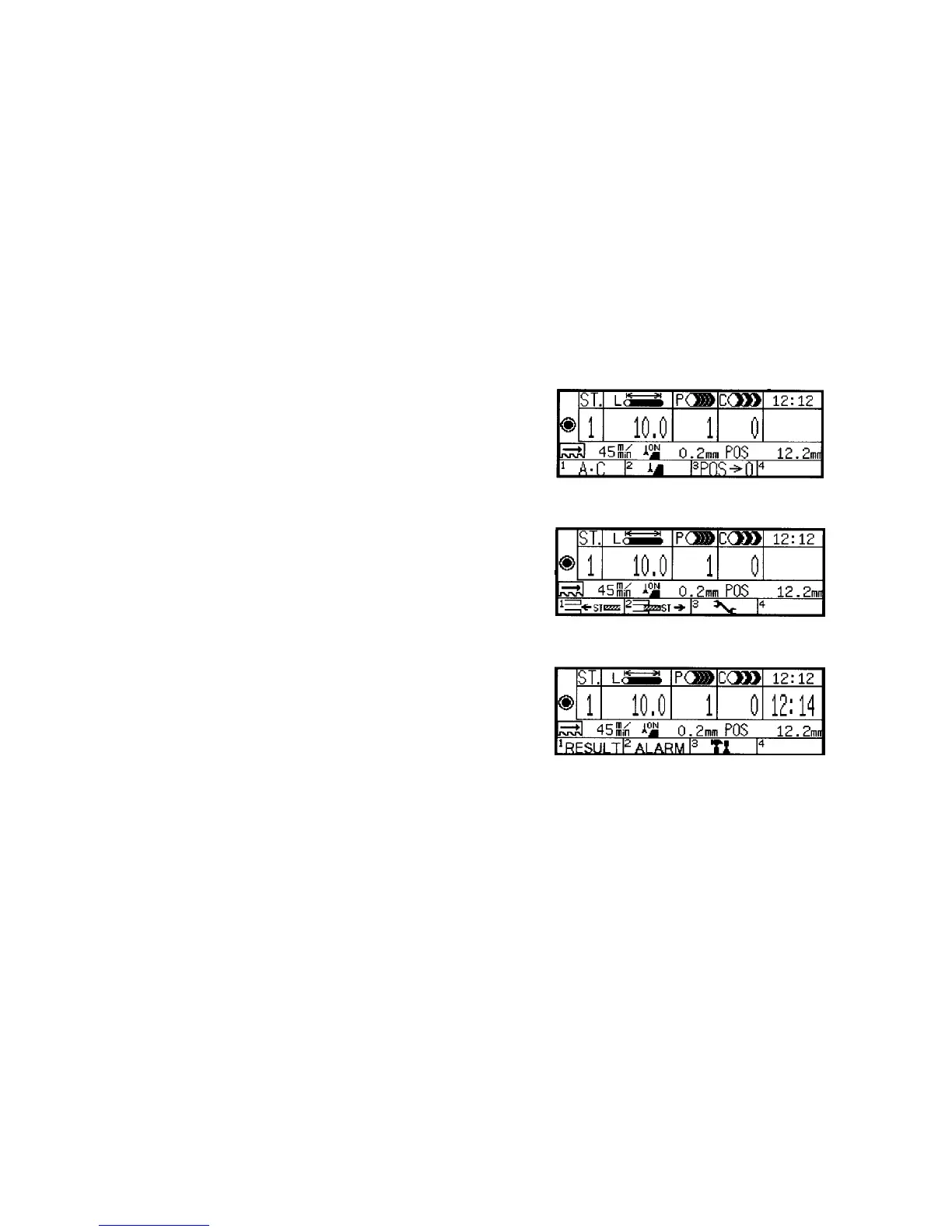
POS field
Indicates the current position of the rear vise in mm or inches. In the
MANUAL mode, press the function key F3 (POS¤0) to reset the
position of the rear vise to zero. The sign “– ” or “+” is indicated when
the rear vise moves forward or backward from the position. In the
AUTO mode, the distance from the forward limit of the rear vise is
always indicated.
◯
11
Function label fields
Indicate the function labels corresponding to the function keys F1 to F4,
respectively, and cycle through the following three menus each time the
MENU key is pressed.
Menu 1
(All clear) (Runout)
Menu 2
(ST interrupt) (ST delete) (Set)
Menu 3
(Maintenance)



 To Next Page