7-29
Cycle and Control Value Programming Operator Manual P129390-106
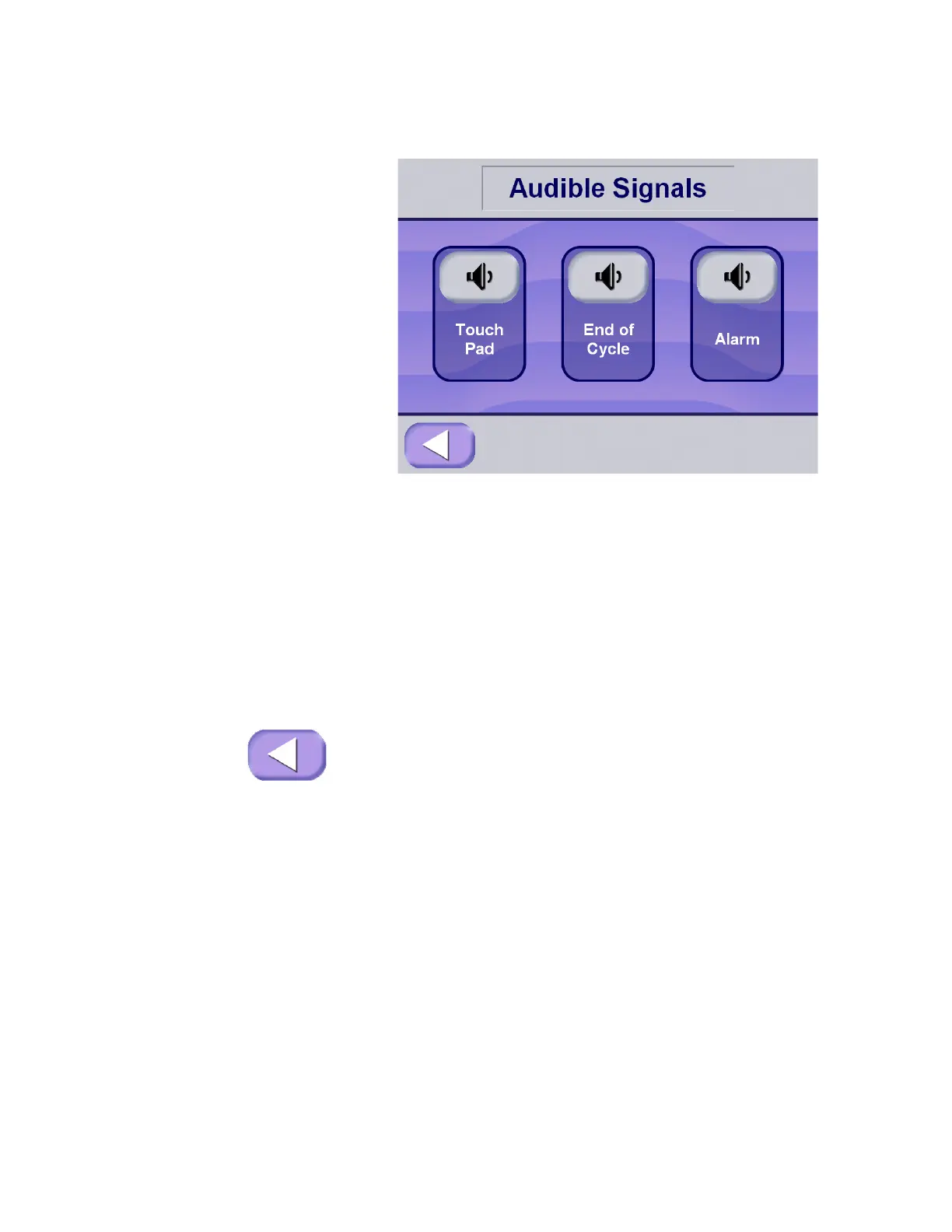
3. Select the signal you wish to adjust by pressing the appropriate
touch-screen pad in the upper half of the screen.
Press each button multiple times to cycle through the available
volume levels (including Off, when applicable) for the selected
signal type:
NOTE: TOUCHPAD and END OF CYCLE provide an OFF
setting. The ALARM signal cannot be turned off.
• Touchpad – This is the signal sounded by the control
whenever anyone presses a button.
• End Of Cycle – This is the signal heard when a cycle is
complete.
• Alarm – This is a two-tone signal heard during abnormal
conditions.
Once the appropriate Audible Signals and Signal volumes have
been selected, or if these do not need to be changed, press
EXIT to return to the Machine Setup screen.
NOTE: Exiting the Audible Signals screen by pressing the Exit
button saves new sound settings. The Exit button is not visible on
the screen while a sound is playing.






 To Next Page