7-26
P129390-106 Operator Manual Cycle and Control Value Programming
7.5.6 Print Options This setup option allows the operator to select the cycle printout
“format.” The format determines the type of printout the sterilizer
provides during processing. Two options are available. The default
Full format provides status prints at each transition point in the cycle,
plus additional status at interval points during each phase of the
cycle. The optional Condense format provides a cycle summary and
complete time, without additional status prints at cycle interval
points. The Condense format can be used to conserve printer
paper. An automatic duplicate print option, or the printer itself, can
also be turned on or off.
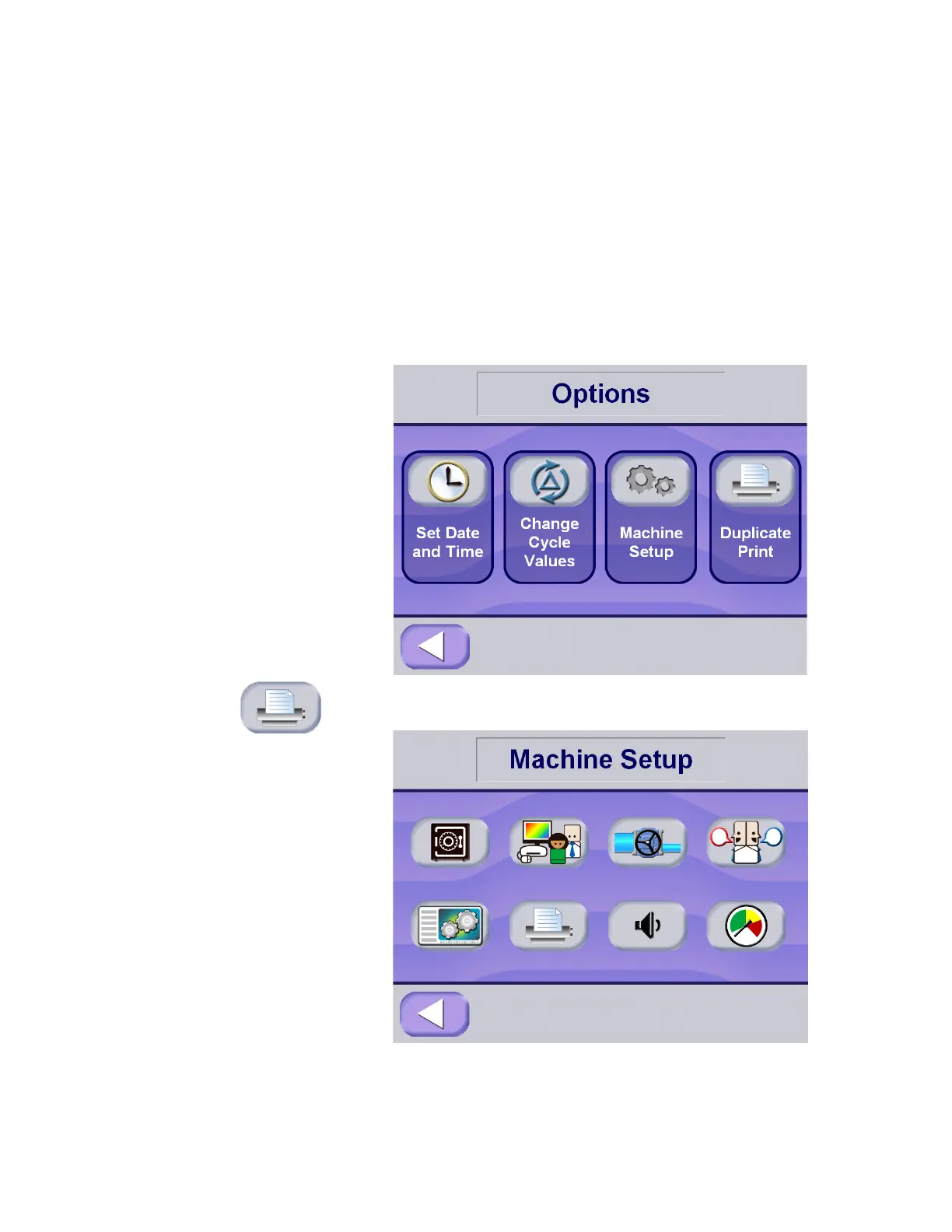
To access this utility, press the Options button from Ready screen at
the operating end of the sterilizer. The screen changes to show the
options screen. Press the Machine Setup button.
Press Print Options button on the Machine Setup screen; the
display advances to set print format screen.






 To Next Page