7-11
Cycle and Control Value Programming Operator Manual P129390-106
7.4.3 Date Format This setup option allows the operator to select the “format” for the
date. The format determines the order in which the month, day and
year are displayed. There are three options, and the option selected
is a matter of either preference or geographical location.
1. To access this utility, press the Options button from the standby
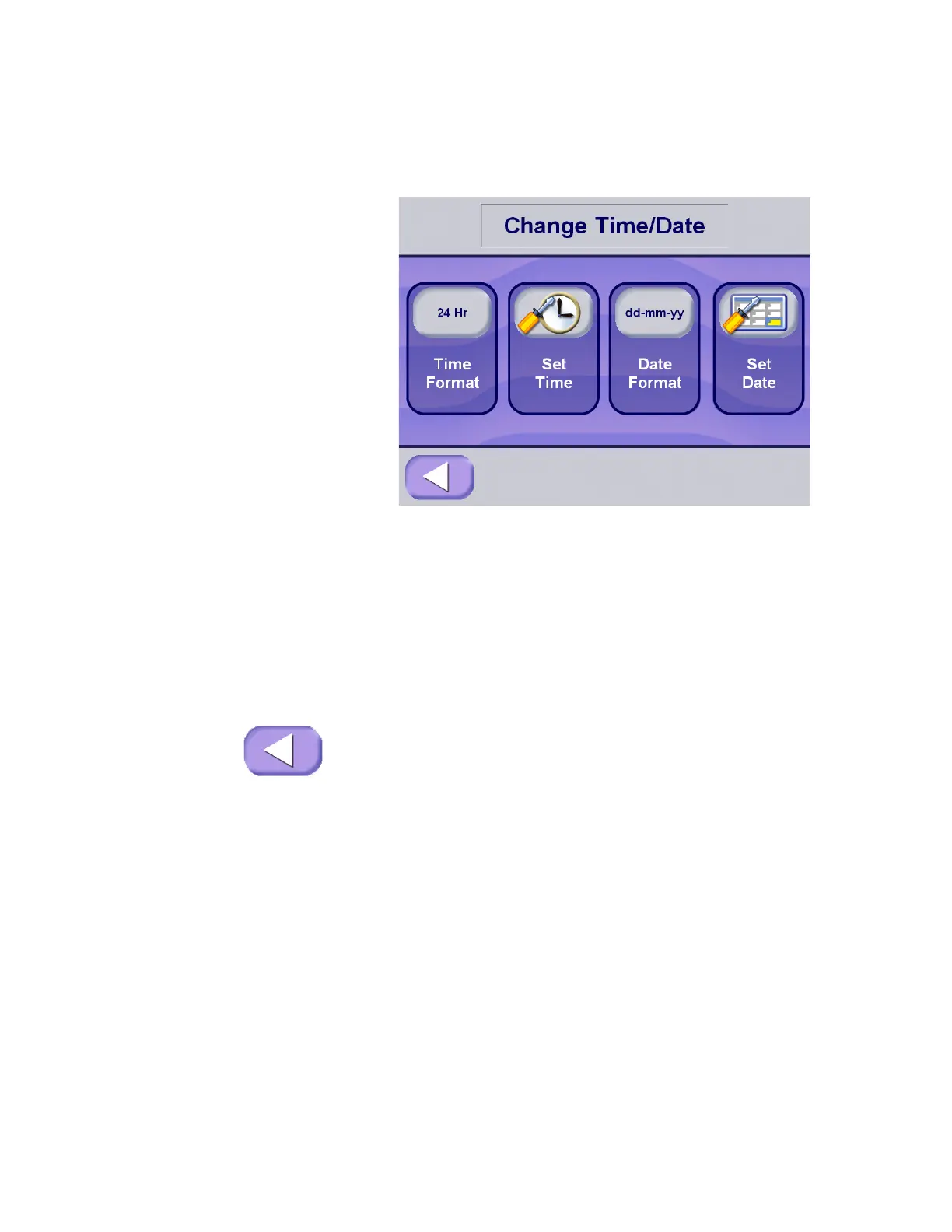
screen. Press the Change Time and Date touch pad, on the
Options menu, the control advances to the Change Time and
Date screen.
2. Press the Date Format touch pad; the format displayed on the
touch pad toggles through the formats available:
a. mm-dd-yy – Month-Day-Year
b. dd-mm-yy – Day-Month-Year
c. yy-mm-dd – Year-Month-Day
3. Once the appropriate format has been selected, or if format
does not need to be changed, press EXIT to return to Options
screen.






 To Next Page