6-24
P129390-106 Operator Manual Sterilizer Operation
6.11 Aborting Cycles It may be necessary to end a processing cycle, possibly because
the wrong cycle was selected or the sterilizer begins functioning
incorrectly. A cycle can be aborted at any time by pressing the Abort
touch-screen button.
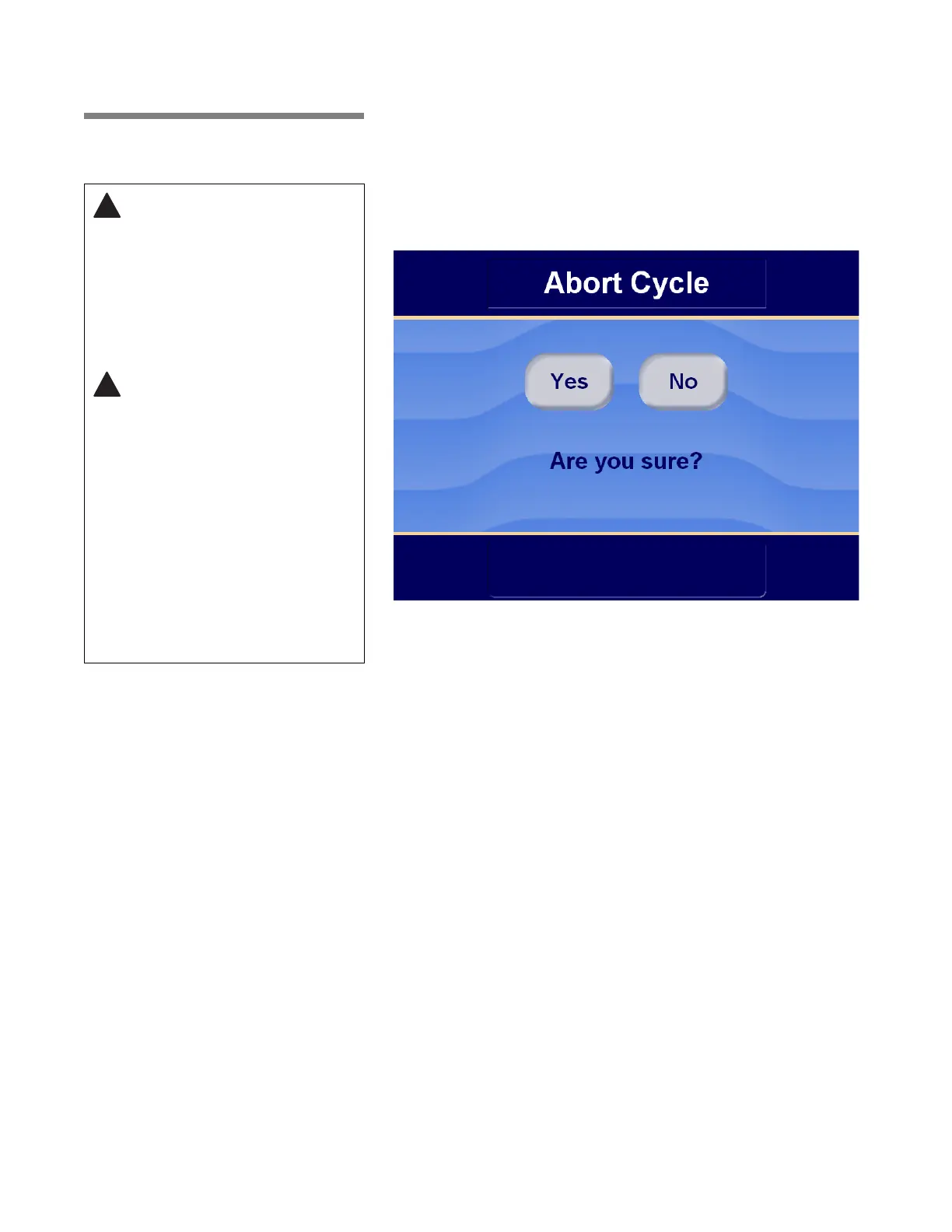
1. Touch the Abort touch-screen button.
a. A prompt screen appears asking for confirmation of cycle
abort.
• Press No to cancel abort and return to cycle, or
• Press Yes, to advance display to Cycle Aborted screen.
If there is pressure in the chamber, control initiates abort
sequence.
b. The sterilizer exhausts chamber of steam.
WARNING – STERILITY
ASSURANCE HAZARD: In the
event of an incomplete cycle,
the sterilizer will automatically
advance to the exhaust phase
of the cycle and then
complete the cycle. The load
must then be reprocessed to
verify proper sterilization.
WARNING – BURN HAZARD:
• Sterilizer, shelves and loading
carrier will be hot after cycle is
run. Always wear protective
gloves and apron when
removing a processed load.
Protective gloves and apron
must be worn when reloading
sterilizer following the
previous operation.
• Steam may be released from
the chamber when door is
opened. Step back from the
sterilizer each time the door is
opened to minimize contact
with steam vapor.






 To Next Page