8-6
P129390-106 Operator Manual Routine Maintenance
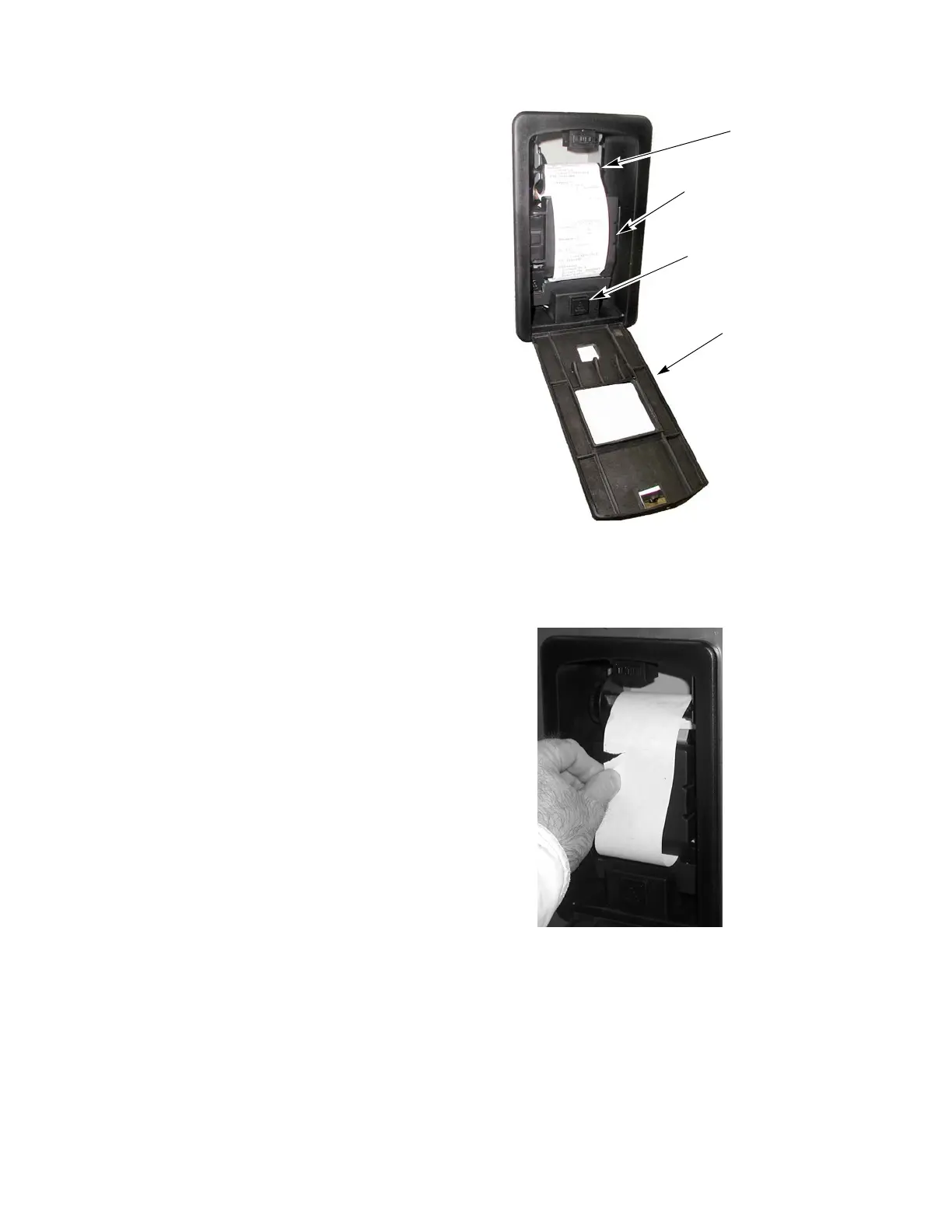
2. Tear paper between take-up spool and printer. Refer to
Figure 8-3
3. Remove take-up spool from drive by inserting fingers in cavity
and lifting slightly to pull spool out.
4. Remove used paper from spindle.
5. Open inner printer door and remove old paper roll, gently pulling
any remaining tape out of printer roller mechanism.
Figure 8-2. Printer Components (Printer Door Open)
Take-Up
Spool
Printer Door
Inner Printer Door
Paper Feed Button
Figure 8-3. Tear Printer Paper






 To Next Page