7-20
P129390-106 Operator Manual Cycle and Control Value Programming
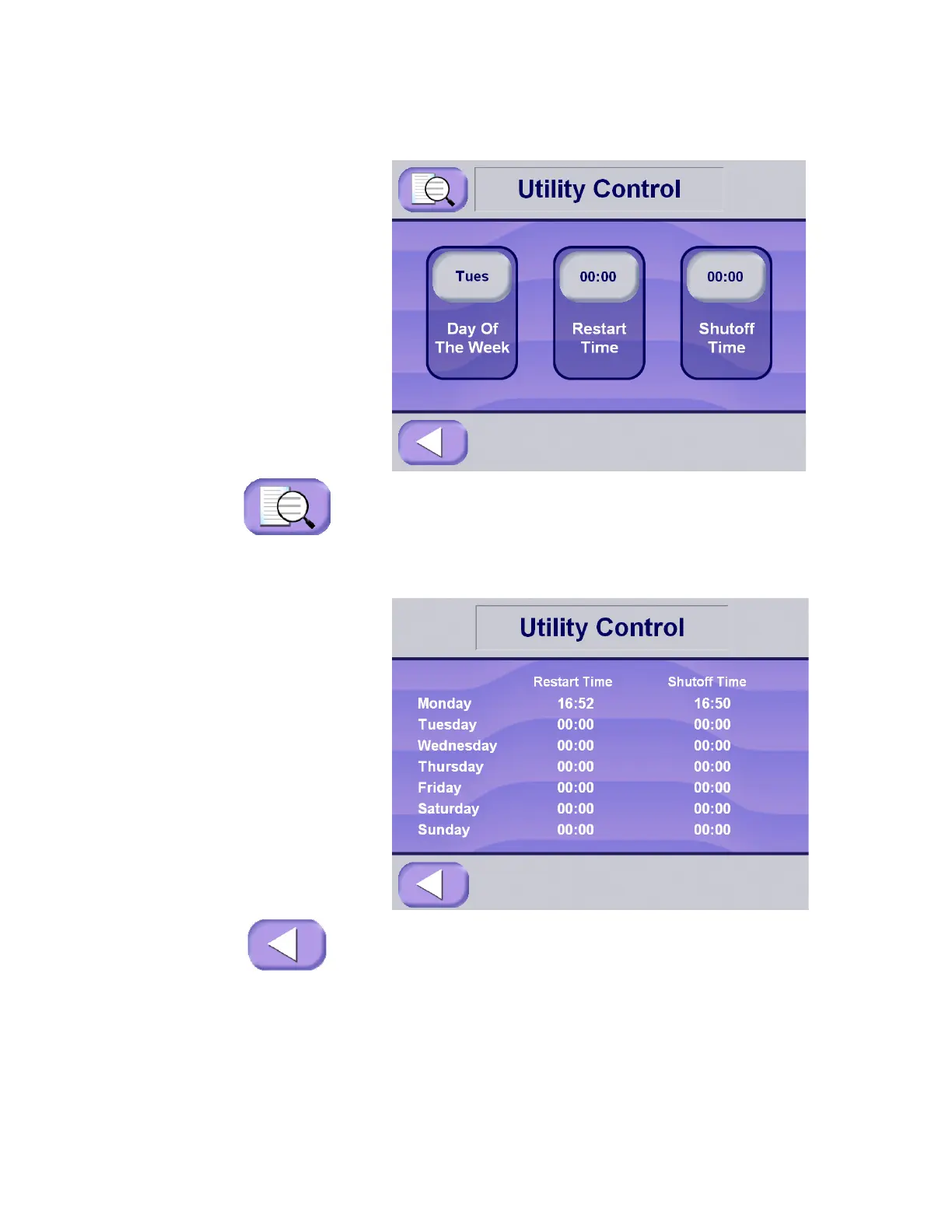
7.5.2 Utility Control Summary The utility control function allows the operator to display a summary
of all the utility controls settings.
1. To display a summary of the automatic utility control restart and
shutdown times that have been entered, press the information
key in the upper left-hand corner of the Utility Control screen.
NOTE: The example screen shows a machine set up to be on all
day, every day of the week.
2. Press Exit to return to the Utility Control screen.






 To Next Page