8-5
Routine Maintenance Operator Manual P129390-106
8.3 Weekly
Maintenance:
Flush Chamber Drain
Flush chamber drain as follows whenever the line becomes clogged:
1. Turn off steam supply valve. Wait until jacket pressure is zero.
Wait until chamber has cooled to room temperature.
2. Remove chamber drain strainer. Clean strainer using
procedures given above, if necessary.
3. Pour a solution of 60 mL (~1/4 cup) of LiquiJet 2 Instrument
Detergent (Contact your local STERIS representative for product
information), and 500 mL (~1 pint) of hot water into the drain.
Solution may puddle in the bottom of the chamber.
4. Should the detergents in Step 3., be unavailable, you may use a
hot solution of 15mL (~1 tablespoon) of trisodium phosphate to
500 mL (~1 pint) of hot water.
5. Open door and place strainer back in drain.
8.4 Maintenance As
Required
8.4.1 Change Printer Paper
Roll
The printer paper roll should be changed whenever a colored stripe
is visible on one or both edges of the printout paper.
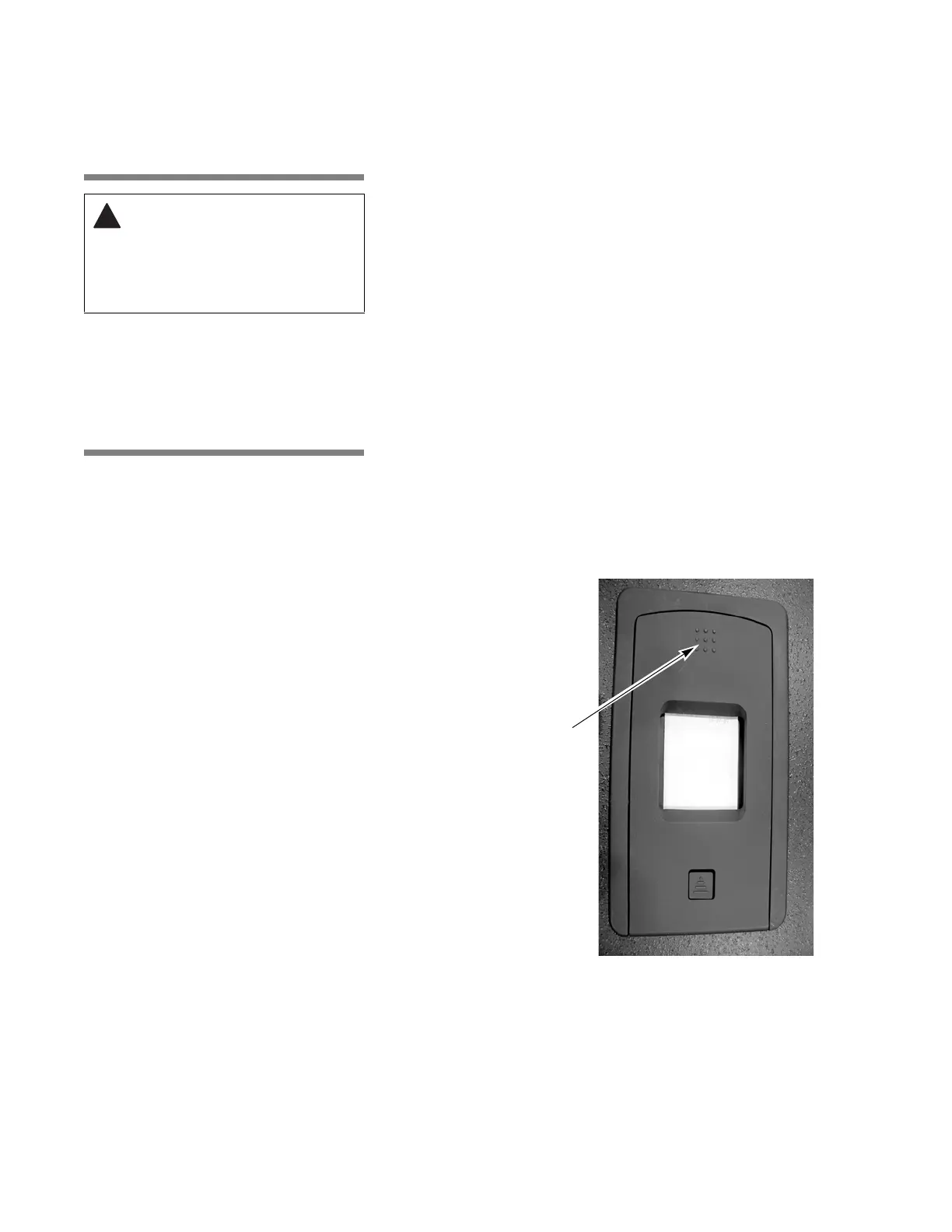
1. Press on top of printer outer door and release to open. Refer to
Figure 8-1 and Figure 8-2.
WARNING – BURN HAZARD:
Allow sterilizer and
accessories to cool to room
temperature before
performing any cleaning or
maintenance procedures.
Figure 8-1. Open Printer Door
Press and Release
Here to Open Outer
Printer Door






 To Next Page