7-7
Cycle and Control Value Programming Operator Manual P129390-106
7.4 Change Time and
Date
These screens adjust the time and date the sterilizer uses for all
display and printout messages.
The current time and date appears on the Standby and Cycle Status
screens. Time and date are also shown on printouts. These should
be verified periodically.
To change:
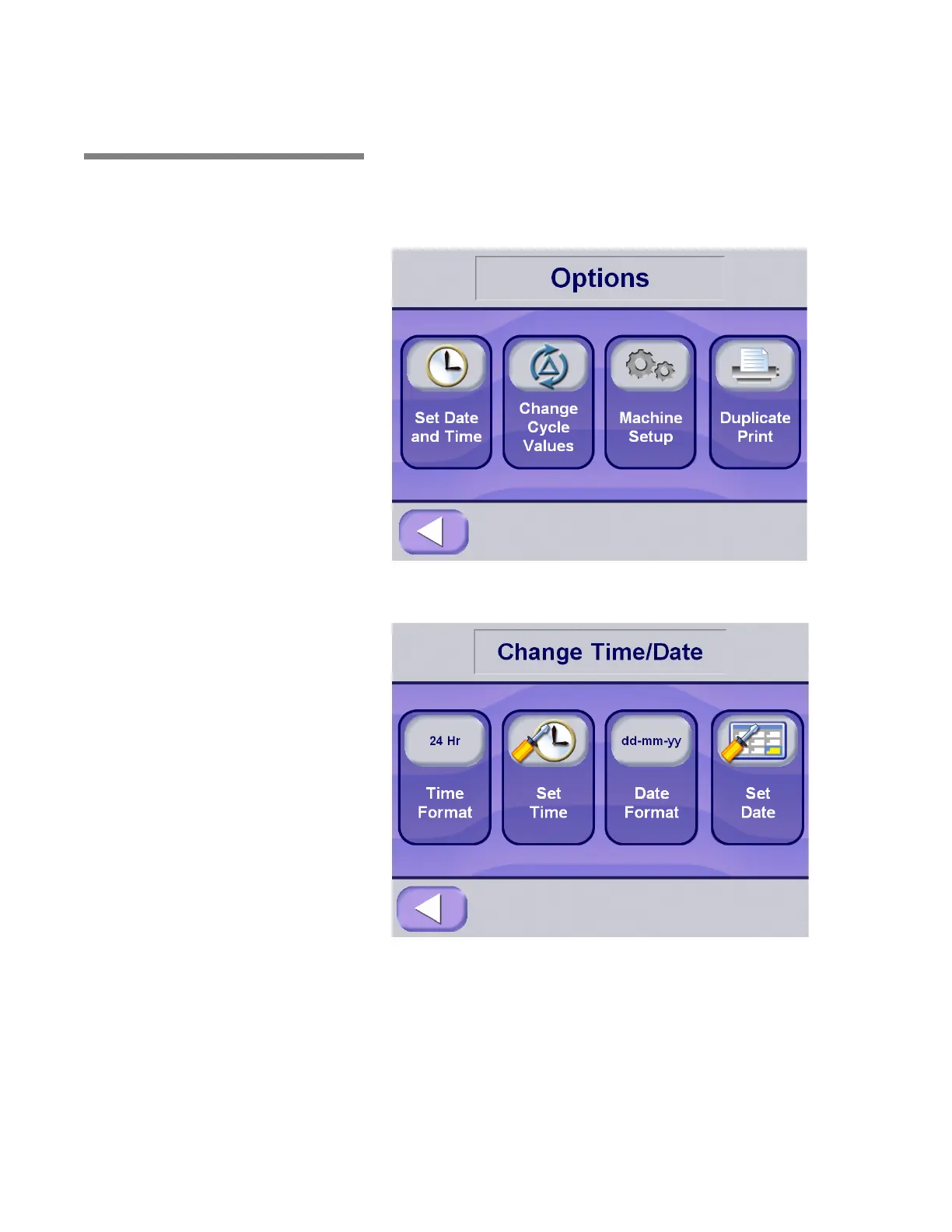
1. At Options screen, press Set Time & Date touch pad. The
display advances to Set Time & Date screen.
2. Make adjustments using procedures shown below:
7.4.1 Set Time Format This option allows the operator to select time display “format”.
Format determines how hours and minutes are displayed. There are
two options — the default format shows time in the military format
(referred to as 24 HOUR); the optional format shows time in AM/PM
format.
1. To access this utility, press Options touch pad from the main
status screen at the operating end of the sterilizer. The screen






 To Next Page