7-31
Cycle and Control Value Programming Operator Manual P129390-106
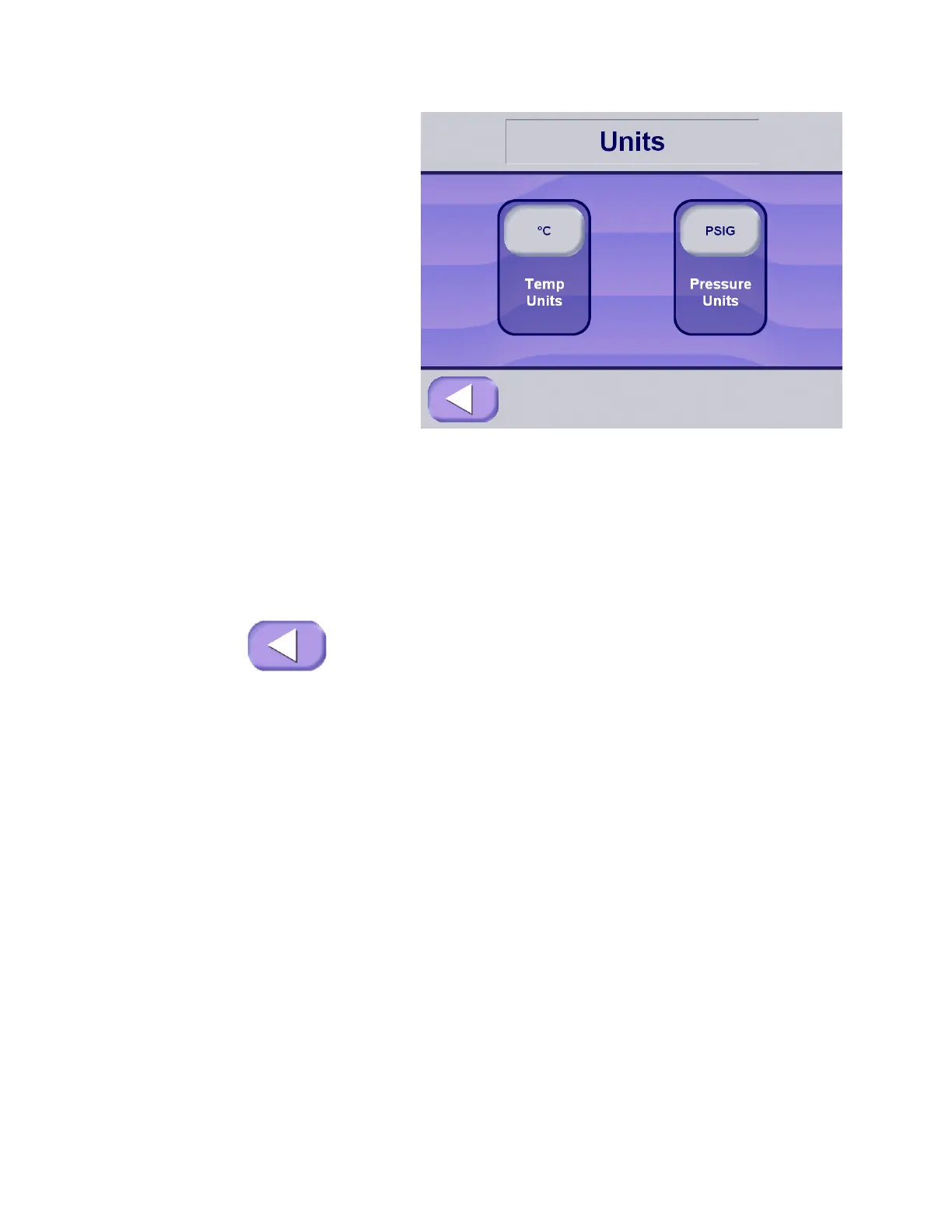
3. At units screen, press the appropriate button for the type of unit
or units to be selected.
• Press Temp Units button to toggle between Celsius (°C) and
Fahrenheit (°F).
• Press Pressure Units button to toggle between PSIG and
bar.
NOTE: Machine does not require recalibration after selecting
units for display and print.
4. Once all units have been selected, press Exit to return to
machine setup screen.
7.5.9 Leaving Machine Setup 1. Press Exit at Machine Setup screen to return to Options screen.
2. Press Exit at Options screen to return to Ready screen.






 To Next Page