5-8
P129390-106 Operator Manual Component Identification
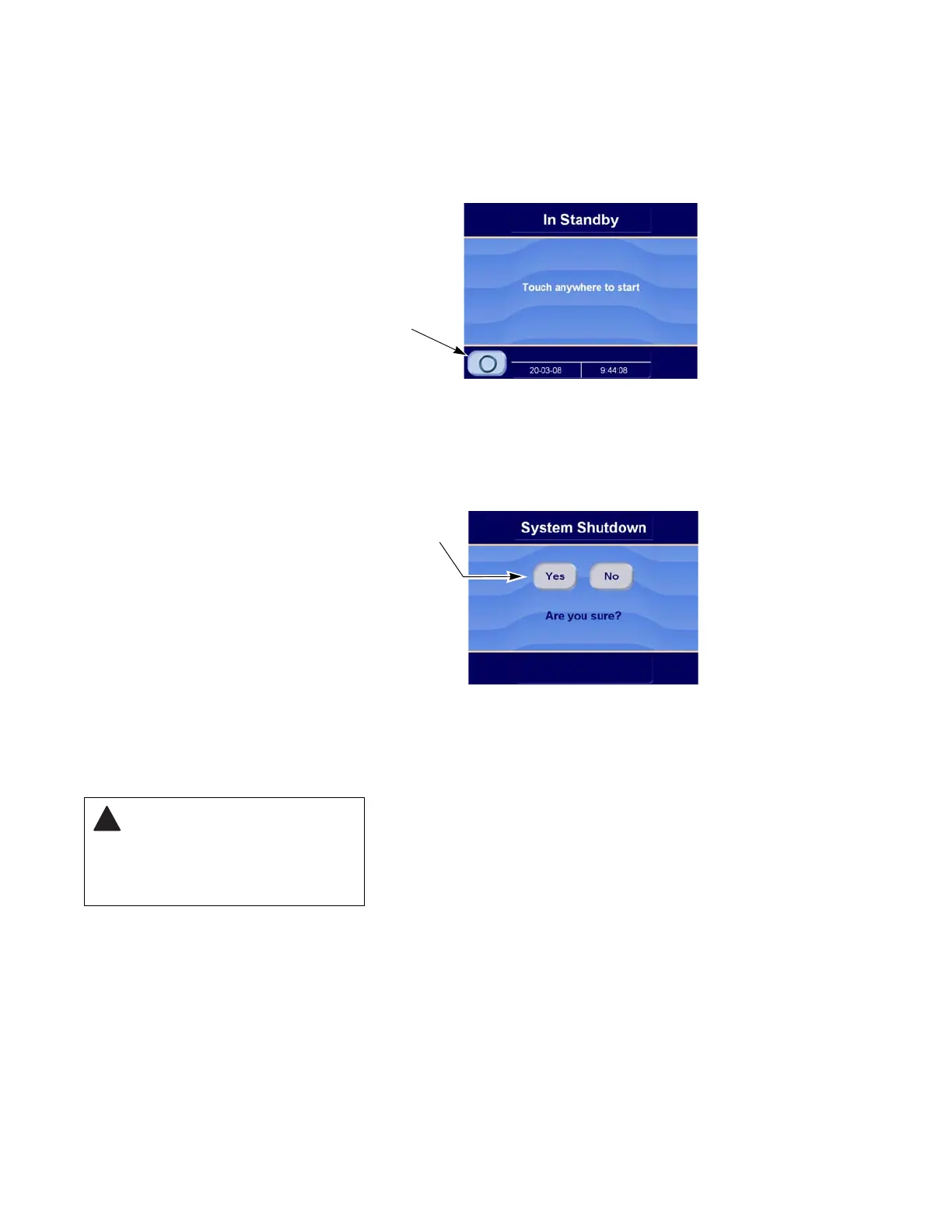
5.6.2 System Shutdown
Button
The system shutdown button is used to turn off the sterilizer. Under
normal circumstances the sterilizer should be left on at all times. Use
the shutdown button to turn off the sterilizer when the machine must
be serviced or for similar purposes.
NOTE: Refer to Summary of key switch functions,
PAGE 5-3, for
further shutdown options.
The shutdown confirmation screen provides an opportunity to return
to Standby when the shutdown button has been touched by
accident.
• Touch No to return to Standby
• Touch Yes to shutdown the sterilizer
System restart requires using the key switch. Restart time is
approximately ten minutes (refer to S
ECTION 5.2. MAIN STERILIZER AND
CYCLE CONTROLS, PAGE 5-2).
Figure 5-11. Standby Screen
Press Shutdown Button to Turn
Off Sterilizer
Figure 5-12. Shutdown Confirmation
This screen provides a second
chance to return to normal
operation, in situations where
the shutdown button has been
touched by accident.
WARNING – ELECTRIC SHOCK
AND BURN HAZARD: A system
shutdown turns off the sterilizer’s
PC-base control. 24V dc power
inputs to the sterilizer control
remain energized.






 To Next Page