7-8
P129390-106 Operator Manual Cycle and Control Value Programming
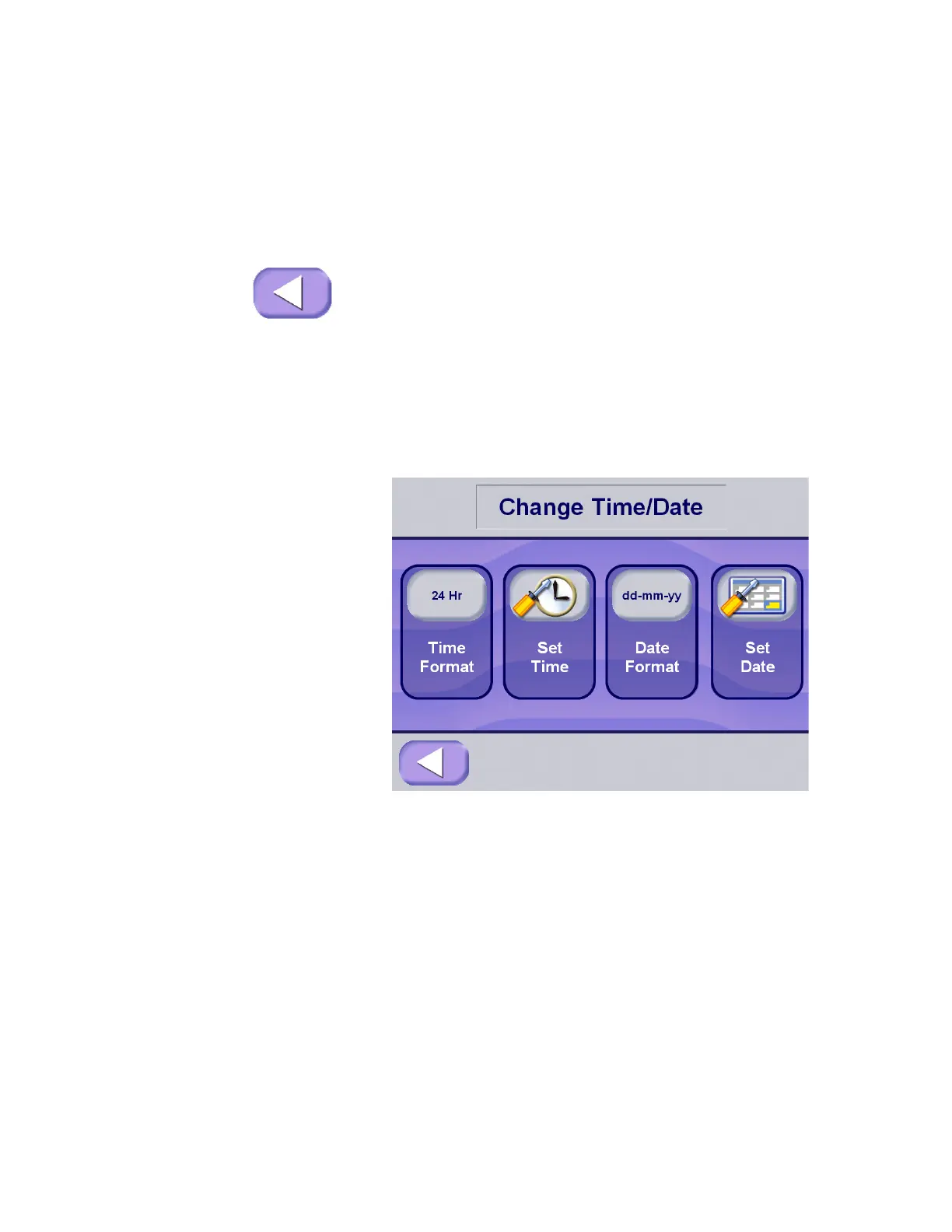
changes to show the Options screen. Press Set Time & Date
touch pad, the display advances to Set Time & Date screen.
2. Press Set Time Format touch pad. The format shown on the
touch pad toggles through two available options:
• AM/PM – This is the standard civilian time format.
• 24HRS – This is a 24 hour format associated with military
timekeeping.
3. Once the appropriate format has been selected, or if format
does not need to be changed, press EXIT to return to the
Change Machine Setup screen.
7.4.2 Set Time 1. To access this utility, press Options touch pad from the main
status screen at the operating end of the sterilizer. The screen
changes to show the Options screen. Press Set Time & Date
touch pad, the display advances to Set Time & Date screen.
2. Press the Set Time touch pad. The control advances to the
Change Hours screen.
3. Change Hours – use the touch screen key pad to enter the hour
value, this can be between 00 and 23.






 To Next Page