7-28
P129390-106 Operator Manual Cycle and Control Value Programming
7.5.7 Audible Signals This setup option allows the operator to adjust selected audible
signals heard at the sterilizer control. Three signals can be adjusted.
Touch pad and end of cycle signals can be adjusted to one of three
volume levels or turned off. Only the volume level of the Alarm signal
can be adjusted. The Alarm signal cannot be turned off.
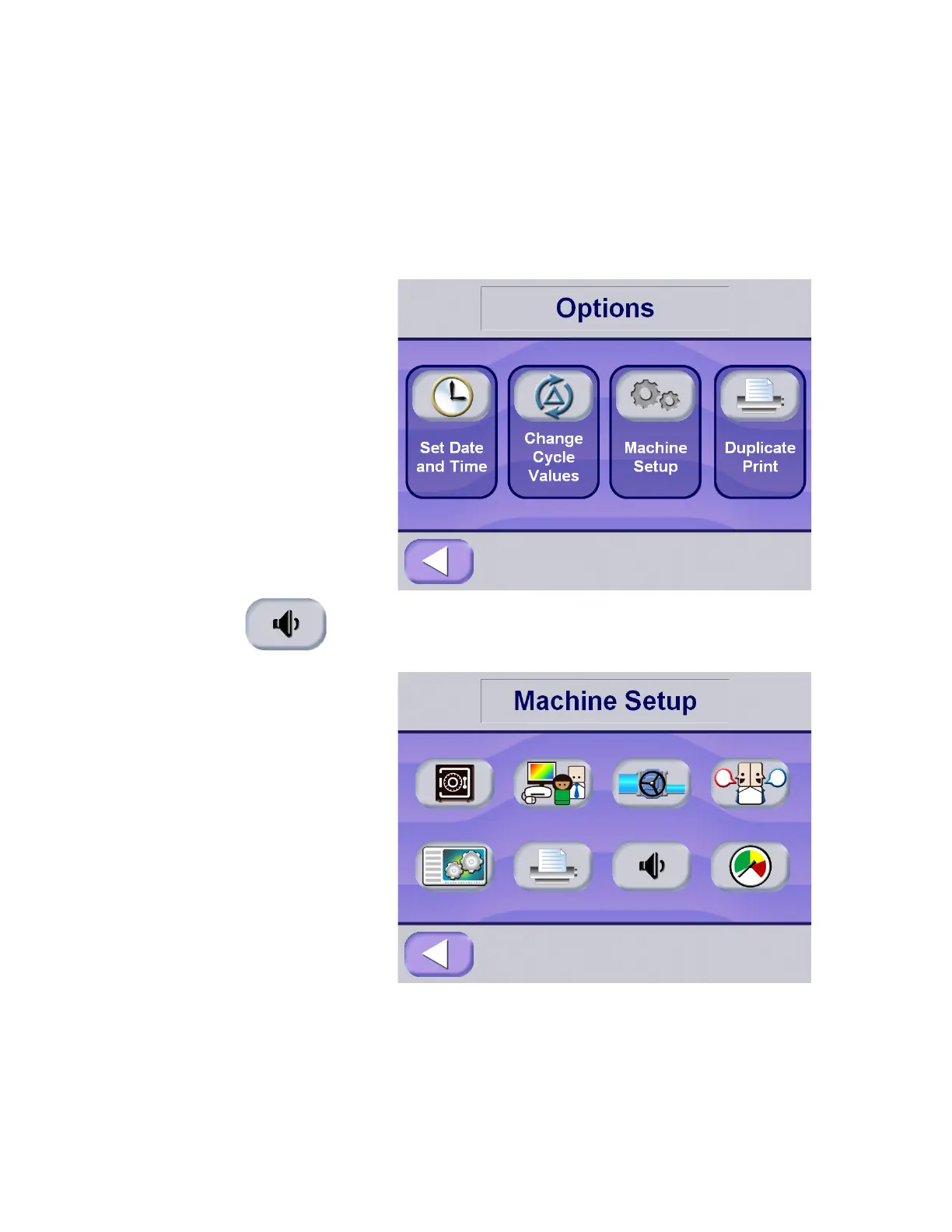
1. To access this utility, press the options button from the Status
screen (#1), at the operating end of the sterilizer. The screen
changes to show Machine Setup screen.
2. Press Machine Setup on the menu screen, then Audible
Signals on the Machine Setup screen. Display advances to the
Audible Signals setup screen






 To Next Page