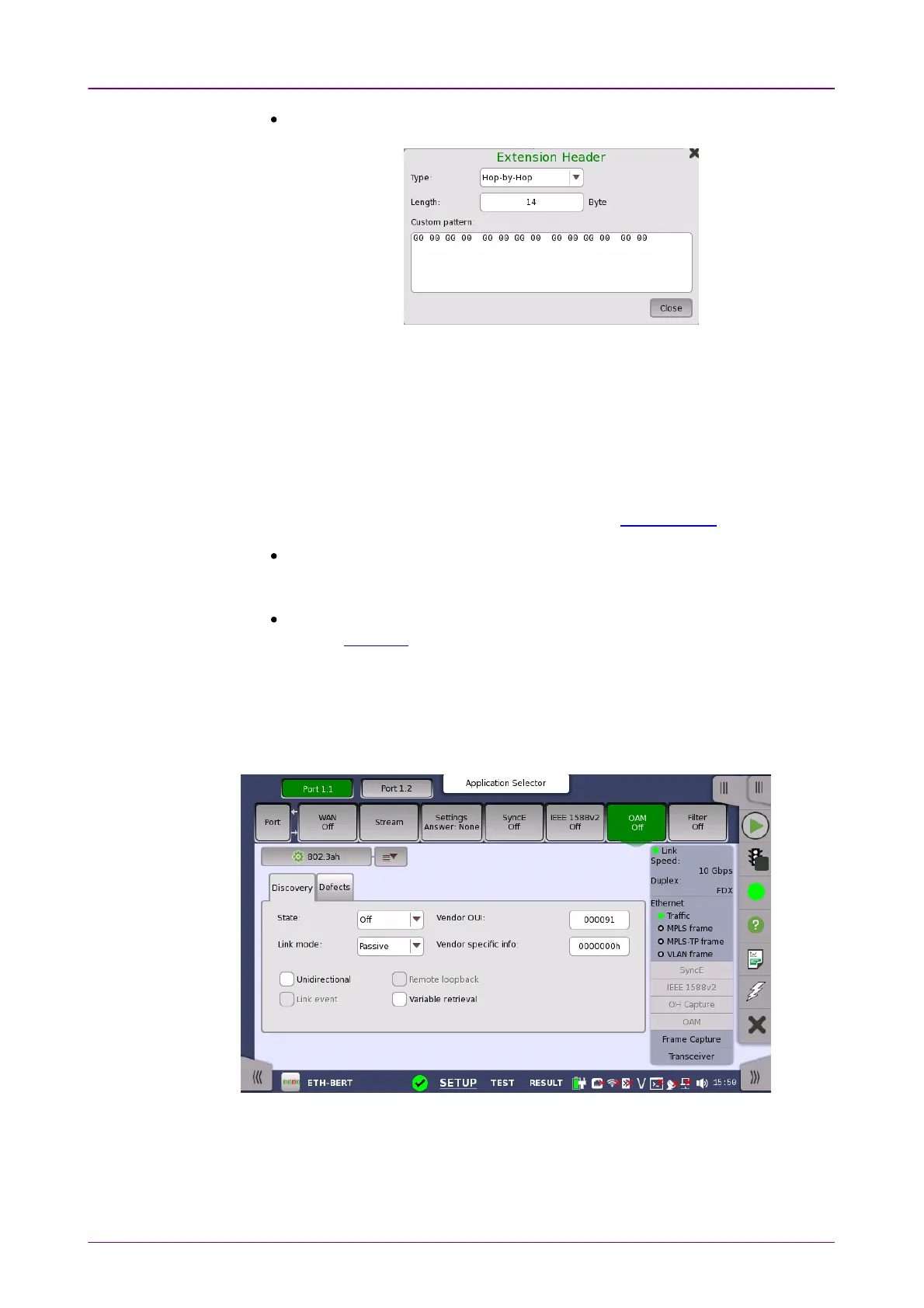
Extension headerExtension header -Appends the IPv6 extension header. Touching SetupSetup opens
the Extension Header dialog box.
Type
Select the extension header type from Hop-by-HopHop-by-Hop, Routing (Type 0)Routing (Type 0),
DestinationDestination.
Length
Set the byte length of the custom pattern.
The value setting to the actual header is the truncated value after the
decimal point of (Length + 2)/8.
Custom pattern
Touch the field to edit the pattern by using Pattern Editor.
MLD hostMLD host - Touch JoinJoin to send a Join message from the Network Master to the
MLD host. The button name changes to LeaveLeave.
Touch LeaveLeave to send a Leave message to the MLD host.
MLD versionMLD version - Select a version from the list. The function varies by version.
Refer to MLD host of Stream setup.
66..11..22..77 OAMOAM
Touching the OAMOAM button in the navigation area will display the screen shown
below.
OAM (Operation, Administration and Management) is a group of management
functions that provides system or network fault indication, performance
monitoring, security management, diagnostic functions, configuration and user
provisioning.



 To Next Page