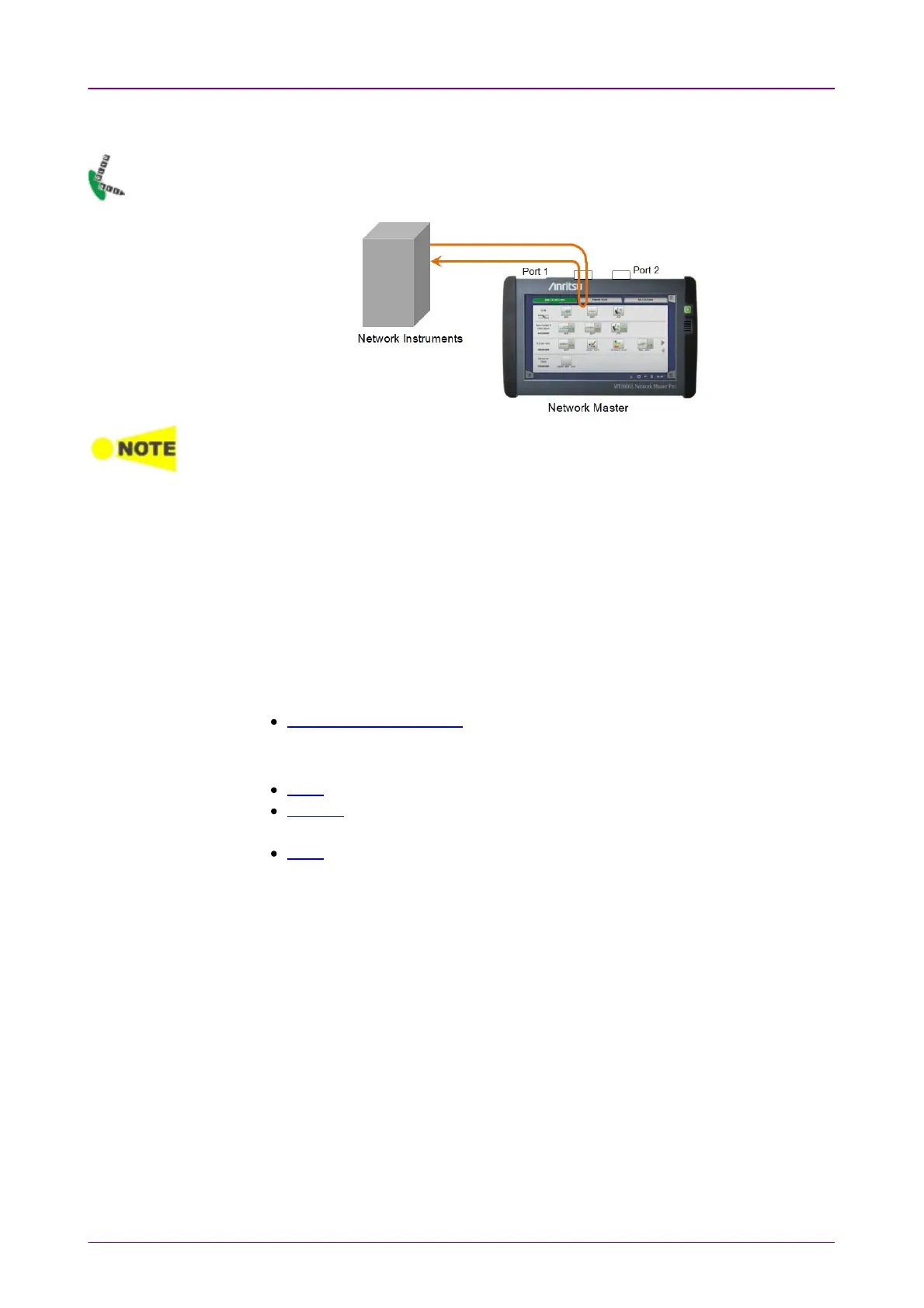
66..88 ReflectorReflector
In
Ethernet Reflector
mode the Network Master loops incoming traffic on a port
swapping MAC and/or IP addresses.
HDX (Half Duplex) is not possible in 'Reflector' mode.
Multicast or Broadcast frame are not reflected in 'Reflector' mode.
The IFG (interframe gap) of Ethernet stream output from the Network Master becomes
variable because processing such as packets takes a time when reflecting Ethernet
frames.
For streams relatively high frame rates, this may cause inserting gaps of less than 12
bytes.
66..88..11 Ports Setup and StatusPorts Setup and Status
The first step in running an application is to set up the port interfaces. This is
done on the Ports SetupPorts Setup screen, which also provides port status information.
The setup options and status information related to the Ethernet interface are
described in a separate section:
Ethernet Setup and Status
In Ethernet Setup for Reflector mode, three buttons appear in Navigation area.
Swap
Settings
Only Incoming FramesIncoming Frames tab, Receiver SetupReceiver Setup tab, and In-band SetupIn-band Setup tab appear.
OAM
Incoming FramesIncoming Frames tab is different from that in other applications.



 To Next Page