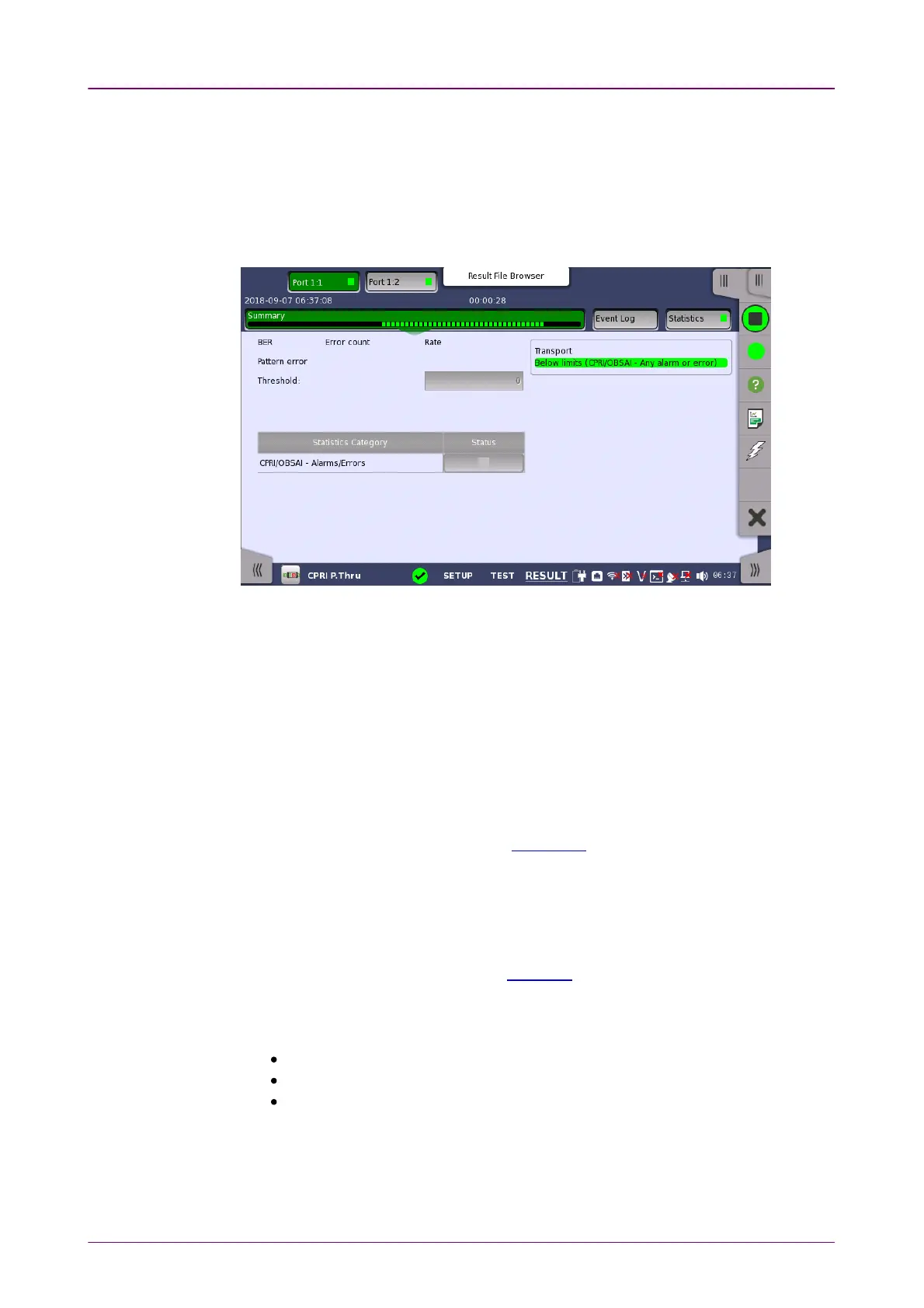
Statistics CategoryStatistics Category
TransportTransport
Selecting type ofSelecting type of
resultsresults
88..33..33 Test ResultsTest Results
88..33..33..11 SummarySummary
When you go to the test results of the CPRI P. Through application, the
following screen is displayed.
This screen contains a summary of the results of the CPRI P. Through test.
The lamp icon in Status column shows the Pass or Fail results. Touching the
Status column displays the statistics results.
Displays the results of Transport test. This result appears if 'Transport' check
box is selected in the Test Setup screen.
88..33..33..22 Event LogEvent Log
Touching the Event LogEvent Log button in the navigation area displays the screen
providing the event log data. Refer to Event Log of SDH/SONET/PDH/DSn
BERT application.
88..33..33..33 StatisticsStatistics
Touching the StatisticsStatistics button in the navigation area displays the screen
providing the statistics data. Refer to Statistics of BERT for the operation.
Open the center drop-down menu in the top row of buttons to select which
results you want to display on the screen.
CPRI/OBSAI - Alarms/Errors
CPRI/OBSAI - Frame
CPRI/OBSAI - Pass through



 To Next Page