TransceiverTransceiver
OnOn: The calculated forward error correction data will be added to the 25G
Ethernet frame and the 100G Ethernet frame.
OffOff: FEC is not added to the 25G Ethernet frame and the 100G Ethernet frame.
Displays the Transceiver information.
88..44..11..33 StreamsStreams
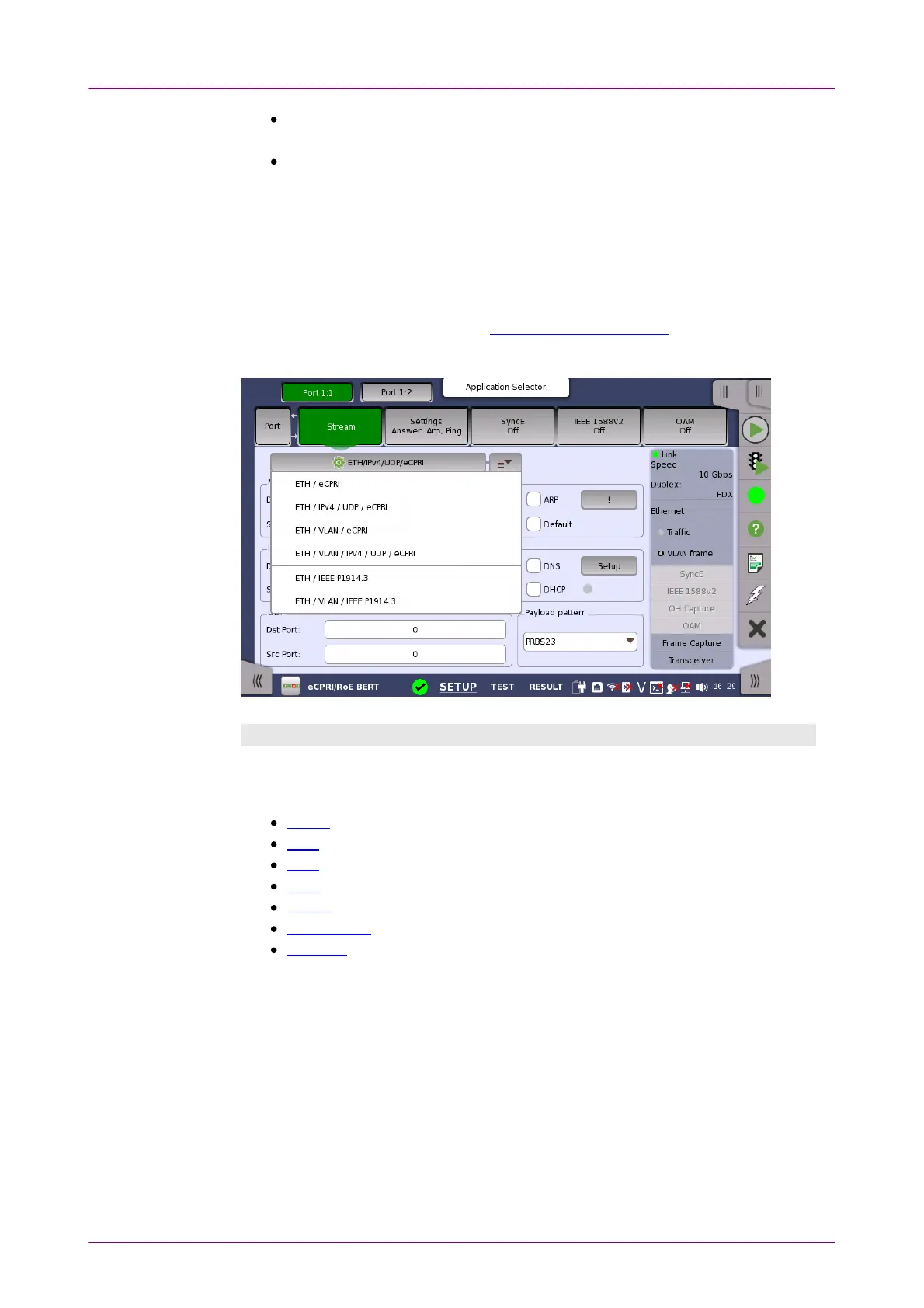
You can use either a 'quick' mode or a 'detailed' mode to set up the selection
of headers/layers. Touching the button at the top of the setup area will launch
the
detailed mode
dialog box (the Stream Setup dialog box ). Touching the
arrow to the right of the button will open the
quick selection menu
.
Layer configuration parametersLayer configuration parameters
The settings related to each layer are described in detail below. The following
layer buttons are available:
VLAN (Level count is up to 2.)
IPv4 (for eCPRI)
IPv6 (for eCPRI)
UDP (for eCPRI)
eCPRI
IEEE 1914.3
Variable
In the eCPRI/RoE BERT application, the SNAP, LLC1, PBB, MPLS-TP, MPLS,
Custom, and ETH buttons are not displayed.



 To Next Page