Chapter 9 Troubleshooting
9-2
9.1 Problems That May Occur When Starting MP1862A
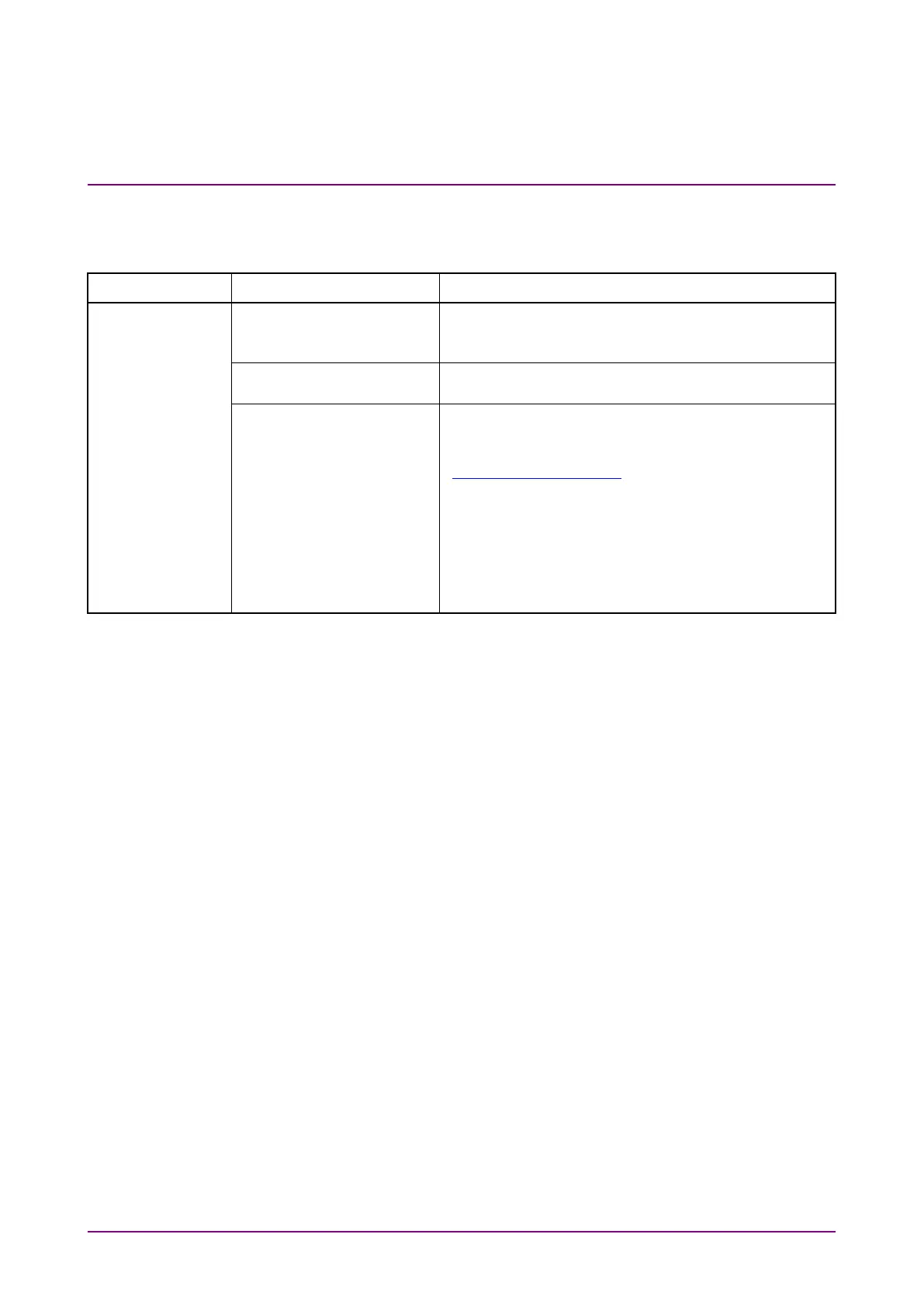
Table 9.1-1 Remedies for Problems That May Occur When Starting MP1861A
Symptom Location to Check Remedy
not recognized.
MP1800A or control PC
Refer to Section 2.1 “Preparation Before Use” in this
manual.
Is the MP1862A power
switch turned on?
Refer to Section 2.1 “Preparation Before Use” in this
manual.
software installed?
To check the appropriate modules and software
version of the MP1862A, access to “MP1800 Series
Signal Quality” on your Web site
(
http://www.anritsu.com). Right-click the “MP1800
Series Signal Quality” and you can access to your
area website. If the appropriate modulus are not
recognized, it may have failed. Contact an Anritsu
Service and Sales office. Contact information can be
found on the last page of the printed version of this
manual, and is available in a separate file on the CD















 To Next Page