Chapter 2 Before Use
2-10
2.2 Getting Started with MX180000A
This section explains how to install the software and how to start and
exit MX180000A.
2.2.1 Installing MX180000A
Note the following procedure when installing software for the MP1862A
in the MP1800A or remote PC.
The following examples show the case when the software is installed in
the MP1800A. For the general software installation procedures, refer to
the
MP1800A Installation Guide (W2747AE)
or
MT1810A Installation
Guide (W2748AE)
.
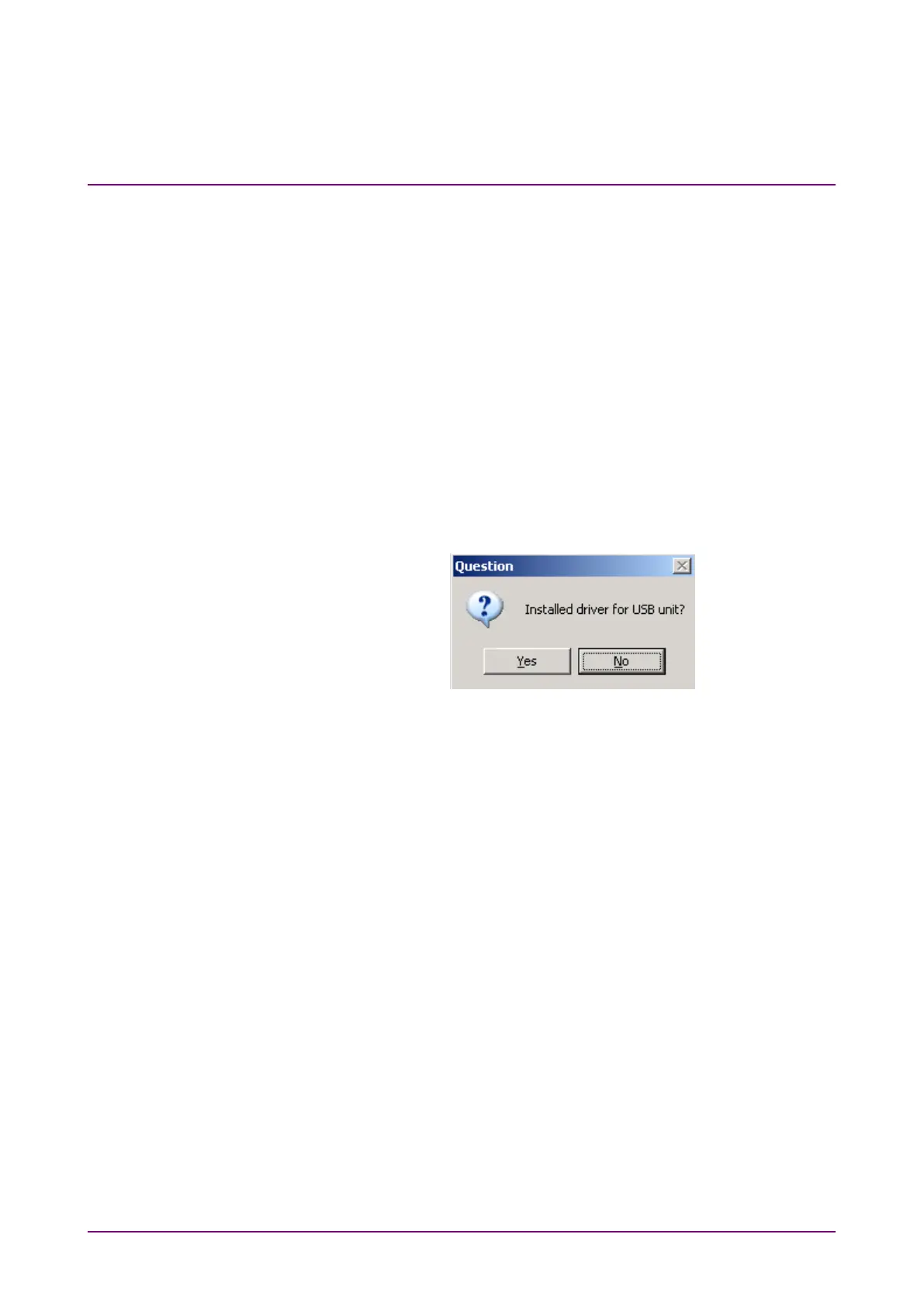
(1) When the general procedures are followed by the installer, the
confirmation dialog is displayed. Press
to start installation.
Figure 2.2.1-1 Confirmation Dialog of USB Driver Installation (1)
(2) For Windows 7, a confirmation dialog box is displayed to ask if you
want to install Anritsu Corporation Universal Serial BUS Controller.
Click
to continue installation.
Click
to continue installation.















 To Next Page