D.2 Execution procedure
D-3
endix
ppendix D
D.2 Execution procedure
The diagnosis procedure is shown below.
(1)
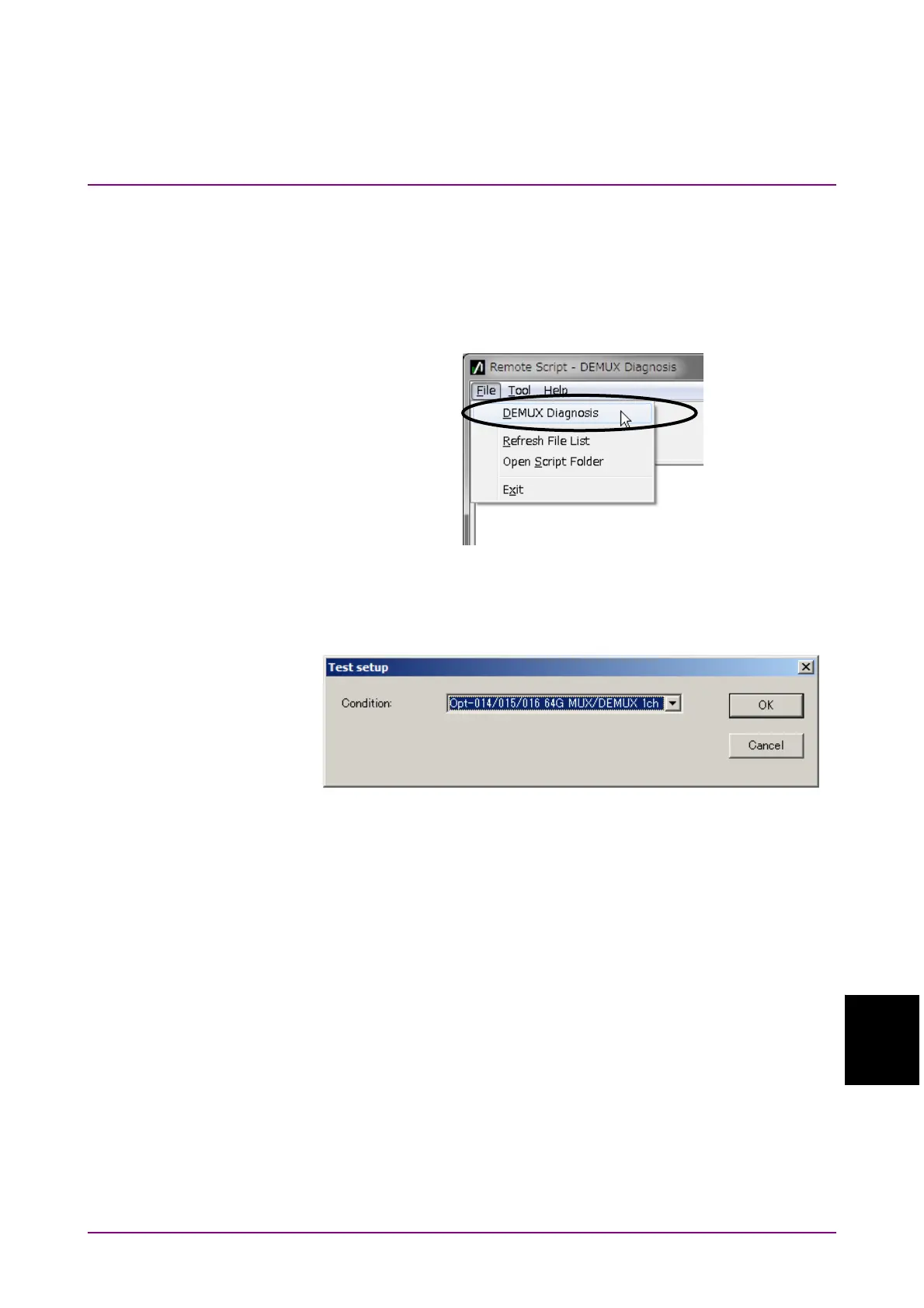
Once the Remote Script tool has launched, click "File"
"DEMUX
Diagnosis" in the menu.
Figure D.2-1 File menu
(2)
Click the Setup button and select the test condition.
Figure D.2-2 Test condition selection
(3)
After selecting the condition, clicking the Guide button displays the
connection diagram.















 To Next Page