2.1.4 Usage Patterns of MP1862A
This section describes the two ways to control MP1862A and how to
connect to MP1800A or control PC.
MP1862A is controlled via the MX180000A Control Software installed to
MP1800A or control PC. When connecting MP1862A to MP1800A (control
PC), use the
standard accessory USB cable.
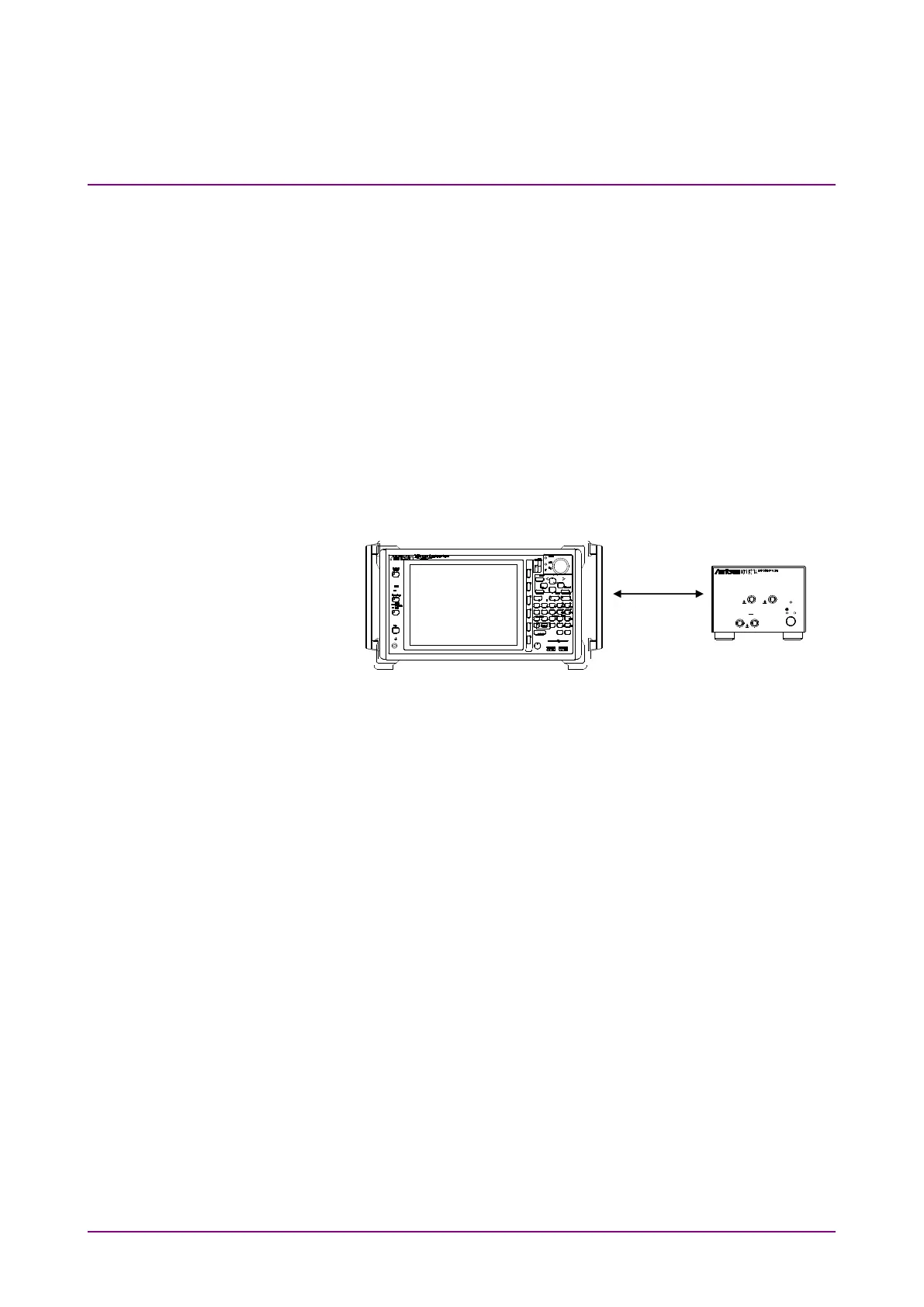
(1) Connecting MP1800A:
Connect
the USB connector (type A) to the front panel or rear panel of
MP1800A
, and then connect the USB connector (type B) to MP1862A.
Figure 2.1.4-1 Connecting to MP1800A
To connect two MP1862As to MP1800A, connect them to the USB
connectors (type A) on MP1800A’s front panel.
MP1862As may not be able to function properly if one of them is
connected to the USB connector on MP1800’s rear panel. To connect more
than two MP1862As, connect a USB hub to the front or rear panel of
MP1800A, and then connect each of MP1862As to MP1800A via the USB
hub.
-
-
-3.5Vp-
Power
Data Outp utData Out put
Clock Outpu t1/2 Clock Output
0.7Vp-p 0.7Vp-p
0.5-3.5Vp -p
On
USB Connec tion















 To Next Page