2.2 Getting Started with MX180000A
2-17
2
2.2.4 Messages that are displayed when connecting/disconnecting the
USB cable
This section describes the messages that are displayed when the USB
cable is connected to or disconnected from MP1862A.
When disconnecting the USB connection of this equipment for some
unexpected reason, follow the procedure described below to minimize the
impact on running applications. However, all the USB disconnection
cannot be assured by this operation. Normally, follow the startup and
shutdown procedures described in sections 2.2.2 and 2.2.3, respectively.
When USB connection disconnected while application running:
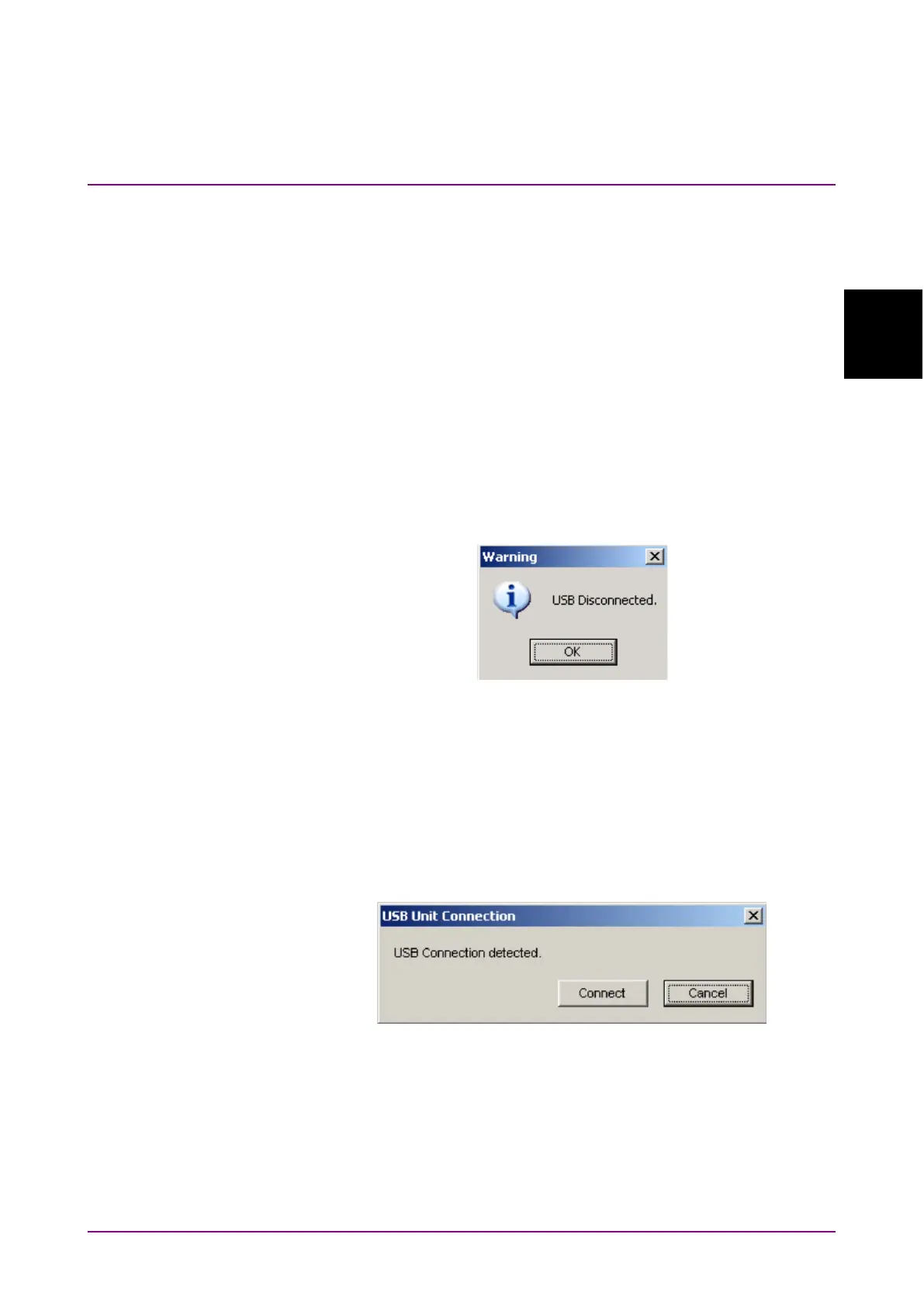
(1) The following dialog screen is displayed when the USB connection is
disconnected.
Figure 2.2.4-1 USB Disconnected
(2) The buttons for calling screens are disabled and the screen goes
blank. The Data Output and Clock Output are set forcibly to OFF.
(3) The MP1800A module connected to this equipment can still be used.
When USB device connected while application running:
(1) The following USB connection dialog is displayed.
Figure 2.2.4-2 USB Connection Message















 To Next Page