2.3 Other Usage Methods
2-23
2
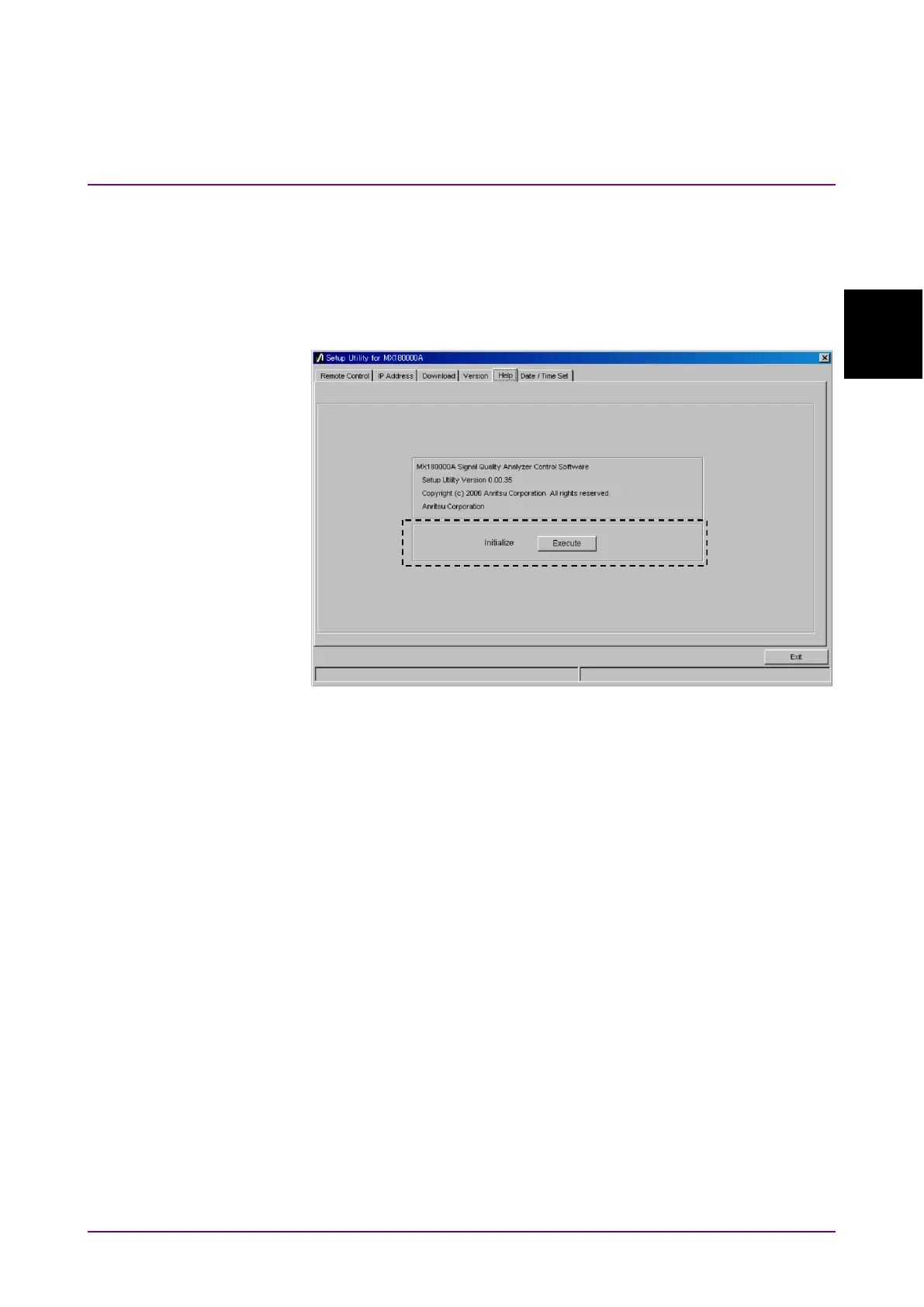
2.3.3 Initializing Settings
Click
in the File menu of the MX180000A SQA control software
to initialize the equipment to the factory defaults. In addition, the
equipment settings can be returned to the factory defaults using the
Setup utility; start the utility and click the
tab.
Figure 2.3.3-1 Initializing Settings
When
in the Initialize group box is clicked, the equipment is
initialized to the factory default settings.















 To Next Page