4.4 Setting Input Interface
4-11
4
4.4 Setting Input Interface
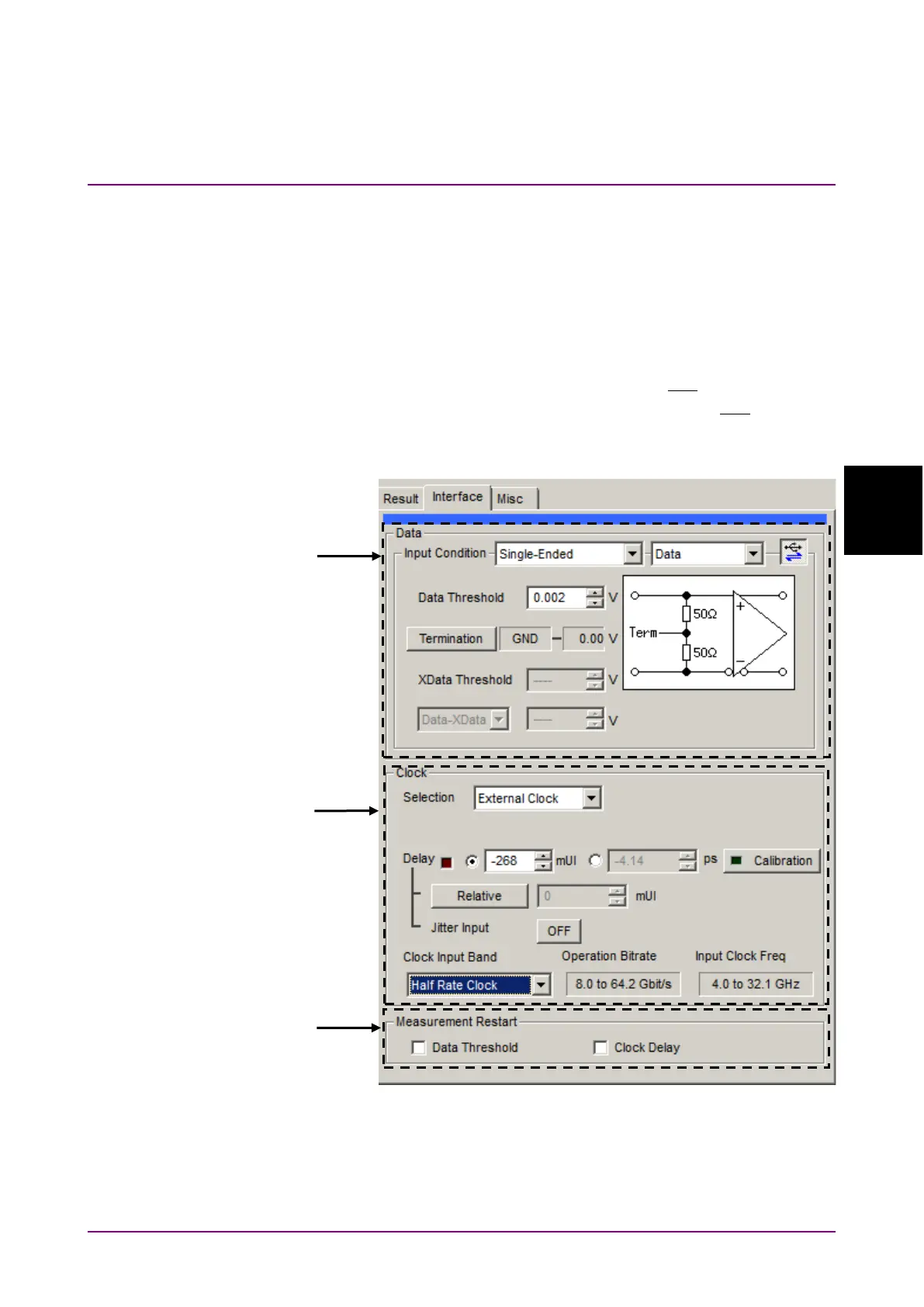
To set the Input interface, click the
tab on the operation
window.
4.4.1 Input setting items
The
tab consists of the data setting area (upper) and the clock
setting area (lower). The Data signal is input to the
connector
of MP1862A and the XData signal is input to the
connector.
The following explains the XData settings related to the
connector.
Figure 4.4.1-1 Interface Tab















 To Next Page