Chapter 7 Remote Commands
7-4
7.2 Common Commands
7.2.1 Configuration Commands
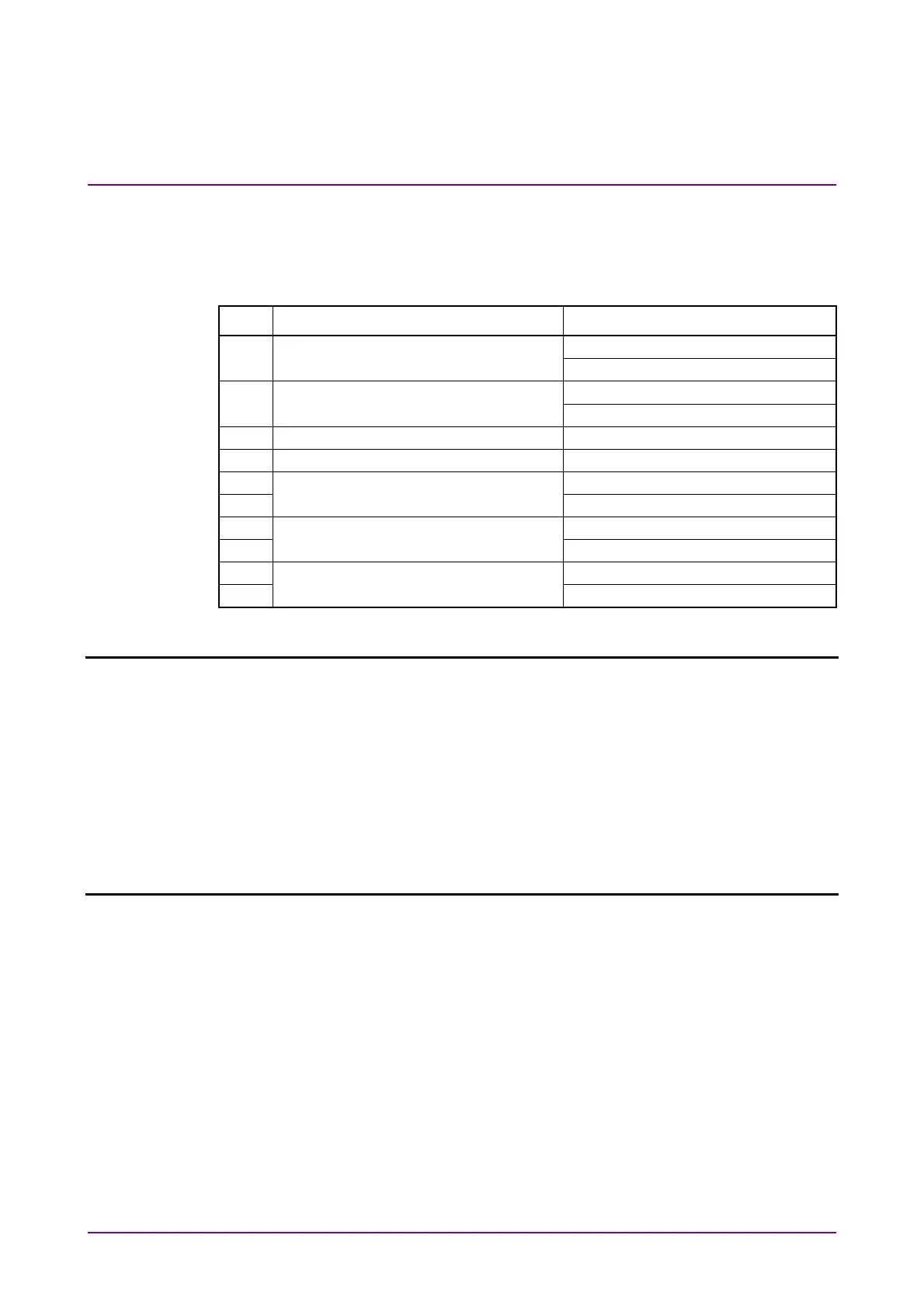
Table 7.2.1-1 Configuration Commands
No. Item Command
[1] Setting for USB unit number :USB:ID
:USB:ID?
[2] Setting the auto measurement
function to be operated
:SYSTem:CFUNction
:SYSTem:CFUNction?
[3] Module screen display :DISPlay:ACTive
[4] Query for USB name of mainframe :SYSTem:CONDition:USB?
[5] Query for software status :SYSTem:CONDition?
[6] CND?
[7] Query for system error :SYSTem:INFormation:ERRor?
[8] INF?
[9] Query for mainframe information :SYSTem:UNIT?
[10] UNT?
:USB:ID <usb number>
Parameter <usb_number>=<DECIMAL NUMERIC PROGRAM DATA>
11 USB number 11 (Channel 1)
12 USB number 12 (Channel 2)
13 USB number 13 (Channel 3)
14 USB number 14 (Channel 4)
Function Sets MP1862A to be controlled using USB number.
Example > :USB:ID 11
:USB:ID?
Response <usb_number>=< NR1 NUMERIC RESPONSE DATA >
11 to 14 USB number 11 to 14(Channel 1 to 4)
Function Queries the USB number of the MP1862A being operated.
Example > :USB:ID?
> 11
Note:
In order to remote control the module mounted in
MP1800A/MP1810A after remote controlling MP1862A with this
command, use :UENTry:ID, :MODule:ID to switch the target unit
to MP1800A.
For details of UENTry:ID, :MODule:ID commands, refer to 7.1
“Common Commands” in the
MX180000A Signal Quality Analyzer
Control Software Operation Manual Remote Control
.















 To Next Page