2.2 Getting Started with MX180000A
2-15
2
2.2.2 Starting MX180000A
When connecting to MP1800A:
(1) Connect the MP1862A and MP1800A as explained in Section 2.1.4.
(2) Connect the AC adapter to the P1862A and
set the power switch to
ON
.
T
he LED lights green while power is on.
(3) When the MP1800A is turned on, Windows boots and the
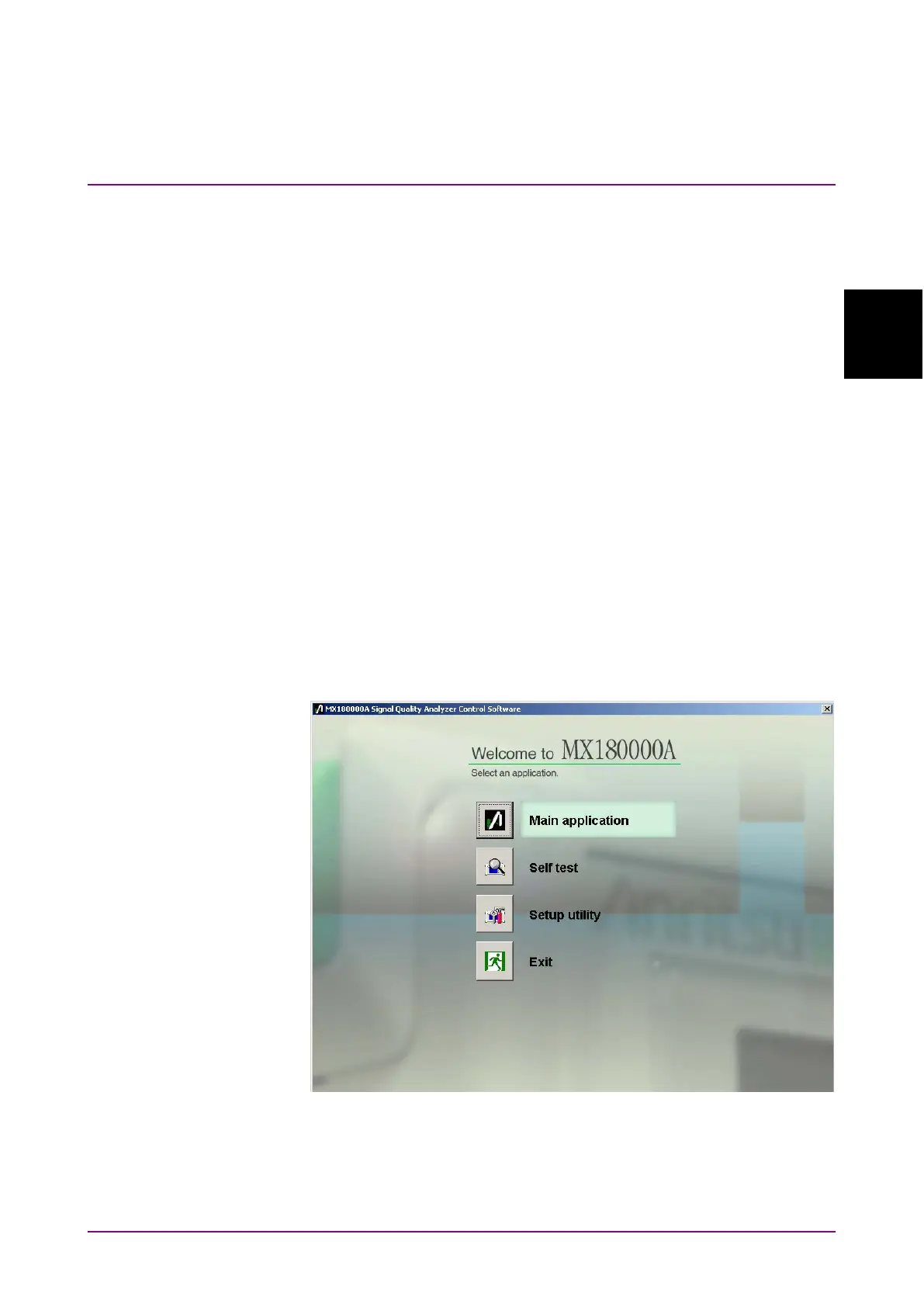
MX180000A starts automatically. Select [Main application] on the
selector screen.
(4) The MP1862A control screen is displayed.
When connecting to control PC
(1) Connect the MP1862A and control PC as explained in Section 2.1.4.
(2) Connect the AC adapter to the MP1862A and
set the power switch to
ON
.
T
he LED lights green while power is on.
(3) Start the MX180000A controller PC and select Main application on
the selector screen.
(4) The MP1862A control screen is displayed.
Figure 2.2.2-1 Selector Screen















 To Next Page