2.1 Preparation Before Use
This section explains the installation position of the mainframe and how
to turn on the power.
2.1.1 Environmental Conditions of Installation Site
The MP1862A operates in the temperature range from 15 to 35
°
C. Avoid
using it under any of the following environment conditions that may
cause failure.
•
Strong vibrations
•
High humidity or dust
•
Direct sunlight
•
Chemically active gases
•
Substantial temperature changes
Note:
Condensation may form inside of the MP1862A if it is moved to a
warm location after operating for a long time in a cool location. In
such a case, be sure to wait until the MP1862A becomes completely
dry before turning on the power. Doing so with condensation
present may cause a short circuit and damage the MP1862A.
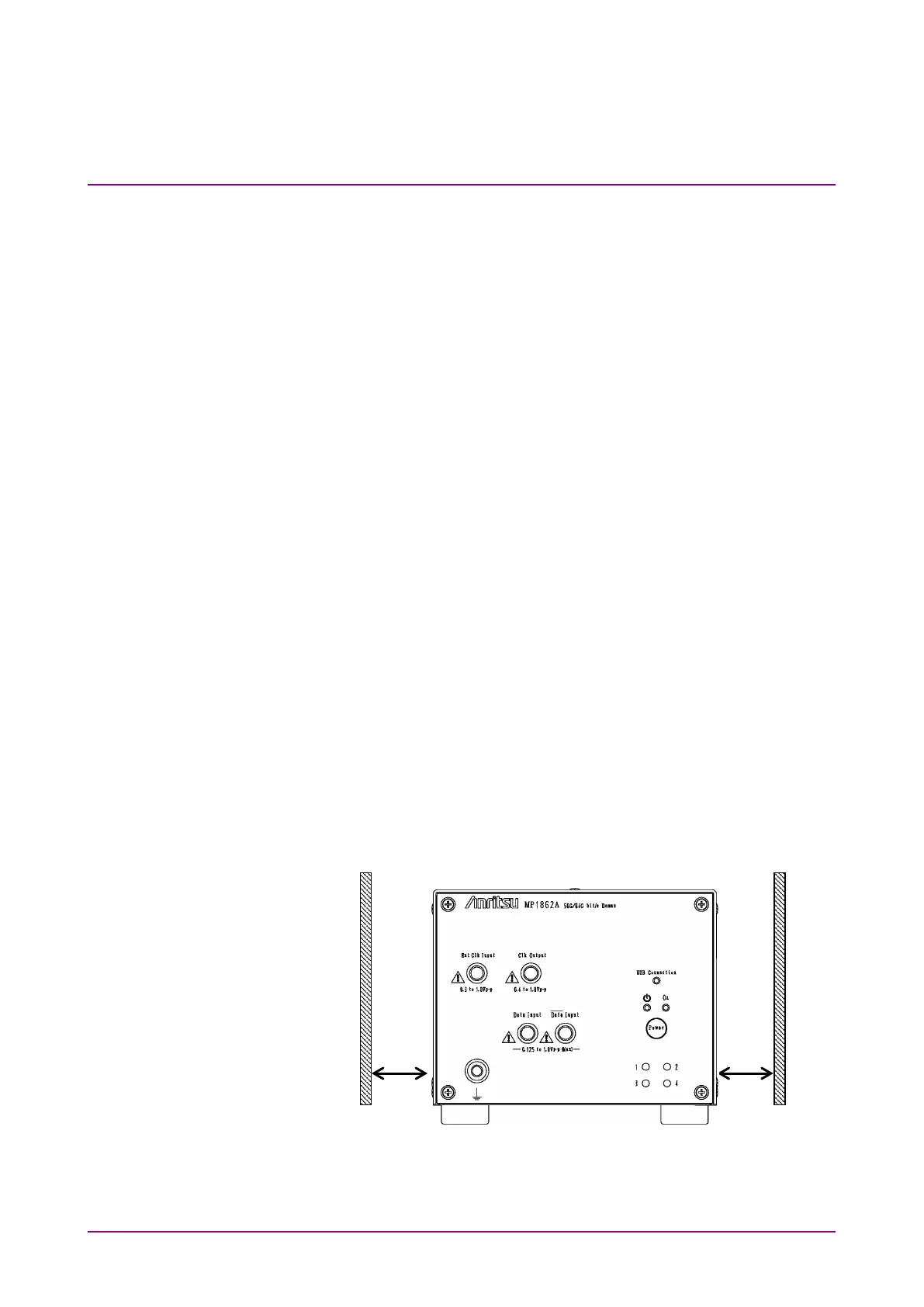
2.1.2 Clearance from Fan
A cooling fan is provided on the sides of the MP1862A. Install the
MP1862A at least 10 cm away from walls, peripheral devices, or the like
to prevent blockage of ventilation. Insufficient ventilation may cause the
internal temperature to rise, resulting in failure.
Figure 2.1.2-1 Clearance from fan















 To Next Page