Chapter 2 Before Use
2-18
(2) If there is a backup file (saved when previous application terminated
when connection made), each setting is restored. Each setting is
restored when reconnecting previously connected equipment that
has been disconnected.
(3) The button for calling screens is enabled and the screen is displayed
for use. The Data Output and Clock Output are OFF.
When USB connection disconnected while using Setup utility:
(1) No warning is issued at the instant of disconnection.
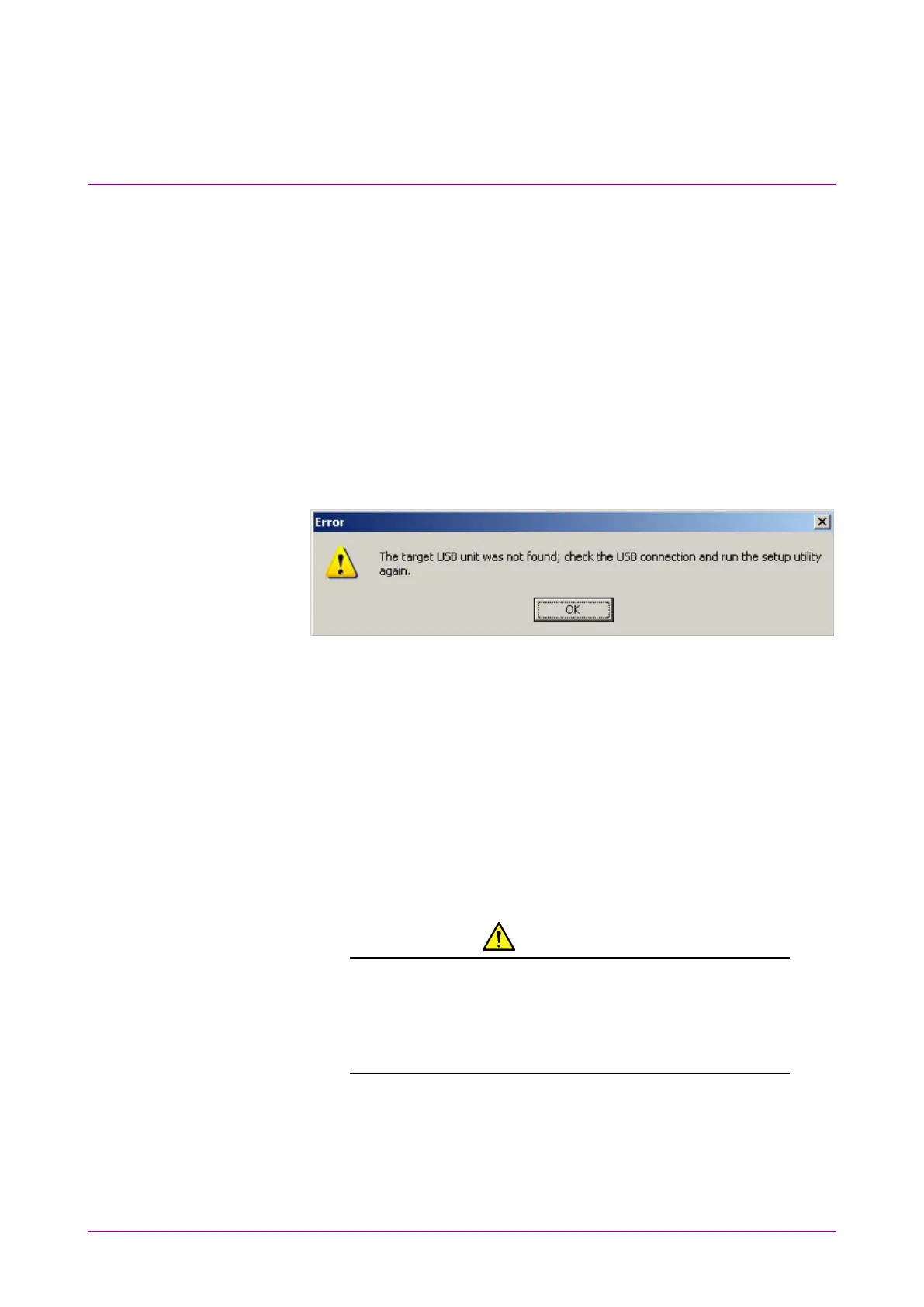
(2) If processing is executed when the equipment is already
disconnected, a message indicating that the equipment is not
connected is displayed.
Figure 2.2.4-3 USB Disconnection Message
while Setup Utility in Use
(3) The MP1800A module connected to this equipment can still be used.
When USB device connected while using Setup utility:
(1) When a connection is made while using the Setup utility, the
equipment is not recognized.
(2) Restart from the selector screen after setting the power OFF and ON
and running the Setup utility once more.
CAUTION
If the connection between MP1862A, MP1800A and
controller PC is broken during downloading with the Setup
utility, MP1862A may no longer operate normally. NEVER
break the connection during downloading.















 To Next Page