2.2 Getting Started with MX180000A
2-11
2
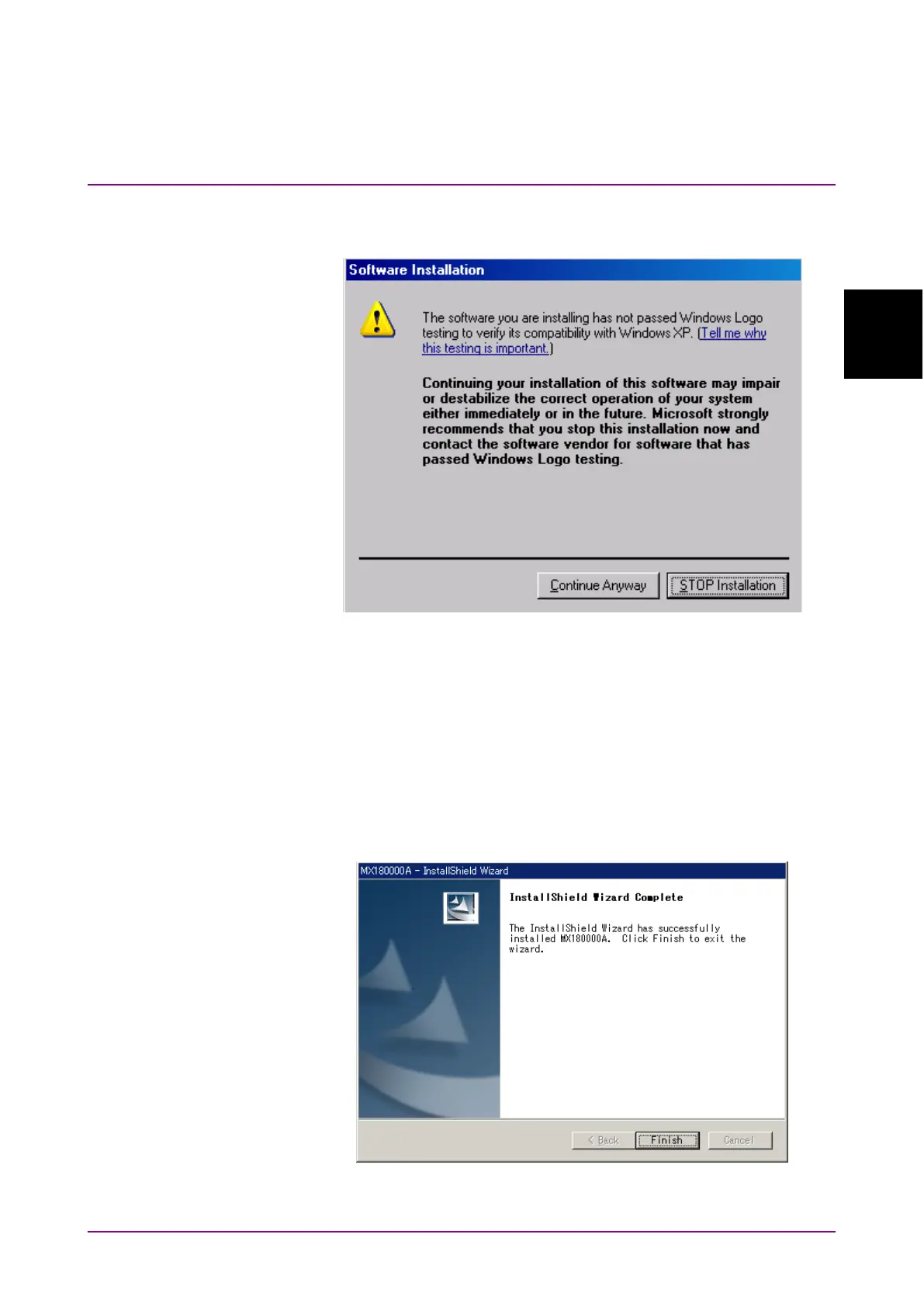
(3) For Windows XP, when the screen shown in Figure 2.2.1-2 is
displayed, click
to continue.
Figure 2.2.1-2 Confirmation Dialog of USB Driver Installation (2)
Note:
The screen as shown in Figure 2.2.1-1 may not be displayed on the
front page. If software installations take a long time, check that
the screen as shown in Figure 2.2.1-1 is hidden at the back of the
other screen.
(4) The following window is displayed when the installation completes
normally. Click
to end the installation procedure.
Figure 2.2.1-3 Completing Installation















 To Next Page