Chapter 2 Before Use
2-12
When the MP1862A is connected to the MP1800A or remote PC after
software installation, install the driver using the following procedures.
The following example show when the MP1862A is connected to the
MP1800A.
(1) Connect the MP1800A and MP1862A using an USB cable.
For Windows 7, the driver is installed automatically.
For Windows XP, perform the step 2 to 5 to install the driver.
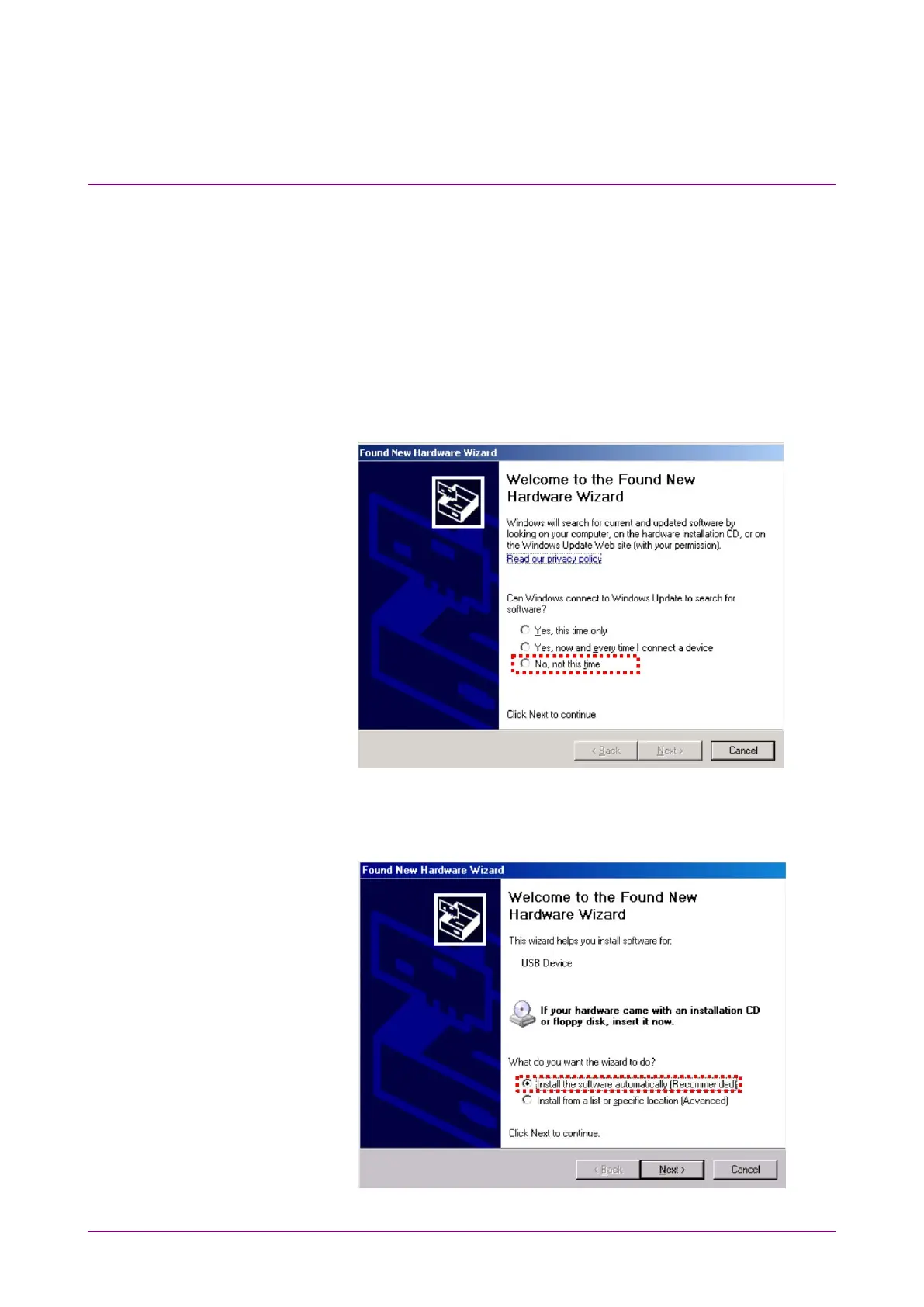
(2) The Found New Hardware Wizard screen is displayed to confirm
windows update. Select
and press
.
Figure 2.2.1-4 Confirmation of Windows Update
(3) Select
Install the software automatically
and press
.
Figure 2.2.1-5 Software Installation















 To Next Page