Chapter 2 Before Use
2-20
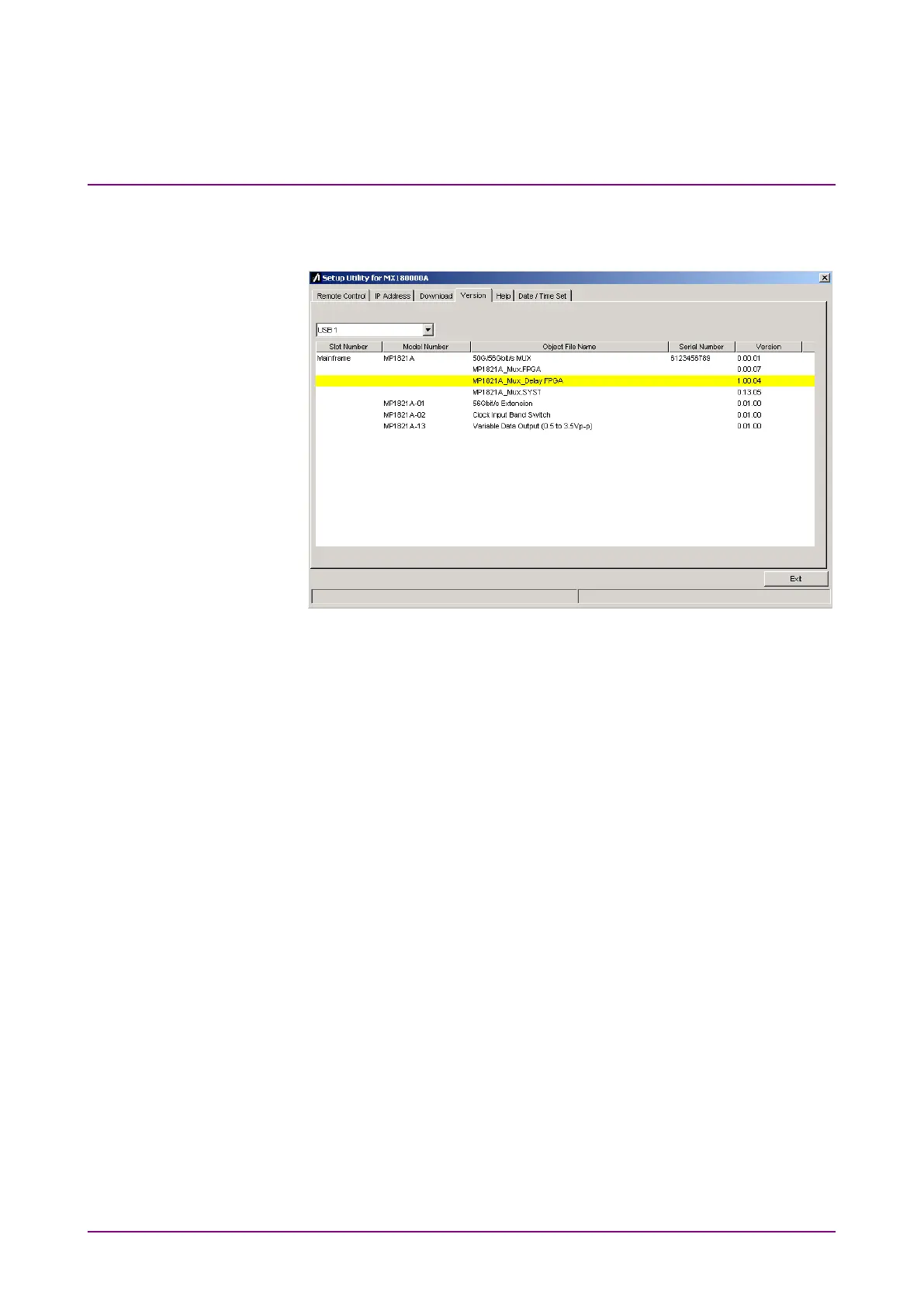
On the
tab below, you can check the version of the software
currently installed.
Figure 2.3.1-2 Version Tab of the Setup Utility Screen
On the
tab of the Setup Utility screen, the software that does not
match the installed version is highlighted in yellow. Update the software
highlighted in yellow as described in Section 2.3.2. The equipment may
not be able to operate normally if it is used without updating the
software highlighted in yellow.















 To Next Page