Patient monitor User’s manual
Chapter 19-5
When EMS is used for an independent monitor, it can be set as follows:
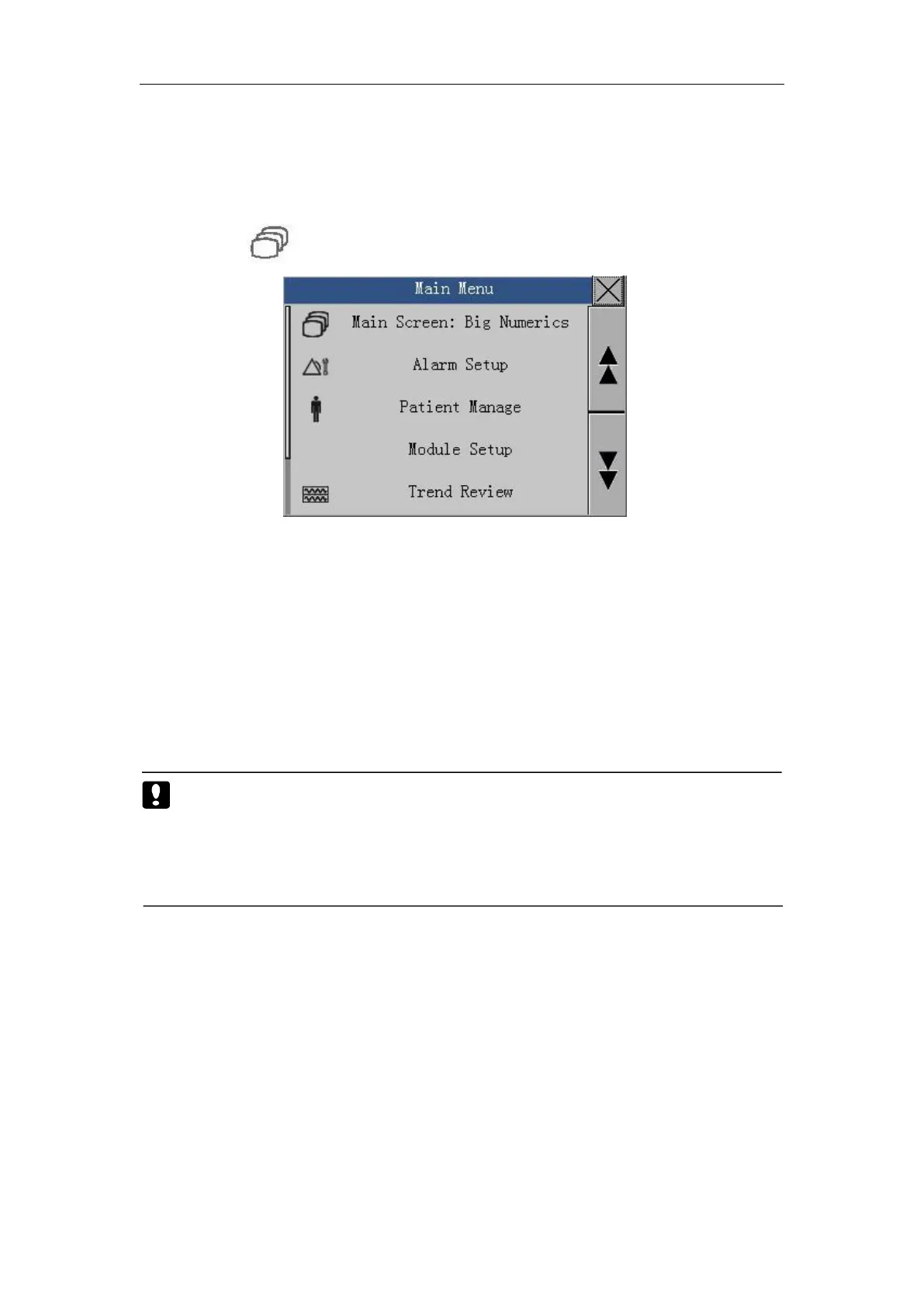
1. Entering the Main Menu
Press the button to enter the main menu as follows:
Enter the main menu, select 【 System Setup 】 → 【 Display Setup 】 →
【Language】, choose between【English】 and other language set in 【System
Setup
】
→
【
Machine Mainten
】
→
【
Factory Mainten
】
→
【
Language
】
.
Enter the main menu, select【System Setup】→【Time Setup】then the
time setup window appears. Set the date and time.
Caution: The change of time will influence the trend data saved, or
lose data. Setup time before monitoring and restart the
monitor after setup is suggested. The changed time will be
available after exit the current window.
4. Selecting AC Frequency
Enter the main menu, select 【 System Setup 】 → 【 Maintenance 】, A
password window of system maintenance appears. Please input the password
then you can enter the maintenance window. Select 【 AC Freq. 】 , you can
choose between【50Hz】and【60Hz】.
Enter the main menu, select【System Setup】→【System Information】
to check the version message.



 To Next Page