Getting Started
QL-E100 User Guide 16
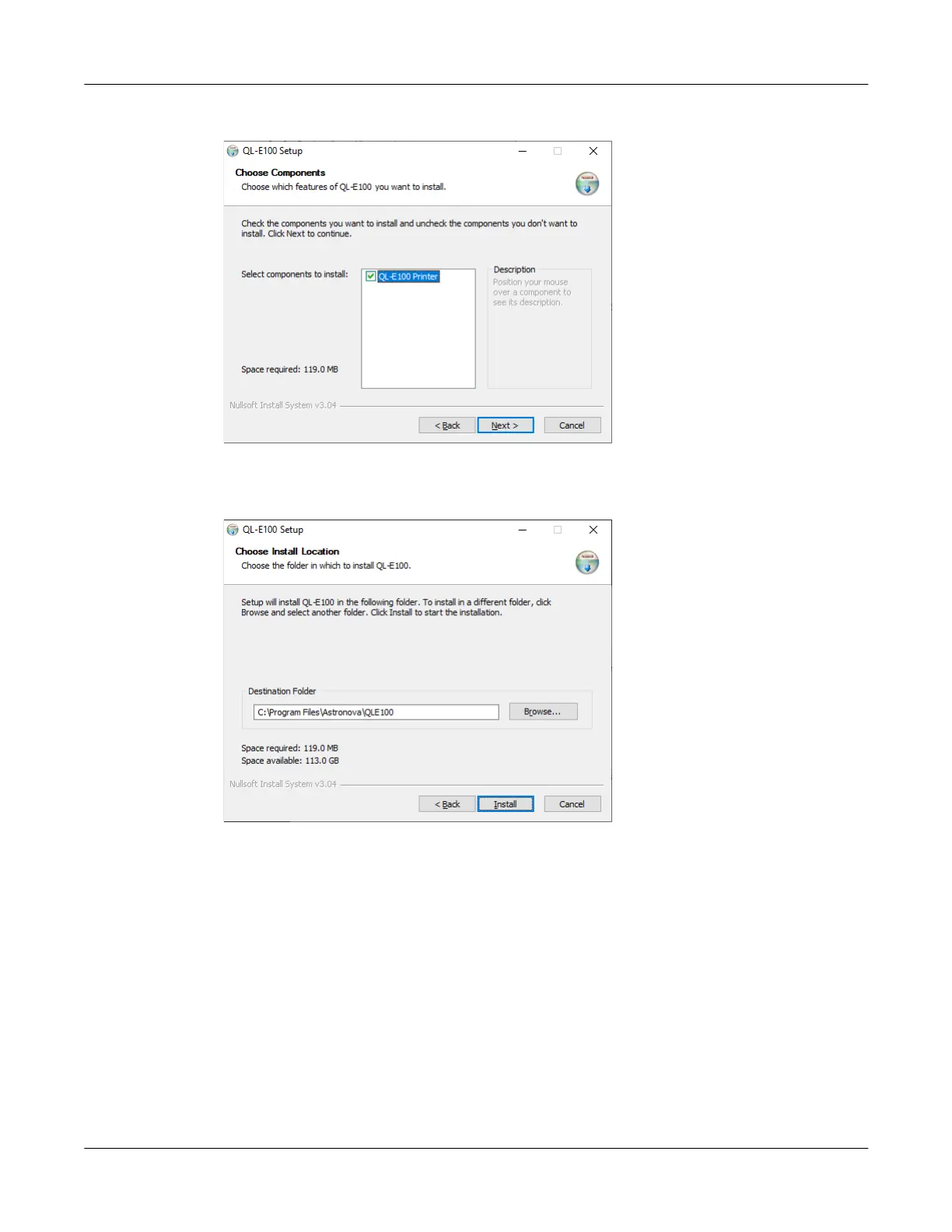
6. The next screen shows the components that will be installed.
Make sure the QL-E100 Printer option is selected. Then choose the Next button.
7. The next screen shows where the printer software will be installed.
If necessary, select an installation location for the software. The default location should be
used in most cases. Then choose the Install button.



 To Next Page