Media and Ink Cartridges
QL-E100 User Guide 32
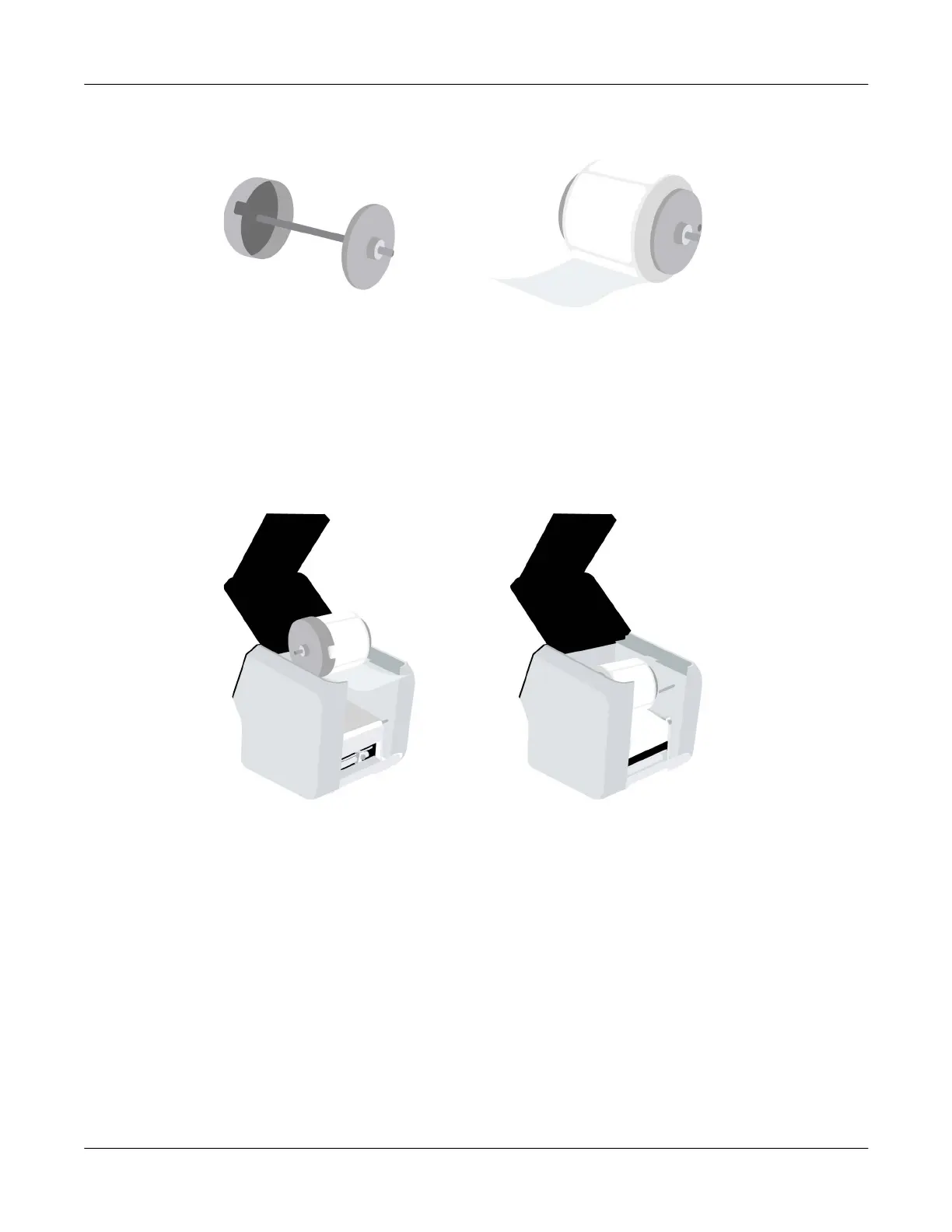
6. Prepare to load a new roll of labels. If you are replacing an empty label roll during a print job,
you must use the same material type and label size.
Orient the label roll as shown. Then install it on the roll holder. Make sure the side of the roll is
pressed flush against the wide flange.
Install the narrow flange. Make sure the narrow flange is pressed flush against the side of the
roll. Tighten the screw on the narrow flange to secure the flange.
Important: Make sure the roll is oriented as shown. With the wide flange on the left side of the
roll, the labels must be unwinding from the bottom of the roll. If labels are unwinding from the
top of the roll, repeat this step and turn the roll around.
7. Set the roll holder in the printer as shown.



 To Next Page