QuickPrint Printing from USB or Printer Memory
QL-E100 User Guide 55
9. Select a file from the center list. Then tap the OPEN icon.
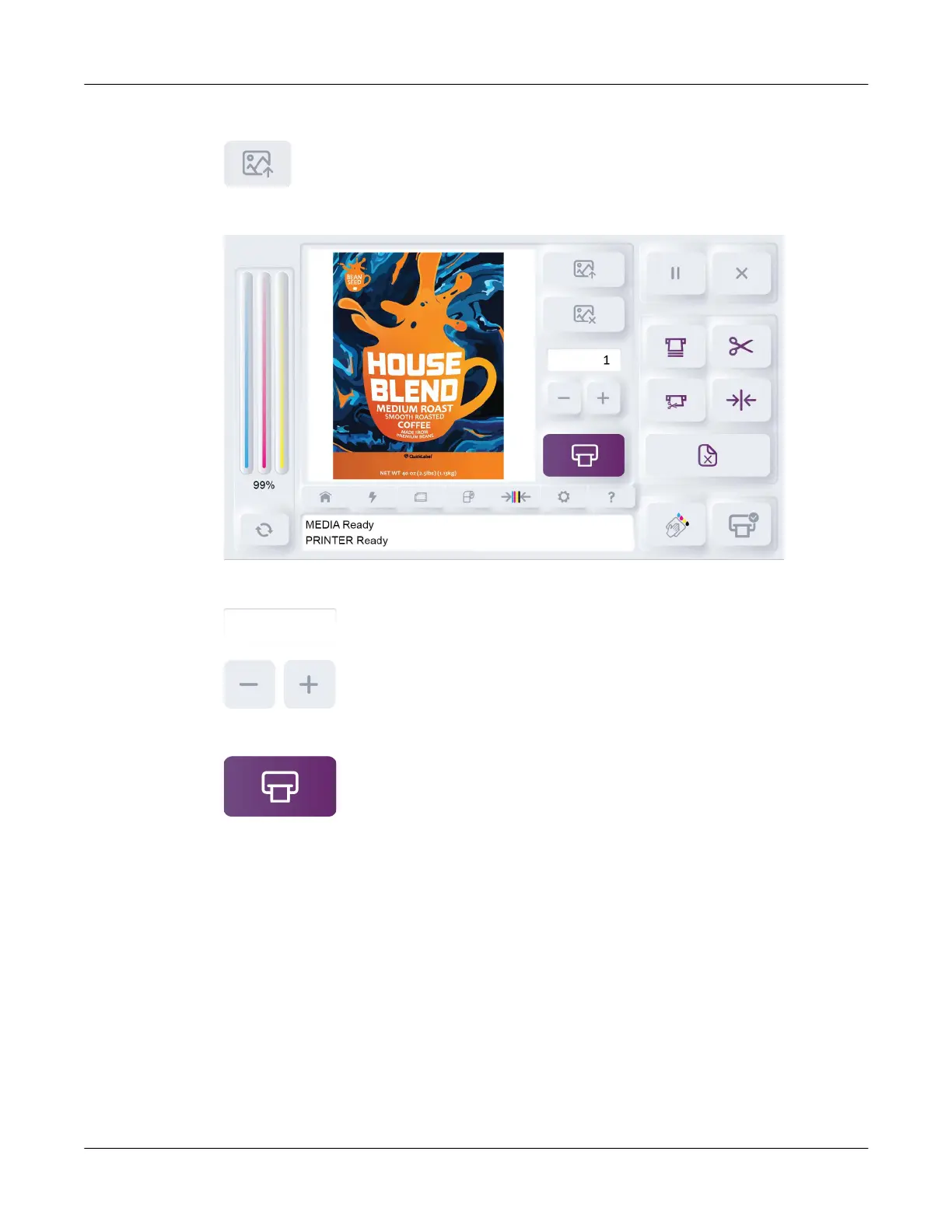
A preview image of the label will be shown in the QuickPrint tab.
10. Tap the number field or -/+ icons to select a print quantity for the job.
11. Tap the QuickPrint Print icon.
The message PRINTER Printing will be displayed on the touchscreen. The QuickPrint job will
be printed.



 To Next Page