Released Rev. C 2000-1252-01 Page 13
VersaPort 2200 Technical Manual
Chapter 1: Safety
Labeling
a
5
Input Voltage and I/O- BOLTS interface
The input voltage and I/O label for
the BOLTS interface model is located
below the VersaPort at the interface
frame. (Silkscreen)
6
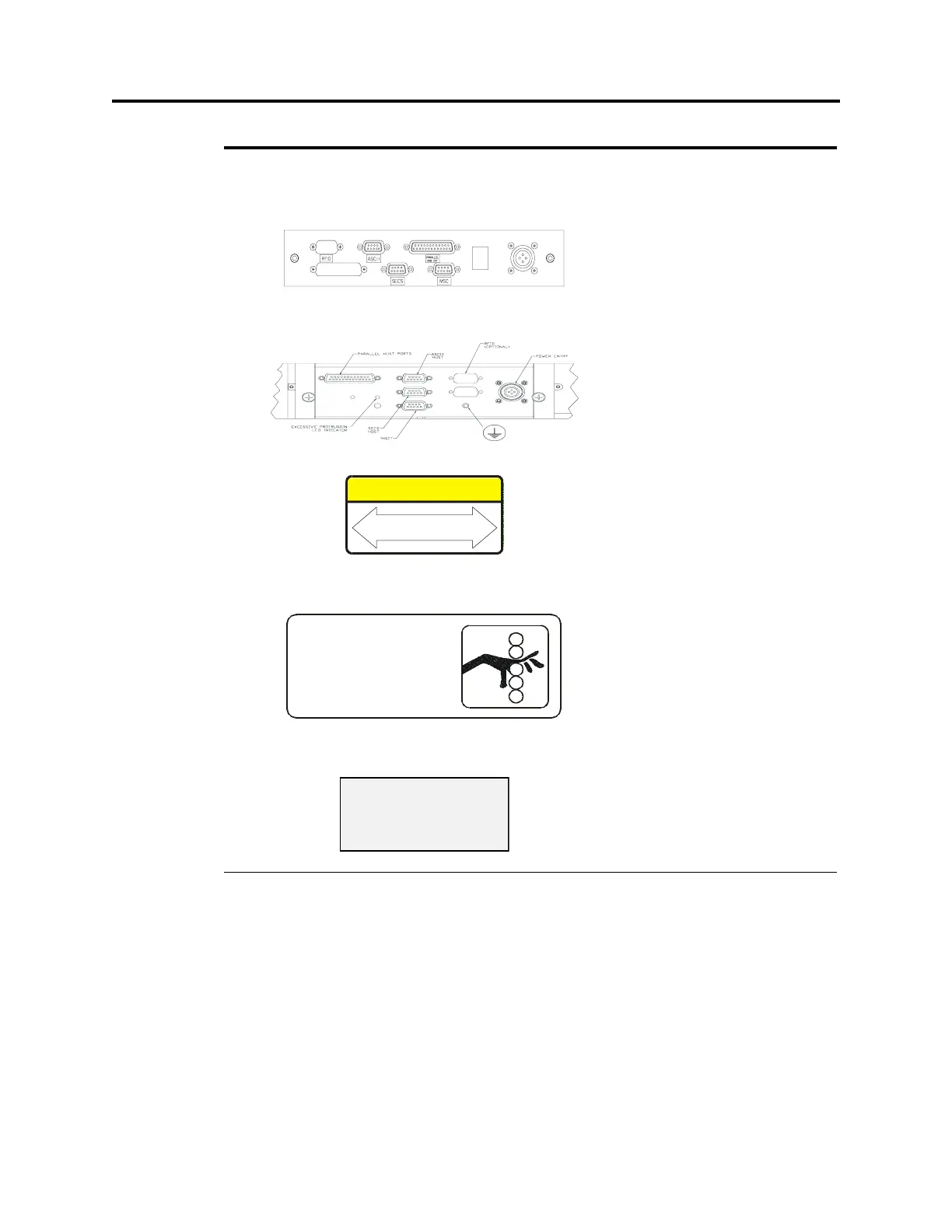
Input Voltage and I/O - Standard model
The labeling of the Standard model is
at the connector panel, located at the
user-side of the tool behind the
minienvironment shield. (Silkscreen)
7
Handle at Corners The “Handle at Corners” label is
attached only to the BOLTS model. It
is an alert to handle the VersaPort
only by the upper corners during
movement and installation. It is
located on the Process Tool-side of
the interface frame. (4002-0207-01)
8
Pinch Warning
The pinch hazard label is located at
the outer edges of the port plate,
behind the minienvironment shield
and warns of a pinch hazard when the
shield is removed. (4001-7570-01)
9
Seismic
The seismic label is mounted on the
BOLTS model only. It is located in
two places on the Process Tool-side
of the interface frame, next to each
alignment plate opening.
(4002-0262-01)
TABLE 1 List of VersaPort Labels (Continued)
No. Label Description / Location
NOTICE
HANDLE CORNERS TO
MOVE AND INSTALL
DANGER
PINCH HAZARD
Do Not Insert Fingers Into
Vertical Opening. Failure
To Comply May Result In
Finger Injury.
SEISMIC
ATTACHMENT
POINT


 To Next Page
 Loading...