SIOL-EI8B-USER-M
37
Startup Powered by
Version 1, May 2022
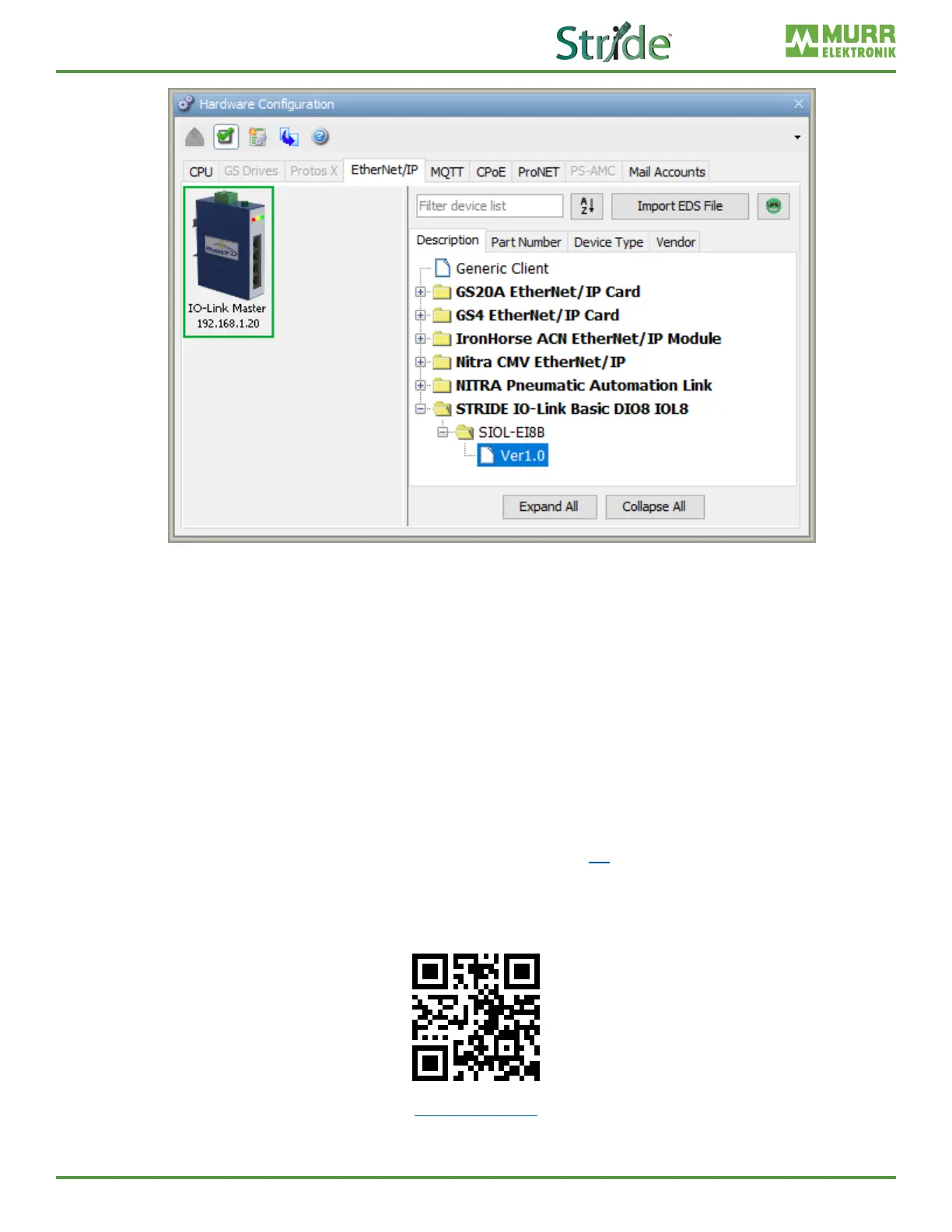
Fig. 7-12: Hardware Cong – New EtherNet/IP Device.
7. Your IO-Link Master is now congured. Once you send the program to your PLC, EtherNet/IP
communication can be established by setting the rst message’s Enable bit high (Boolean tag “EIP
IO-Link Master.Msg1Enable” in this example) using either ladder code or by editing the tag in data
view (Note: you must be online with the CPU to do this).
7.3. Productivity Suite Integration Library
AutomationDirect.com has created quick start code that can be imported into the task library and used to
connect to the module. Code has also been developed for communicating with a variety of IO-Link eld
devices via the IO-Link Master module. Follow the steps below to import and setup the quick start code
and begin using the module.
1. After opening Productivity Suite and starting a new project, or opening an existing project, import the
IO-Link Master EDS le by following the steps in Section 7.1.
2. Download the quick start code from AutomationDirect.com
3. Go to Task Library, right click, and select Import Group.
go2adc.com/iolink



 To Next Page