SIOL-EI8B-USER-M
96
Powered by
Version 1, May 2022
Conguring a Module Using Studio5000 Logix Designer
Appendix C: Conguring a Module Using Studio5000 Logix Designer
from Rockwell Automation
C.1. Loading the EDS les
Installing the EDS les and/or the module description le.
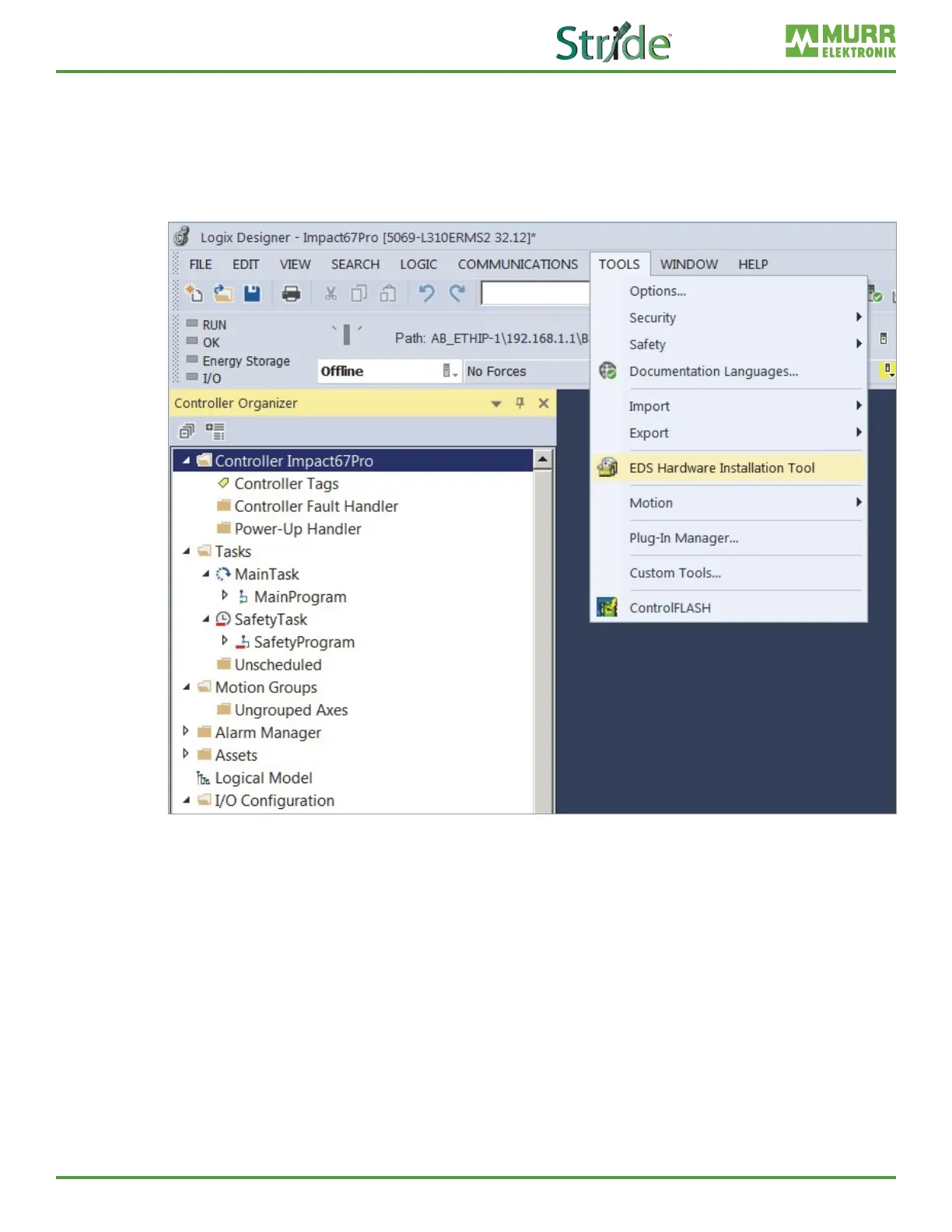
Fig. C-1: Loading the EDS les.
In Project menu | Tools,
➔ click EDS Hardware Installation Tool.



 To Next Page