SIOL-EI8B-USER-M
98
Powered by
Version 1, May 2022
Conguring a Module Using Studio5000 Logix Designer
C.2. Adding a module to the network
Adding new modules
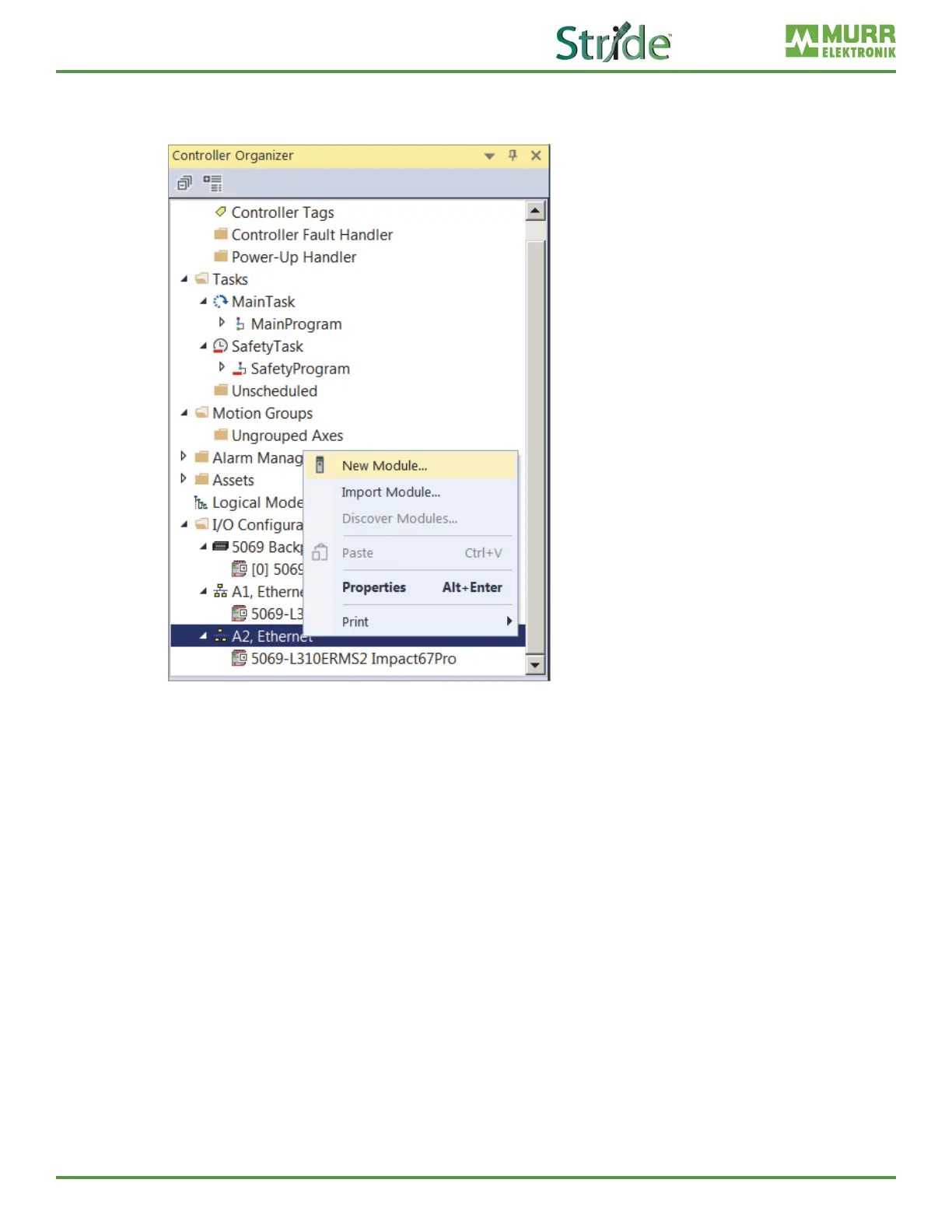
Fig. C-3: New Module.
In the | Ethernet
➔ Click New Module.
In the following dialog window, modules are shown which
a | have been registered previously with an EDS or
b | have already been delivered with the installation of the engineering software.



 To Next Page