SIOL-EI8B-USER-M
47
Startup Powered by
Version 1, May 2022
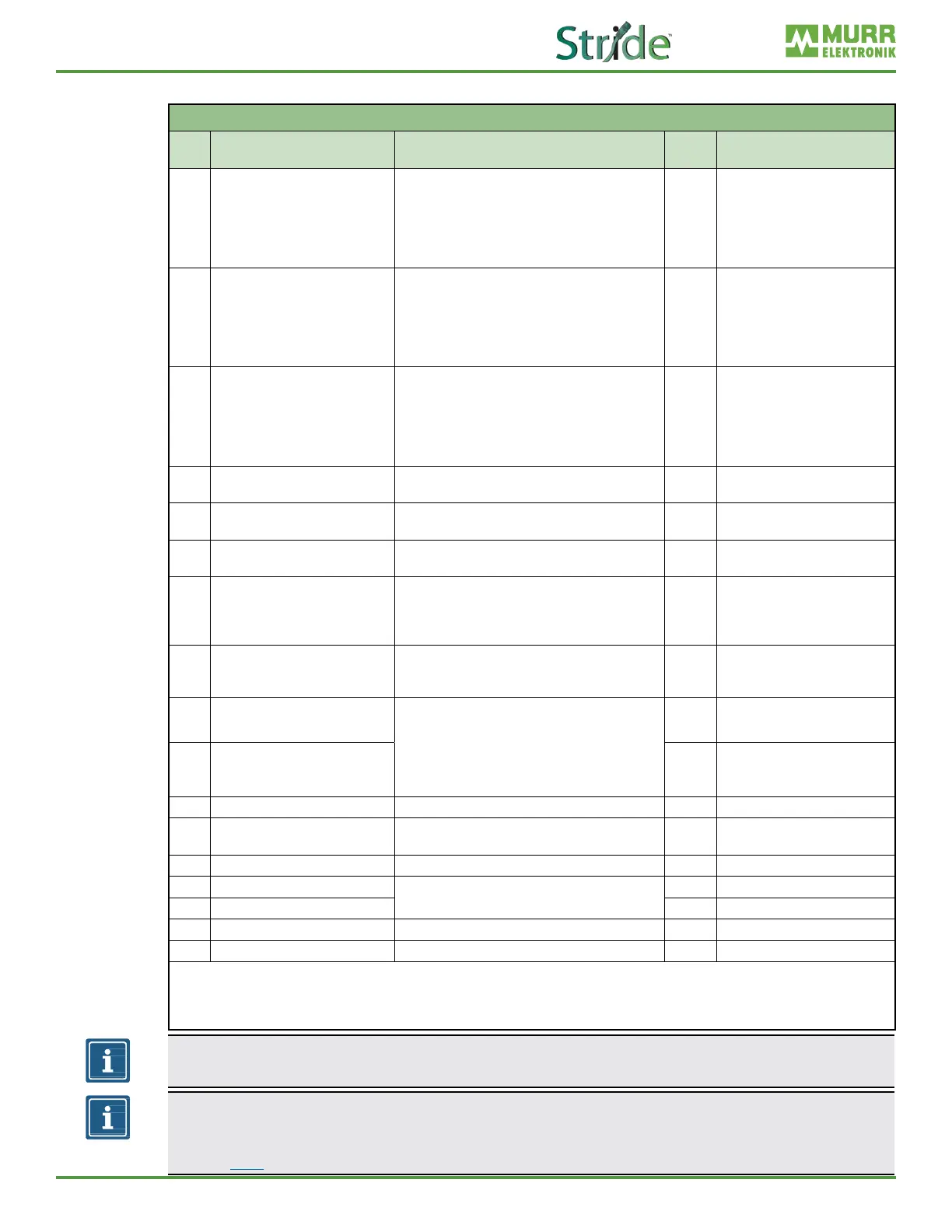
IO-Link port X0–X7 parameters
IO-Link Port X0–X7 Parameters
Byte Parameters Value
Default
value
Description
0 IO-Link Function Pin 4
◼ 0 = Deactivated
◼ 1 = IO-Link Manual Conguration
◼ 2 = IO-Link Autostart
◼ 3 = Digital Input NO
◼ 4 = Digital Output
◼ 97 =Digital Input NC
0 IO-Link function pin 4
1 Validation&Backup
◼ 0 = No Device Check
◼ 1 = Type Compatible Device V1.0
◼ 2 = Type Compatible Device V1.1
◼ 3 =
Type Compatible Device V1.1,
Backup&Restore
◼ 4 = Type Compatible Device V1.1, Restore
0
Validation and backup
* see footnote
2 Behavior Pin 2 (Ch1Y)
◼ 0 = Automatic Mode (DIO)
◼ 1 = Digital Input
◼ 2 = Digital Output
◼ 5 = AUX Power
◼ 6 = Digital Input NC
◼ 7 = Deactivated
0 Behavior Pin 2 (Ch1Y)
3 PortCycleTime
◼ 0: As fast as possible
◼ 1–255: Bit0–5 Multiplier / Bit6–7 TimeBase[ms]
0 Port cycle time
4–5 Vendor ID
◼ Vendor ID of the attached IO-Link device for
the use with validation setting
0
6–9 Device ID
◼ Device ID of the attached IO-Link device for the
use with validation setting
0
10 IO-Link Process Data Swap
◼ 0 = No Swap
◼ 1 = 16 Bit Swap
◼ 2 = 32 Bit Swap
◼ 3 = Full Swap
0 IO-Link process data exchange
11 IO-Link Event Integration
◼ 0 = Standard Integration
◼ 1 = Murrelektronik Integration
◼ 2 = Murrelektronik IO-Link Extended Integration
0 IO-Link event integration
12 Digital Input Signal Filter Pin 4
◼ 0 = No Filter
◼ 1 = 1 ms
◼ 2 = 3 ms
◼ 3 = 5 ms
◼ 4 = 10 ms
◼ 5 = 15 ms
0 Digital input signal lter pin 4
13 Digital Input Signal Filter Pin 2 0 Digital input signal lter pin 2
14–15 Reserved Fixed 0 Do not modify value
16
Digital Port Function Conguration
Pin 1
◼ 0 = Deactivated
◼ 1 = L+ (US) Sensor Supply
1
Digital port function conguration
pin 1
17–19 Reserved Fixed 1 Do not modify value
20 Output Fault Recovery Mode Pin 2
◼ 0 = Automatic Recovery
◼ 1 = Manual Recovery
0 Output fault recovery mode pin 2
21 Output Fault Recovery Mode Pin 4 0 Output fault recovery mode pin 4
22 IO-Link Input Length ◼ 0–32 bytes 0 IO-Link input length
23 IO-Link Output Length ◼ 0–32 bytes 0 IO-Link output length
* When switching to the “Restore” state, any device congurations previously stored in the device are discarded, especially when switching
from “Backup&Restore” to “Restore”.
If a compatible device is connected for the rst time in the “Restore” state, the master fetches the data storage data (one-time backup) from
the device, saves it and then sends this data to each newly connected, compatible device with a different conguration (restore).
NOTE
These parameters are repeated for each IO-Link port of the device
.
NOTE
Data storage can only be implemented using the EDS le. Byte 0 “IO-Link Function Pin 4” must be
congured as “IO-Link Manual Conguration” for data storage settings to work correctly. See notes in
Section 3.2.1 for more details on data storage implementation.



 To Next Page