SIOL-EI8B-USER-M
74
Web Server (WebUI) Powered by
Version 1, May 2022
If pin 4 is in IO-Link operation, all relevant IO-Link data including the I/O bytes of the device are displayed,
as shown in Fig. 10-9 above.
If pin 4 is in operation without a connected IO-Link device, a message appears indicating that no device is
connected.
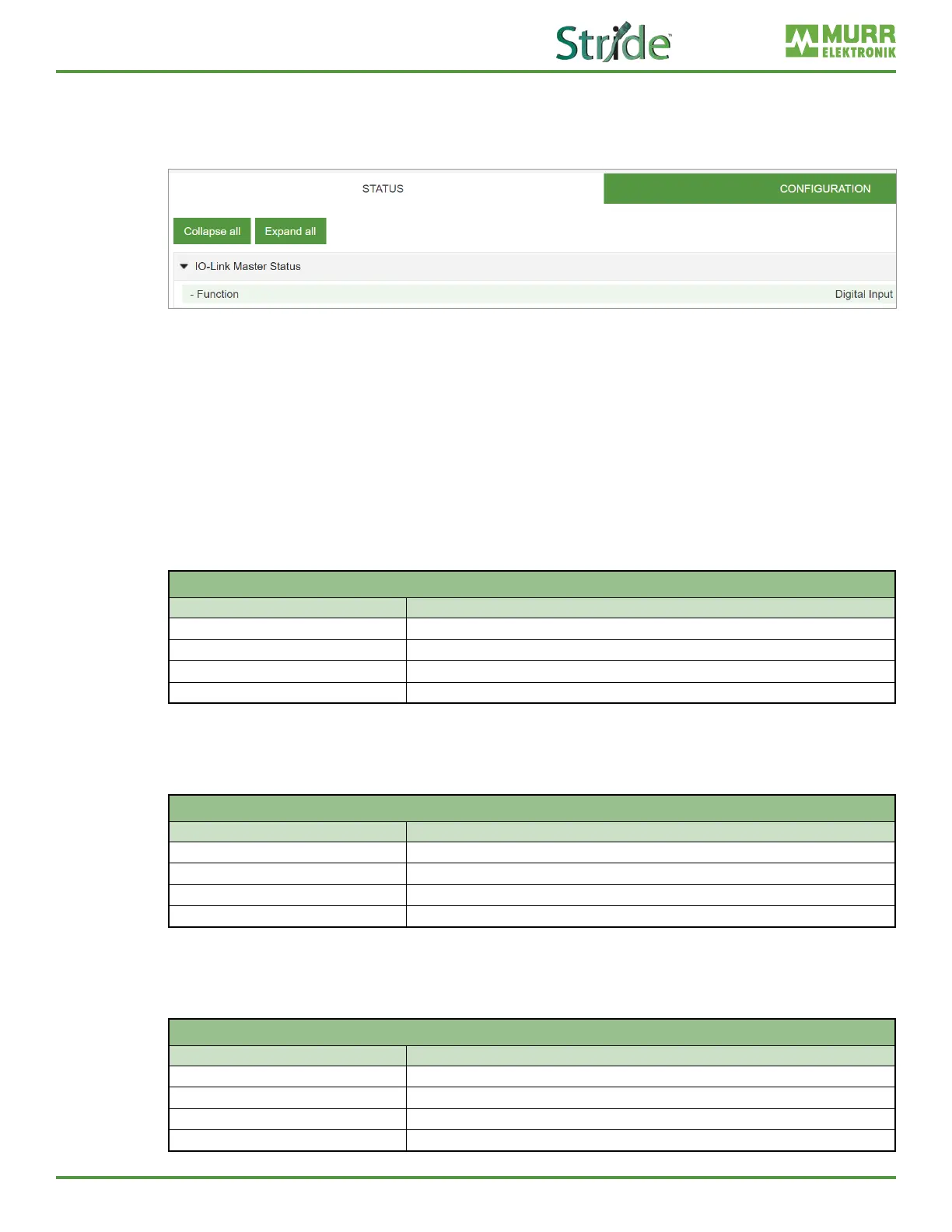
Fig. 10-10: IO-Link master port – IO-Link master status in digital operation.
If pin 4 is congured as a digital input, for example, this is also indicated here (see Fig. 10-10).
Possible displays are:
◼ Status: Deactivated
◼ Status: Digital input
◼ Status: Digital output
Port Status - pin 1
“Port Status - pin 1” displays the following information:
Port Status - Pin 1
Parameter designation Meaning
Temperature [°C] Temperature in degrees Celsius
Voltage [V] Voltage in Volts
Current [A] Current in Amperes
Status State of the pin
Port Status - pin 2
“Port Status - pin 2” displays the following information:
Port Status - Pin 2
Parameter designation Meaning
Temperature [°C] Temperature in degrees Celsius
Voltage [V] Voltage in Volts
Current [A] Current in Amperes
Status State of the pin
Port Status - pin 4
“Port Status - pin 4” displays the following information:
Port Status - Pin 4
Parameter designation Meaning
Temperature [°C] Temperature in degrees Celsius
Voltage [V] Voltage in Volts
Current [A] Current in Amperes
Status State of the pin



 To Next Page